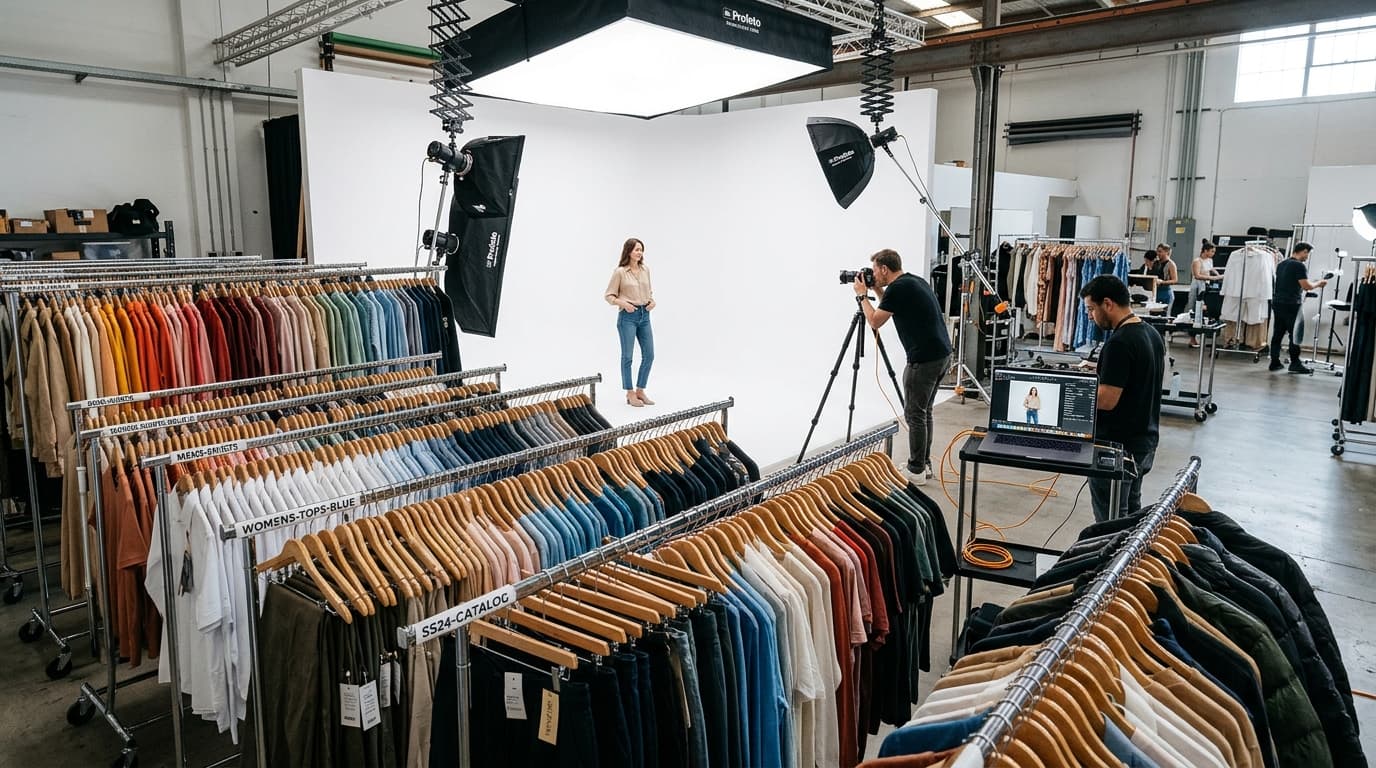
The Catalog Production Principle: Photographing ten garments is an art project; photographing hundreds of SKUs, colorways, and seasonal collections is an industrial production pipeline. Consistency, speed, and catalog accuracy do not come from working faster—they come from standardizing your master inventory, grouping compatible studio setups, and locking your quality control checkpoints before shooting ever begins.
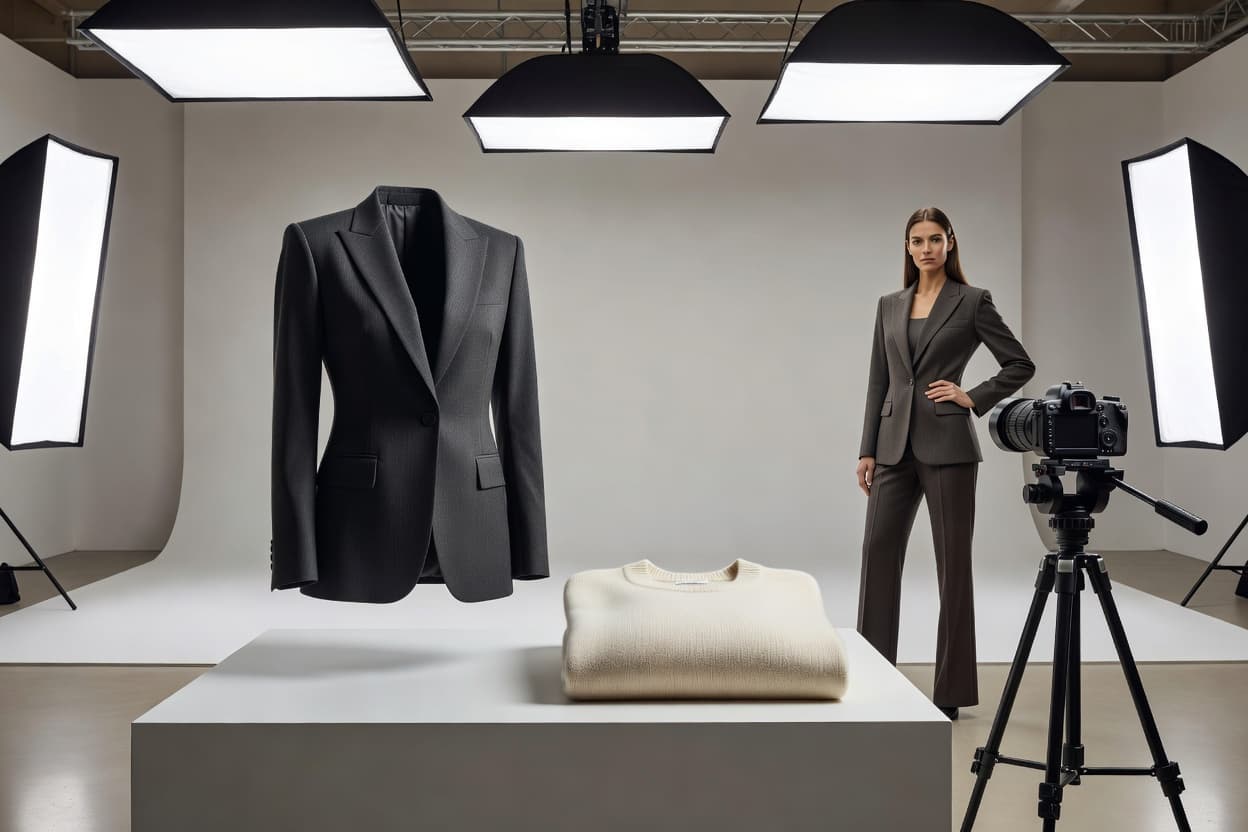
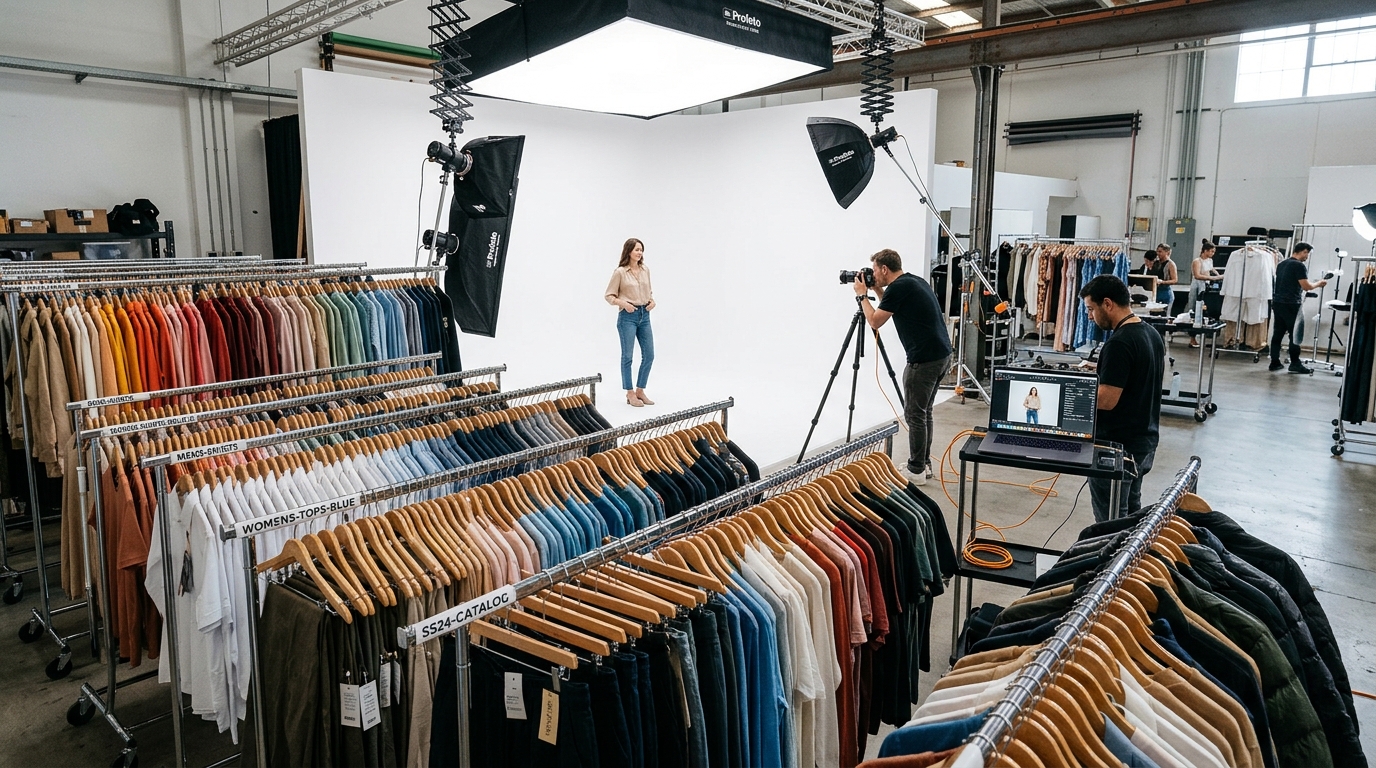 Commercial ecommerce apparel photography studio setup for large-scale clothing catalog production with organized rolling racks and tethered shooting station
Photographing ten clothing products is manageable. Photographing hundreds of SKUs, multiple colorways, different fabrics, and seasonal collections requires a completely different approach.
The challenge is not simply taking good pictures. It is producing a complete set of accurate, consistent images while keeping every photograph connected to the correct product, variant, and product page.
For ecommerce brands, large-scale clothing product photography is a production workflow, not just a photography task. A reliable process combines a clear inventory, category-specific shot lists, organized files, quality checks, and a repeatable publishing procedure.
This guide explains how to organize clothing photography at scale, reduce avoidable rework, and maintain a consistent product catalog as your business grows.
1. Build a Master Inventory Before Shooting
Before setting up your camera, establish exactly which products need photographs.
A clothing catalog may include hundreds of SKUs, several color variations, and different product categories. Without an inventory, it is easy to miss a required image, photograph the wrong variant, or upload a file to the wrong product page.
Start with a spreadsheet containing these essential fields:
| Field | Purpose in Production | Example Entry |
|---|---|---|
| SKU | Unique identifier for product & size | KN-SWTR-NAVY-M |
| Product Name | Human-readable title for crew | Cable Knit Crewneck Sweater |
| Category | Groups compatible photography setups | Knitwear / Sweaters |
| Color Variant | Identifies the exact colorway | Midnight Navy |
| Required Images | Defines the mandatory shot list | Front, Back, Collar Detail, Texture |
| Production Status | Tracks stage (Prep, Shoot, Edit, QC) | Shoot Complete / In QC |
| File Location | Identifies RAW & master storage paths | /2026_Fall/KN-SWTR-NAVY/ |
| Quality Status | Records review approval | Approved |
| Publishing Status | Confirms live status on Shopify | Published to Store |
A navy T-shirt and a white T-shirt may share the same product cut, but their photographs still need to be associated with the correct color variants. Likewise, two visually similar products may have different SKUs. Never rely on visual appearance alone to determine which files belong to which product.
Practical rule: Assign a unique barcode or SKU identifier to every product and color combination before photography starts, and label every garment bag or hanger.
(For baseline apparel shooting techniques, refer to our guide to photographing clothes to sell online. This article focuses on managing the production process once you know what needs to be photographed.)
2. Define a Standard Image Set for Each Category
A large catalog does not require every garment to have exactly the same number of photographs. It does require a clear definition of what a complete product gallery should contain.
Create a standardized shot template for each major category before beginning production:
| Product Category | Mandatory Core Shots | Detail & Craftsmanship Shots |
|---|---|---|
| T-Shirts & Tops | Front full, Back full, 3/4 angle | Neckline ribbing, hem stitching, chest print/embroidery |
| Jeans & Trousers | Front full, Back full, Lateral side | Waistband & hardware, back pockets, fabric wash & hem |
| Dresses & Skirts | Front full, Back full, Movement/Walk | Fabric drape, waist fastening, slit/pleat construction |
| Jackets & Outerwear | Front zipped, Front unzipped, Back | Lapel roll, zipper pull, pocket lining, interior membrane |
| Knitwear | Front full, Back full, 3/4 angle | Gauge texture macro, collar ribbing, cuff elasticity |
For each category, decide which images are essential and which are optional. Record those requirements in your master inventory so that stylists, photographers, and retouchers all follow the same standard.
This prevents two costly production failures: photographing every garment haphazardly and generating superfluous images that clutter the store without adding conversion value.
3. Group Products by Production Setup
One of the simplest ways to accelerate a large clothing shoot is to group products that can share the identical lighting and camera setup.
Changing camera height, backdrop sweep, lighting ratios, and garment styling between individual SKUs slows down production to a crawl and introduces noticeable visual inconsistencies across catalog thumbnails.
Instead, organize your shooting day around compatible setups:
[ Batch 1: Flat Lay Basics ] → T-Shirts, Polos, Underwear (Overhead Boom Arm)
              ↓
[ Batch 2: Mannequin Outerwear ] → Blazers, Parkas, Trench Coats (Ghost Mannequin)
              ↓
[ Batch 3: On-Model Tops ] → Blouses, Knitwear, Button-Downs (Eye-Level 85mm)
              ↓
[ Batch 4: On-Model Bottoms ] → Denim, Trousers, Skirts (Low-Angle 70mm)
The 6-Step Batch Sequence:
- Group products according to category and required photography method.
- Prepare and steam all garments assigned to Setup #1.
- Capture all required views for that entire batch without moving lights or tripod positions.
- Verify on the tethered monitor that every mandatory shot in the inventory has been recorded.
- Ingest the RAW files into designated batch folders and mark the items as Capture Complete.
- Transition to Setup #2.
Batching minimizes equipment adjustments, but it should never override product-specific accuracy. If a delicate silk blouse requires softer fill light to prevent blown highlights, make the adjustment, note it in the log, and proceed.
4. Approve a Visual Standard Before Full Production
Consistency must be approved before the main production run begins.
Establish a documented reference standard for comparable products. It should define background hex code (e.g., pure white #FFFFFF or soft grey #F4F4F6), camera lens height, distance from garment, key-to-fill light ratio, and standard crop margins (such as keeping garments sized to 80% of total canvas height).
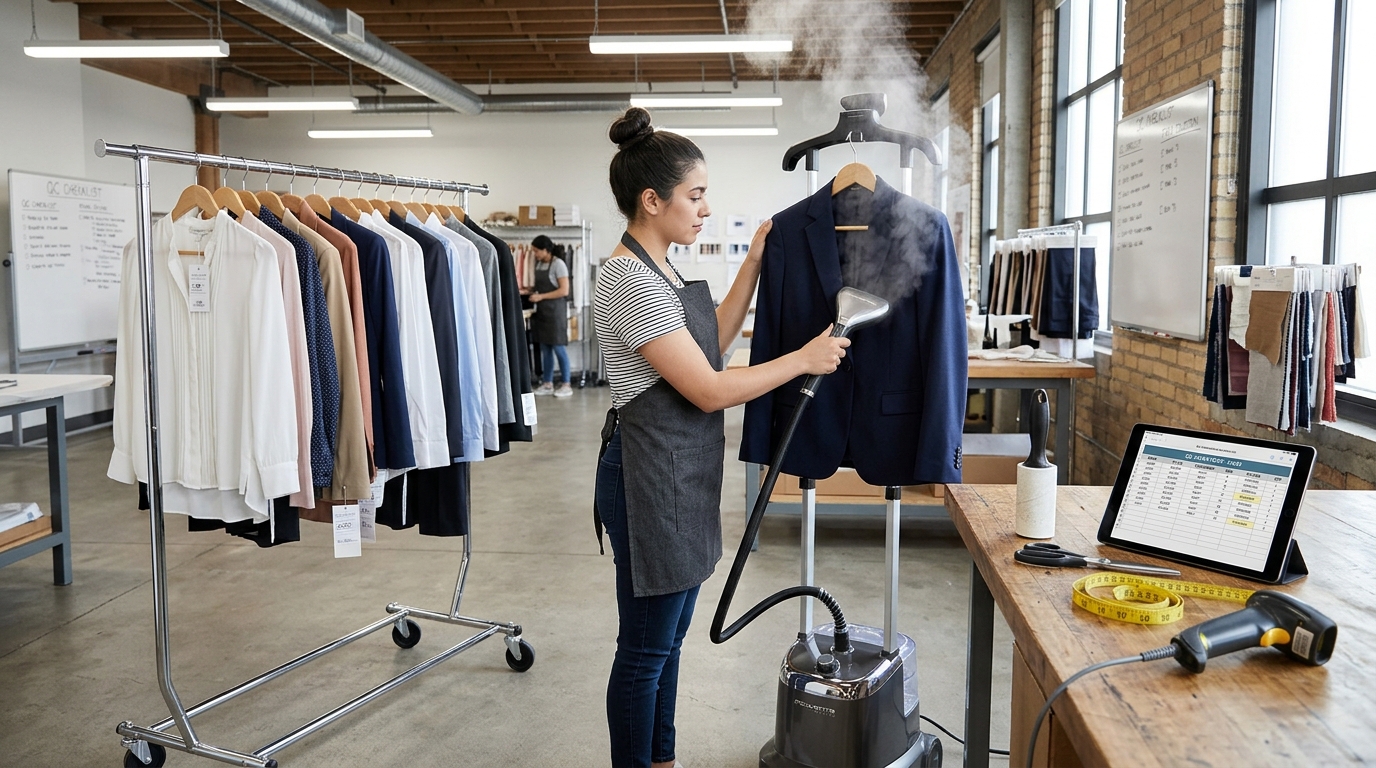 Garment preparation and quality control station with commercial upright steamer, lint rollers, barcode scanner, and inventory checklist tablet
Test the Standard with Representative Products
Before photographing 200 SKUs, select a pilot test group of 4 diverse garments from your catalog:
- A pure white garment (to verify edge separation against white sweeps)
- A dense black garment (to ensure shadow texture and seam definition remain visible)
- A highly textured fabric (e.g., chunky cable knit or waffle weave)
- An item with intricate prints, hardware, or metallic zippers
Review the pilot photos side by side on a calibrated screen. Check whether colors look natural, whether background tones match, and whether framing is harmonized. Adjust lighting and camera parameters now—fixing a setup before shooting takes 10 minutes; re-shooting 300 garments takes days.
(For detailed workspace layouts and budget equipment suggestions, consult our DIY product photography setup for beginners.)
5. Prepare Garments in a Dedicated Production Stage
Garment preparation is the single biggest bottleneck—and the most common cause of retouching delays.
Wrinkles, fabric pilling, lint, crooked collars, uneven sleeves, and twisted drawstrings become glaringly obvious when products appear side by side on a collection grid.
Establish a physical preparation station completely separate from the camera set:
The Apparel Prep Checklist:
- Commercial Steaming: Use an upright professional steamer to eliminate fold creases from packaging. Always steam from the inside out on delicate fabrics.
- Lint Rolling: Roll both front and back surfaces with sticky lint rollers. Keep microfiber brushes on hand for wool and velvet.
- Hardware Alignment: Fasten all buttons evenly, align zipper tracks, center drawstrings, and ensure collars sit symmetrically.
- Label & Tag Concealment: Tuck internal price tags, size loops, and hanging strings inside the neckline so they never peek into the frame.
- Inventory Check: Scan or cross-reference the physical SKU tag against your inventory spreadsheet before the garment moves to the hanger rack.
Keep steam-prepped garments on rolling chrome racks labeled Ready for Set, distinctly separated from Unprepped Inventory and Shot Complete.
6. Maintain Lighting and Framing Consistency Across Batches
Lighting directly influences perceived fabric weight, surface texture, and dye hue. Even beautifully composed packshots look jarring if lighting shifts from cool morning daylight to warm afternoon tungsten midway through a catalog shoot.
- Document Lighting Coordinates: Record the exact light stand height, tilt angle, power output (e.g., Key at 1/4 power, Fill at 1/16 power), and modifier distance using floor tape markers.
- Use High-CRI Continuous Lighting: Shoot under 5500K daylight-balanced continuous LEDs with a Color Rendering Index (CRI) of 95+ to guarantee consistent fabric color across all batches.
- Calibrate White Balance Manually: Never leave white balance on Auto. Set a fixed Kelvin value (e.g., 5500K) or calibrate using an 18% neutral grey card at the start of each session.
(For deep-dive comparisons of softboxes, umbrellas, and diffusers, explore our product photography lighting guide.)
7. Implement a Bulletproof File-Naming Architecture
When dealing with thousands of photos across dozens of sizes and colorways, file naming is your primary defense against catalog chaos.
A filename must identify the product, colorway, and angle without requiring anyone to open the image file:
[SKU]_[COLOR]_[VIEW]_[SEQUENCE].[EXT]
Examples of Standardized Naming:
TS104_NAVY_FRONT_01.jpgTS104_NAVY_BACK_01.jpgTS104_NAVY_DETAIL_FABRIC_01.jpgTS104_WHT_FRONT_01.jpgJK208_BLK_FRONT_CLOSED_01.jpgJK208_BLK_DETAIL_ZIPPER_01.jpg
Maintain a three-tier directory structure:
01_RAW_ORIGINALS/(Untouched camera captures, backed up immediately)02_MASTERS_RETOUCHED/(Layered PSD or TIFF files with approved crops)03_EXPORTS_SHOPIFY/(Web-optimized WebP/JPEG files scaled for online publishing)
8. Track Production Through a Centralized Dashboard
Your master spreadsheet should act as a real-time production dashboard showing where every SKU sits in the pipeline:
| SKU | Variant Name | Garment Prep | Photography | Post-Production | QC Approval | Shopify Published |
|---|---|---|---|---|---|---|
TS104 | Midnight Navy | Complete | Complete | Complete | Approved | Yes |
TS104 | Crisp White | Complete | Complete | In Progress | Pending | No |
KN302 | Heather Grey | Complete | Complete | Complete | Approved | Yes |
KN302 | Forest Green | Complete | Complete | In Progress | Pending | No |
JK208 | Charcoal Black | In Queue | Not Started | Not Started | Pending | No |
Color-code status columns so managers can instantly spot bottlenecks. If 80 garments are shot but only 10 have passed QC, production resources can be temporarily redirected to editing and review.
9. Batch-Edit Images Without Sacrificing Garment Fidelity
Individual, bespoke retouching on every single packshot will destroy your production schedule. Conversely, slapping a generic preset across an entire catalog will blow out white shirts and crush black denim.
Adopt a balanced two-tier editing approach:
- Global Batch Operations: Apply standardized lens distortion correction, background cleanup to pure white (
#FFFFFF), uniform canvas dimensions (e.g., 2000 x 2000 px), and consistent centering. - Variant-Specific Fine Tuning: Review white garments separately to ensure collar and shoulder seams remain distinct against the background; adjust black garments to lift shadow curves without washing out fabric density.
Never push saturation or contrast so far that the physical garment color is misrepresented. High return rates in fashion ecommerce are overwhelmingly driven by product colors that do not match online photos.
10. Master Color Variant Mapping on Shopify
Managing color variations in Shopify requires absolute precision. When a shopper clicks on the "Forest Green" swatch, the gallery must immediately display the Forest Green sweater, not the Navy or White version.
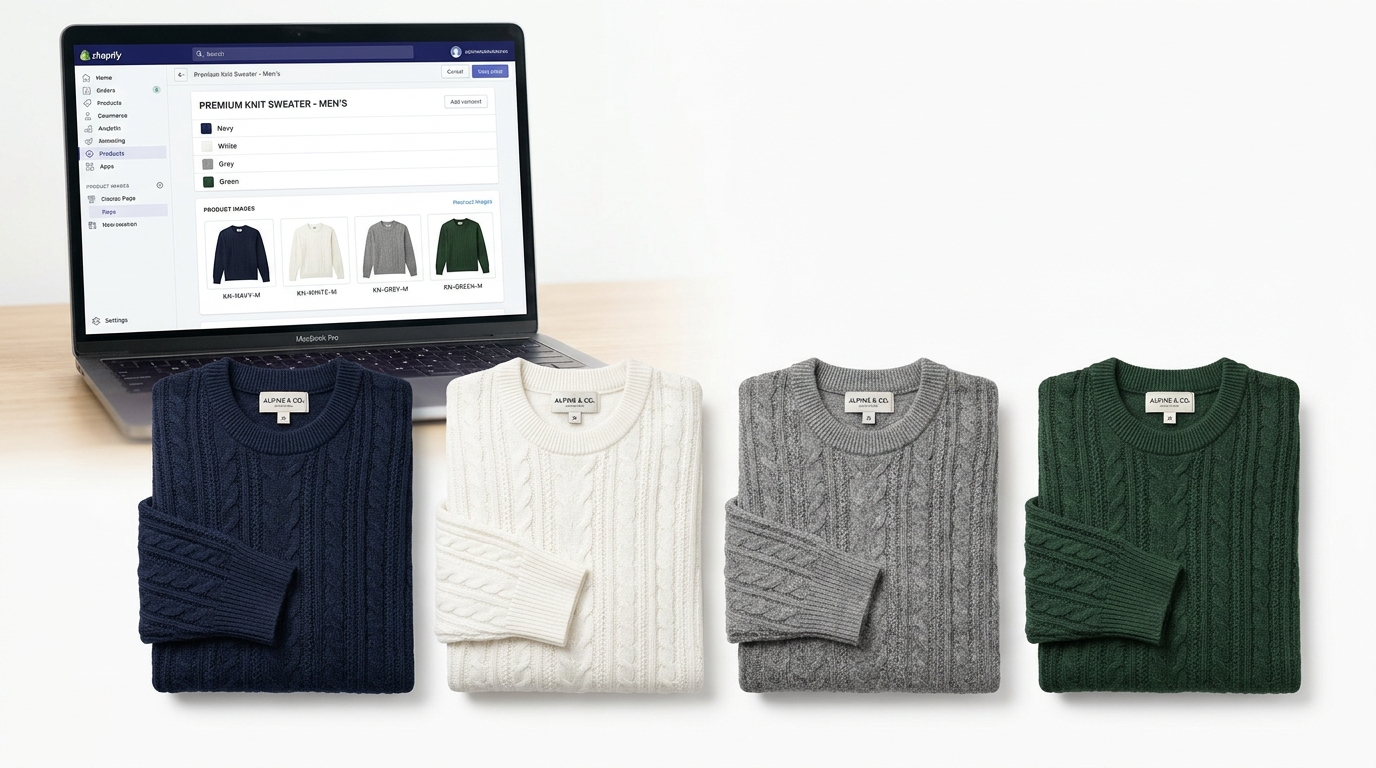 Apparel catalog color variant consistency showing four identical style knit sweaters in Navy, White, Grey, and Green aligned with Shopify variant image mapping dashboard
Best Practices for Variant Mapping:
- Assign Primary Variant Media: In the Shopify Admin, navigate to Products > Variants and assign the designated
_FRONT_01image directly to its corresponding color option. - Group Related Gallery Assets: Maintain identical angle ordering across every colorway (e.g., Position 1: Front, Position 2: Back, Position 3: Detail). This ensures a seamless, professional experience when customers toggle between swatches.
- Consult Shopify's Media Guidelines: Review Shopify's official instructions on adding images to product variants to verify theme compatibility with multi-image variant grouping apps.
- Audit the Live Storefront: After publishing, open the live product page on desktop and mobile. Click every single color swatch and confirm that the main photo, thumbnail stack, and zoom images update seamlessly.
11. Implement Multistage Quality Control
Catching mistakes at the end of the pipeline requires expensive re-shoots and delayed collection launches. Embed quality control checkpoints into three critical stages:
Checkpoint 1: At the Camera Tether Station
- Photographer and stylist review images at 100% zoom immediately upon capture.
- Check for stray threads, lint, crooked seams, and sharp focus on fabric texture.
Checkpoint 2: Post-Editing Ingestion
- Compare retouched exports directly against physical fabric swatches under calibrated lighting.
- Verify that file naming perfectly mirrors the master SKU spreadsheet.
Checkpoint 3: Post-Publishing Live Audit
- Confirm that all variant swatches trigger the correct colorway images.
- Ensure descriptive image alt text is populated for SEO and accessibility, following Shopify's guidelines on adding alt text to product media.
12. Leverage AI Workflows to Expand Large Catalogs
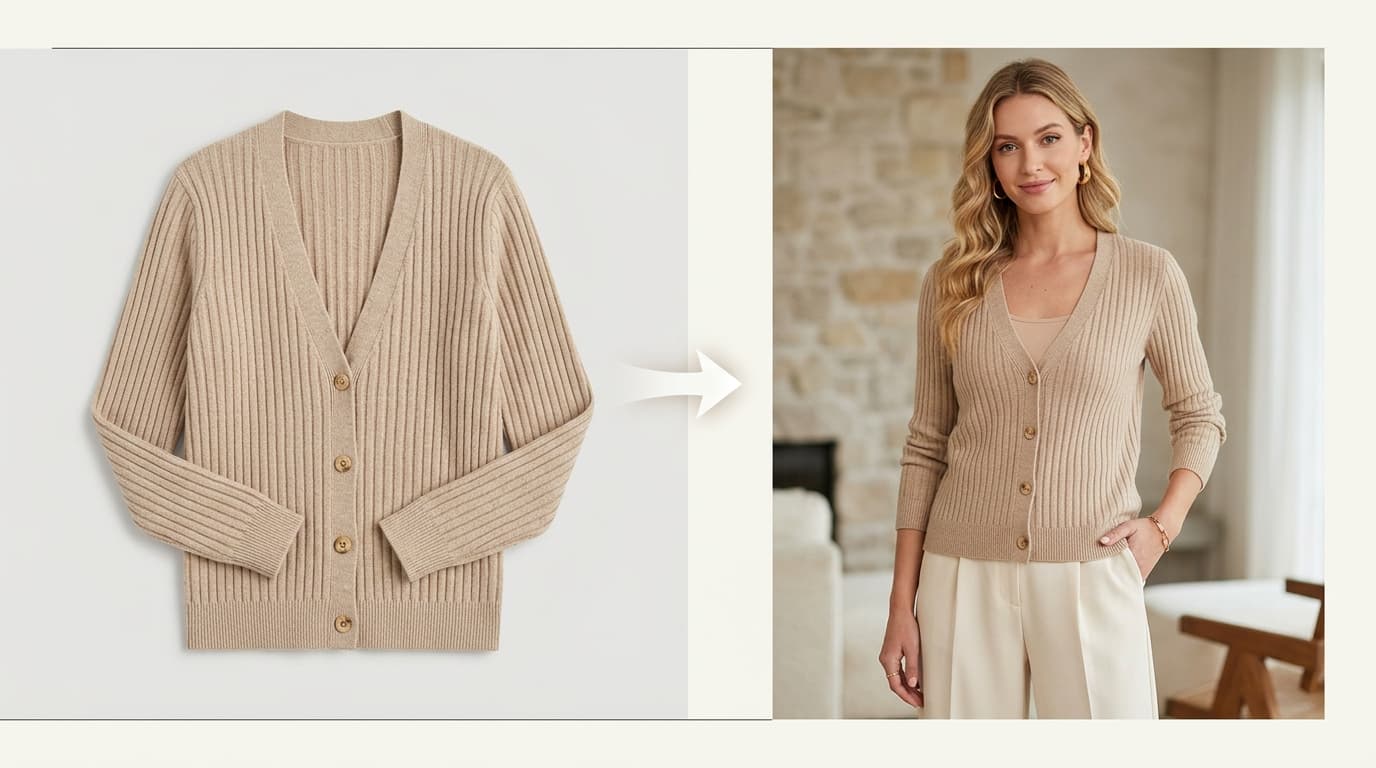
Capturing clean, authentic physical packshots on a mannequin or flat lay remains the essential foundation of apparel commerce. However, producing 5 to 7 on-model editorial variations for hundreds of SKUs across diverse models, poses, and seasonal environments physically can cost tens of thousands of dollars.
A modern hybrid catalog workflow leverages physical shooting for baseline packshots and AI for creative expansion:
[ Physical Studio Batch ]
            ↓
[ Capture Clean Packshots on Ghost Mannequin / Hanger ]
            ↓
[ QC Master Garment Silhouette, Dye Hues & Stitching ]
            ↓
[ Ingest into Shotinger Apparel Studio ]
            ↓
[ Generate 50+ Photorealistic On-Model & Lifestyle Variations ]
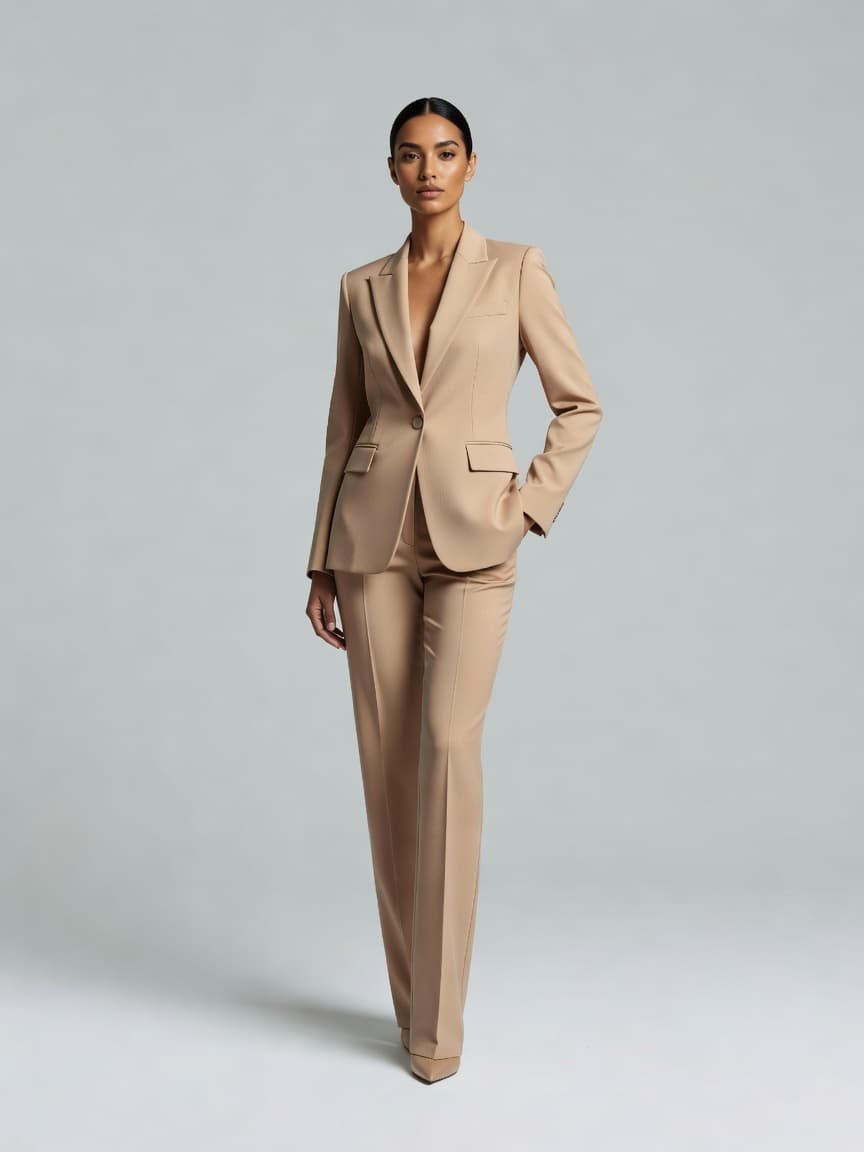
With Shotinger Apparel Studio, apparel brands can take their clean, color-accurate packshots and generate photorealistic on-model imagery across multiple ethnicities, poses, and lifestyle scenes in seconds—multiplying the marketing assets for an entire 200-SKU collection without booking additional photoshoot days.
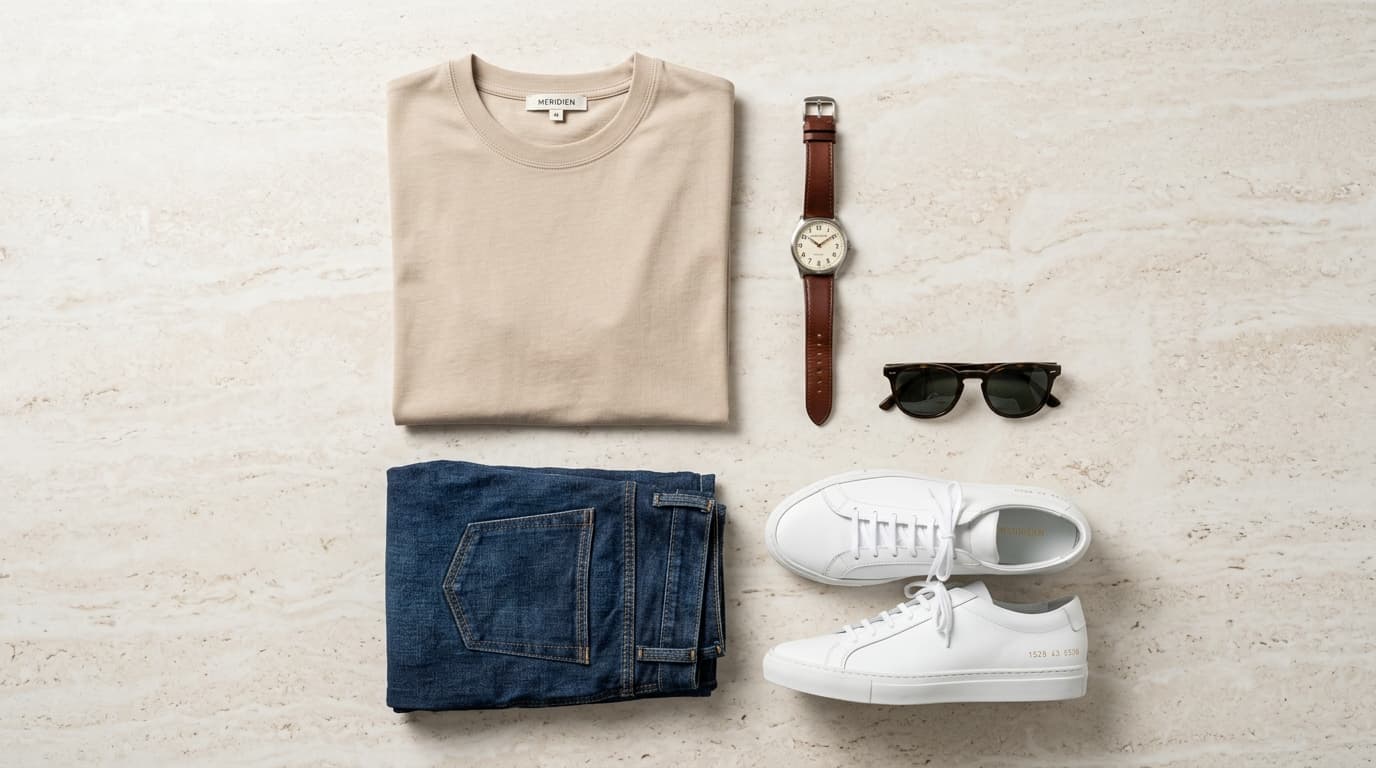
For brands relying on flat-lay catalog styling, the Tabletop Flatlay tool provides clean, balanced top-down styling consistency.
The Master Apparel Catalog Production Sequence
Before launching your next large collection shoot, follow this repeatable production roadmap:
- Master Inventory: Compile all SKUs, colorways, and required image counts in a central spreadsheet.
- Category Shot Lists: Define mandatory views and macro detail requirements per garment type.
- Pilot Calibration: Photograph 4 diverse test garments and lock the visual standard.
- Garment Prep Station: Steam, lint-roll, inspect, and label every item before it reaches the set.
- Batch Capture: Shoot garments in grouped batches sharing identical lighting and camera positions.
- File Architecture: Enforce strict
SKU_COLOR_VIEWfile naming and backup RAW files. - Two-Tier Retouching: Apply standardized global corrections, then fine-tune light and dark fabrics.
- Shopify Variant Mapping: Link primary packshots directly to product variant options.
- Three-Stage QC: Inspect on tether, audit post-edit, and verify live product swatches.
- Asset Multiplication: Feed approved packshots into Shotinger Apparel Studio to generate on-model and editorial campaign imagery.
Frequently Asked Questions
How do you photograph a large clothing catalog efficiently?
Build a master inventory spreadsheet, group garments into batches that share the same lighting setup, establish a dedicated steaming and prep area, tether your camera to a laptop for real-time QC, and use strict SKU_COLOR_VIEW file naming.
How many photos should each clothing SKU have?
For basic tops and tees, 3 to 4 images are typically sufficient (front, back, fabric detail). For structured jackets, technical outerwear, and dresses, 5 to 7 images are recommended (front, back, side profile, hardware details, interior lining, and an on-model lifestyle view).
What is the best way to handle color variations of the same garment?
Photograph each colorway using the exact same camera position, fold styling, and scale. Assign each variant an unambiguous file name, map the image to the corresponding color swatch in Shopify, and test swatch switching on the live store.
Can AI help scale apparel catalog photography?
Yes. AI tools like Shotinger Apparel Studio allow brands to take clean packshots captured on ghost mannequins or flat lays and generate diverse on-model lifestyle photoshoots, drastically lowering production costs while expanding creative assets across hundreds of SKUs.
Final Thoughts
Photographing a large clothing catalog successfully is a triumph of workflow organization. By establishing clear inventory tracking, standardizing shot lists, separating garment preparation from shooting, and enforcing rigorous quality control, you can scale your visual catalog smoothly—no matter how many SKUs you launch this season.
Ready to scale your clothing catalog with on-model photography?
Transform your flat-lay and mannequin packshots into photorealistic on-model lifestyle imagery across hundreds of SKUs.
Explore Shotinger Apparel Studio →
Start creating campaign-ready product visuals
Transform flat lays, packshots, and jewelry photos into photorealistic on-model imagery in under 60 seconds.