Ecommerce Sellers
Turn simple product photos into polished visuals without building a photography setup for every product.

Shotinger is an AI product photo generator built for ecommerce. Upload a product image, choose from 20+ studio and lifestyle environments, select from 8+ camera angles - from macro detail to wide shots and floating product views - then generate high-quality AI product photos without organizing another shoot.
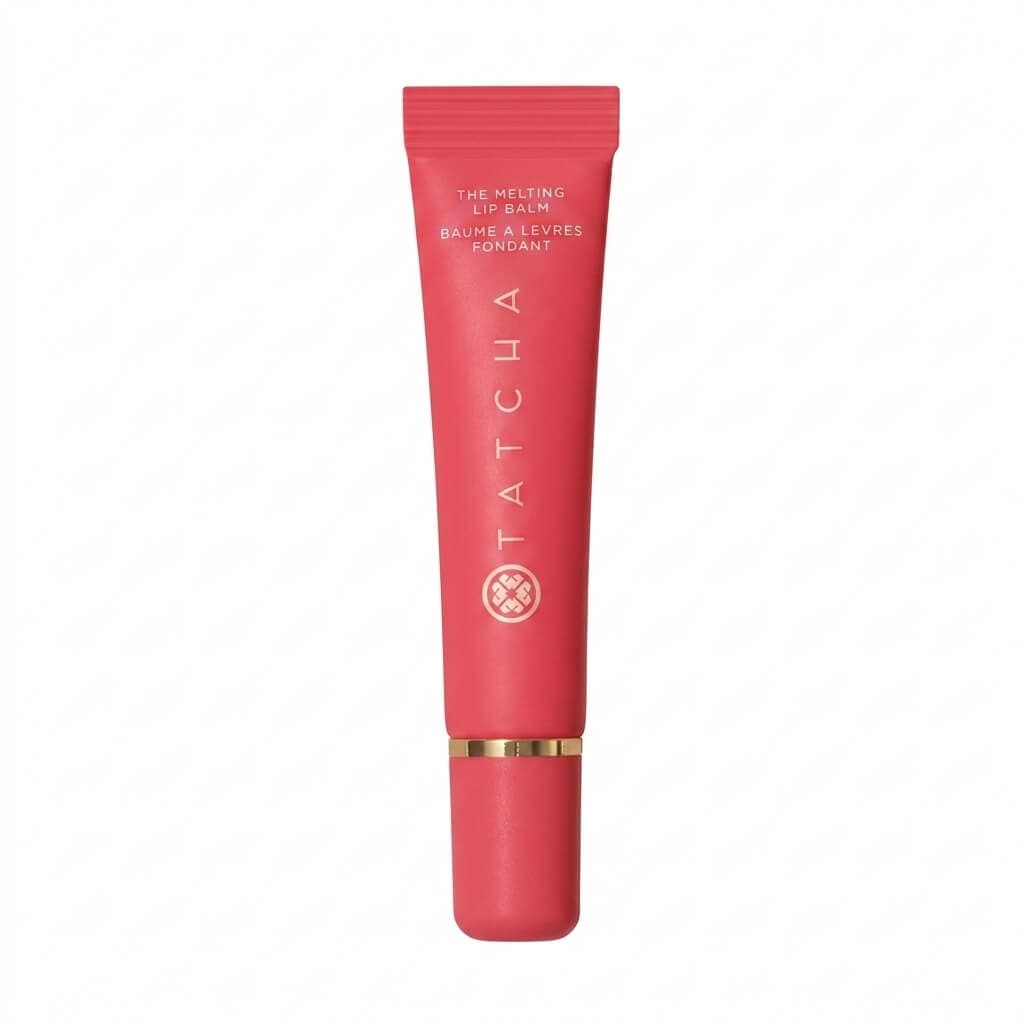
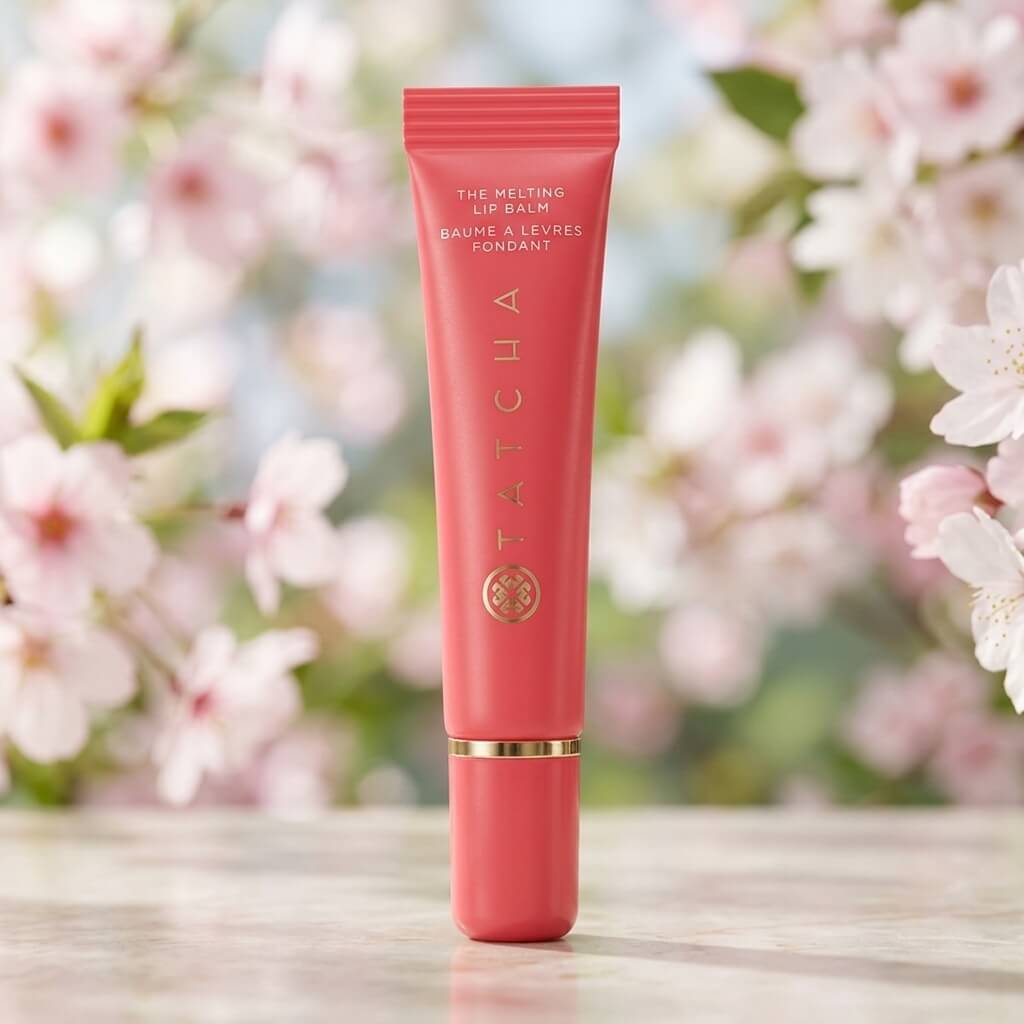
How to Use Product Studio
Start with a clear product photo or packshot.
Select from 8+ camera angles, including macro, wide, profile, top-down, low-angle, and floating views.
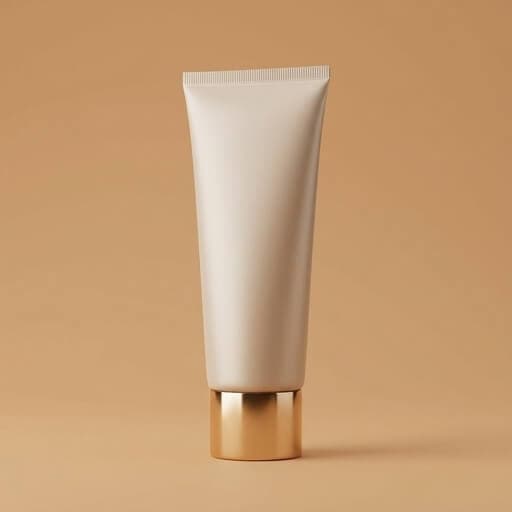
Place the product in one of 20+ studio or lifestyle scenes and set the visual direction.
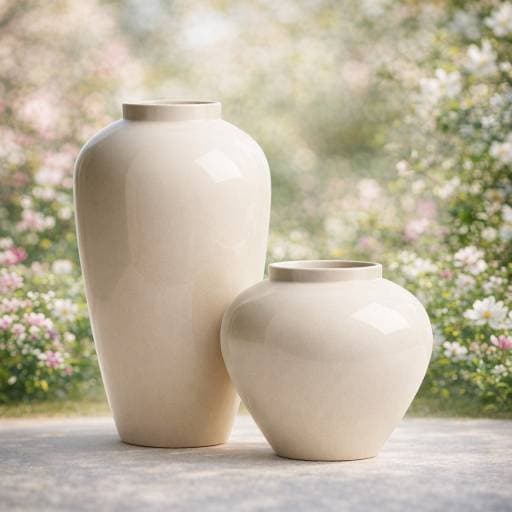
Create a high-quality AI product image ready for ecommerce and marketing.
Engineered specifically for ecommerce brands, sellers, and creators who need consistent commercial visuals without physical shoot days.
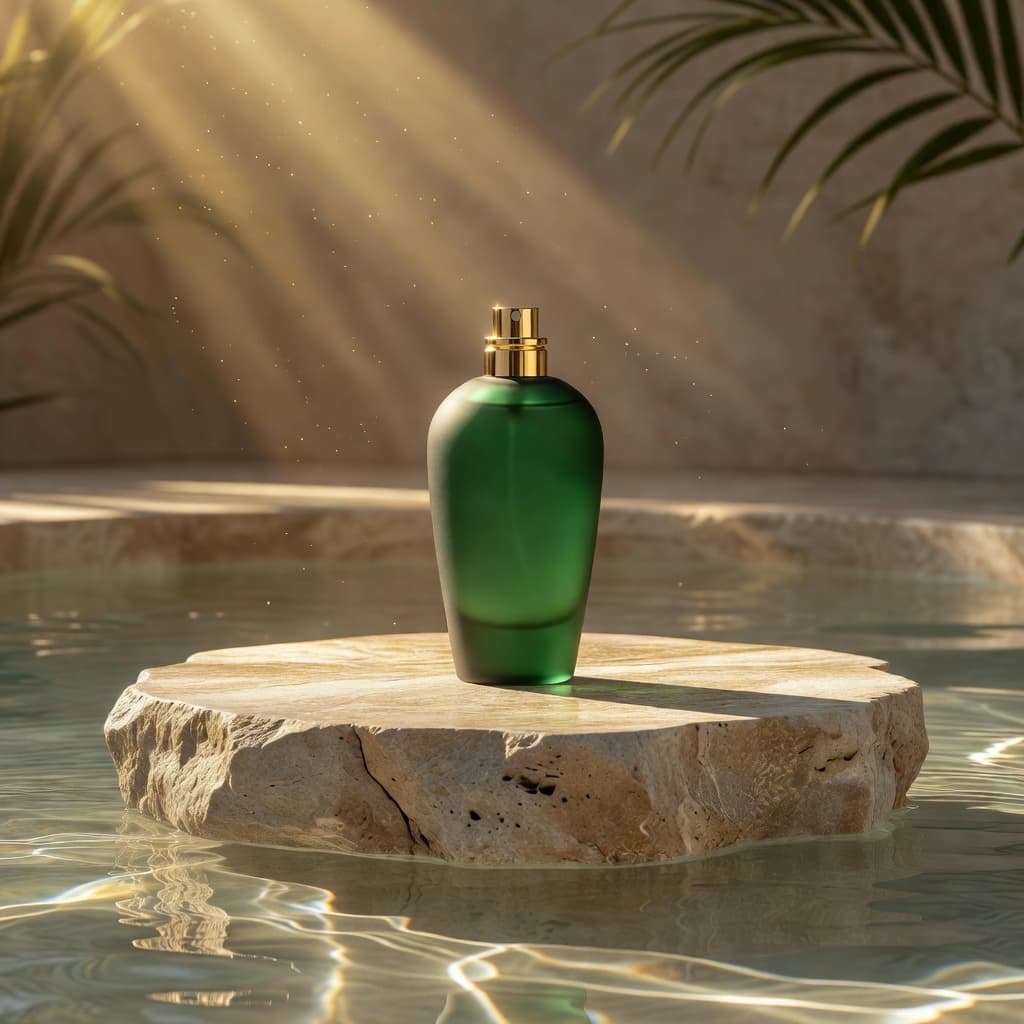 Environments
Choose from more than 20 environments to move from clean product-first imagery to contextual lifestyle photography.
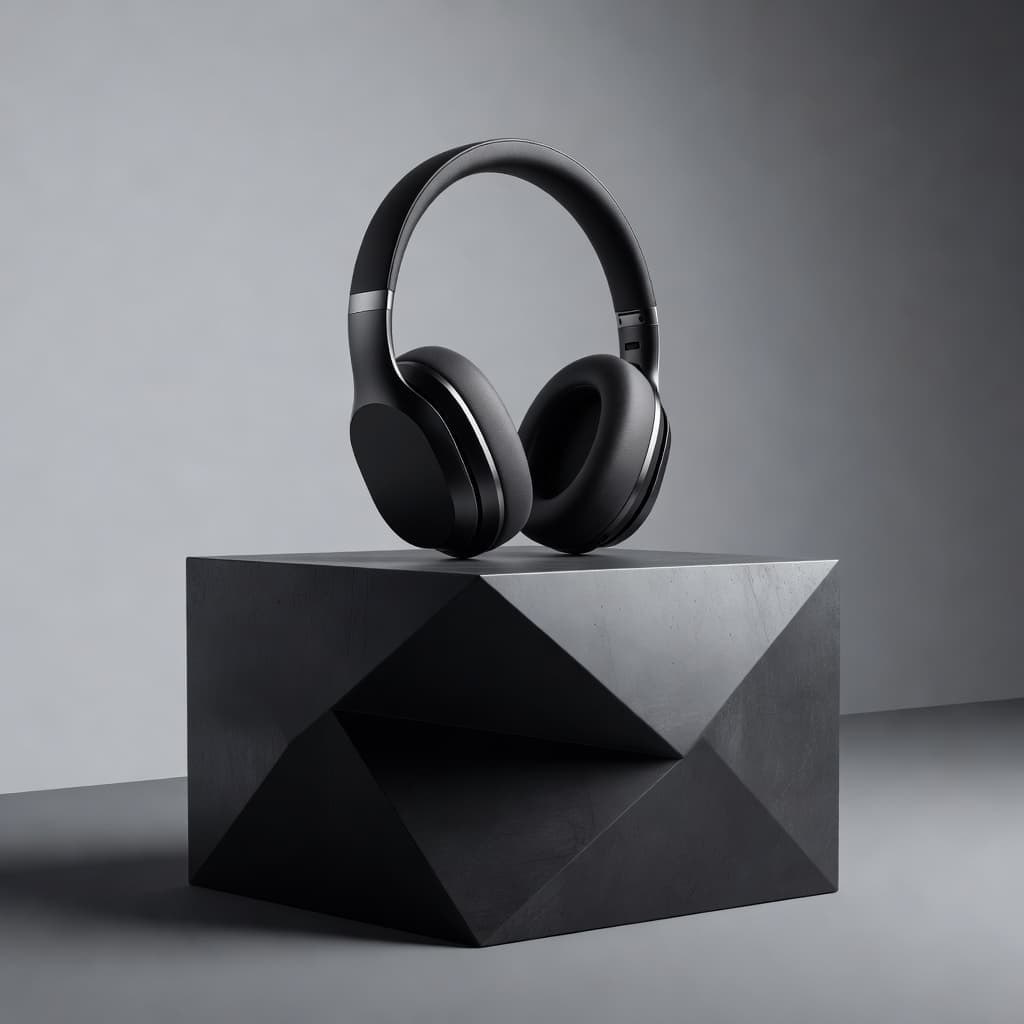 Camera Angles
Control how the product is presented with more than eight viewpoints and compositions.
 Macro to Wide
Capture close-up product details or pull back for wider compositions depending on what the image needs to communicate.
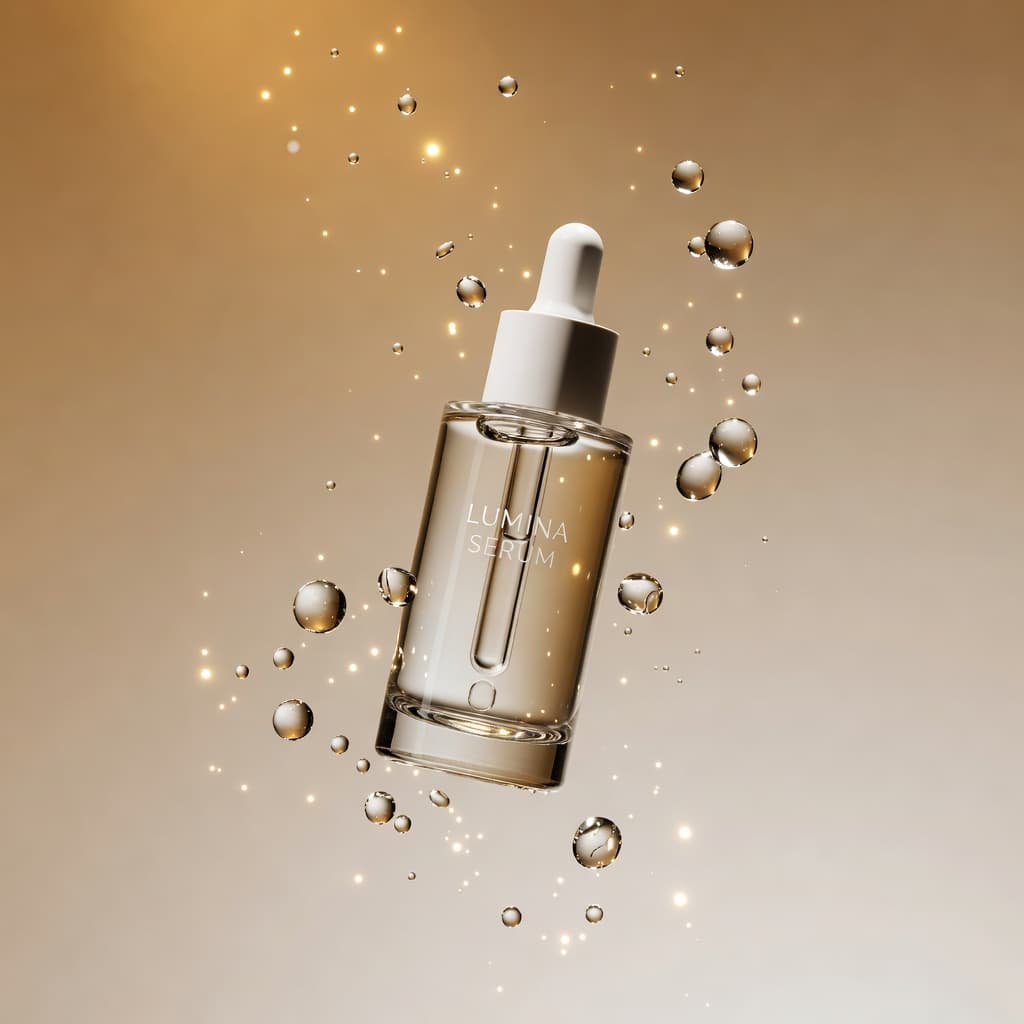 Expressive Views
Create more expressive compositions, including floating product shots, without physically rigging the product.
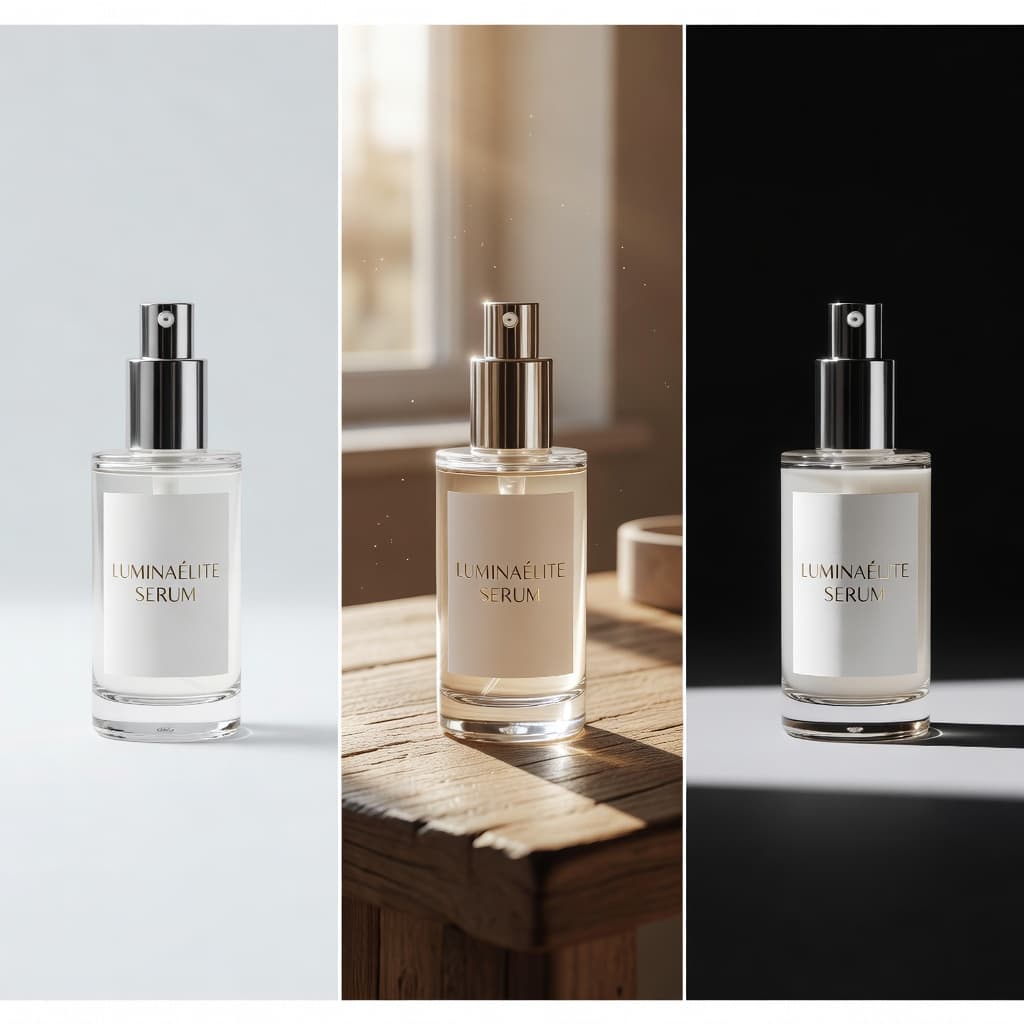 Efficiency
Use one source image to explore multiple scenes, angles, and creative directions instead of organizing another shoot.
 Commercial Focus
Generate AI product images for product pages, listings, launches, ads, social content, and campaigns.
Engineered for DTC brands, merchants, and creative teams scaling visual production.
Turn simple product photos into polished visuals without building a photography setup for every product.
Create consistent imagery across launches, collections, campaigns, and new creative directions.
Build stronger product galleries with studio and lifestyle AI product photos.
Create additional product imagery for listings and supporting carousel content.
Create studio and lifestyle visuals for cosmetics, packaged goods, electronics, home products, beverages, and accessories.
Generate more AI product images for campaigns, ads, social content, and launches from existing assets.
Every new angle or environment traditionally means more setup, props, lighting, photographer time, and production. With Shotinger, choose another scene or camera angle from the product image you already have.
High upfront budget, complex logistics & multi-week scheduling.
Instant high-fidelity commercial photography directly from your browser.
Everything you need to evaluate Shotinger and start creating.
An AI product photo generator uses artificial intelligence to turn an existing product image into new commercial product visuals. Shotinger lets you choose the scene, camera angle, and visual direction before generating the result.
Yes. Product Studio includes more than 20 studio and lifestyle environments so the same product can be presented in clean or contextual settings.
Shotinger offers more than eight camera-angle options, covering views from macro detail to wider compositions and dynamic floating product shots.
No. Start with a clear source product photo or packshot and use it as the basis for new AI product photos.
Yes. Change the environment or camera angle to create different AI product images from the same source product.
Create product visuals for ecommerce product pages, listings, launches, campaigns, ads, and social content.
In-depth production guides and competitor benchmarks to help you evaluate commercial quality, ROI, and workflow speed.
How DTC clothing brands use virtual AI models to display apparel across body types, skin tones, and locations without booking physical shoots.
A data-backed comparison of Shotinger and Photta for ecommerce apparel, jewelry, and commercial product photography.
Choose the environment and camera angle, then generate high-quality AI product photos from the image you already have.