Quick Answer: In simple terms, an AI fashion model generator takes a photo of a real clothing item and creates a new image showing that exact item on a person. For an ecommerce brand, the value is not merely rendering a photorealistic person—it is showing your physical product in a clear, dimensional way that helps shoppers understand fit, cut, and drape without booking a physical studio photoshoot for every SKU.
This guide starts from zero. You do not need to understand machine learning or prompt engineering. We will look at what an AI fashion model actually is, how the production workflow works, what common mistakes to watch for, and how a modern ecommerce team can use it to scale catalog imagery without losing visual consistency.
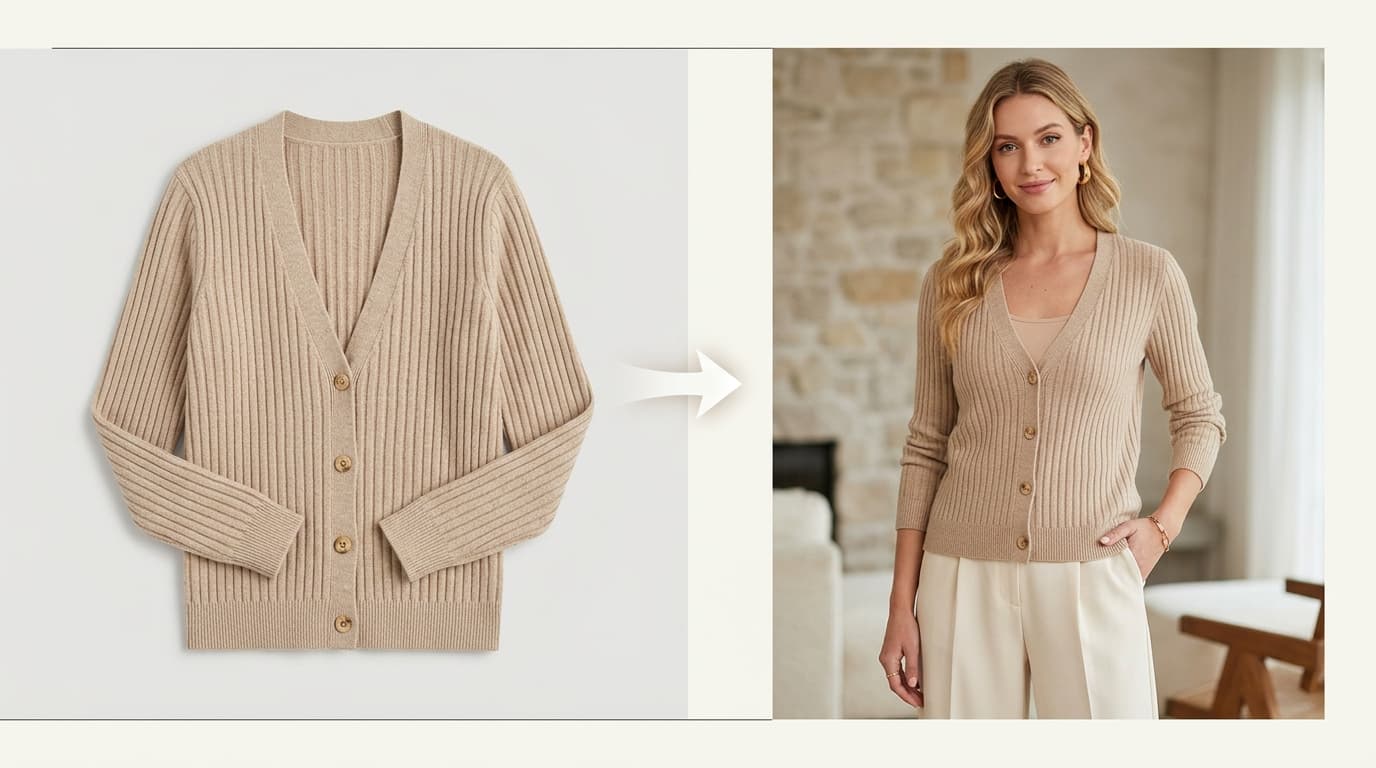
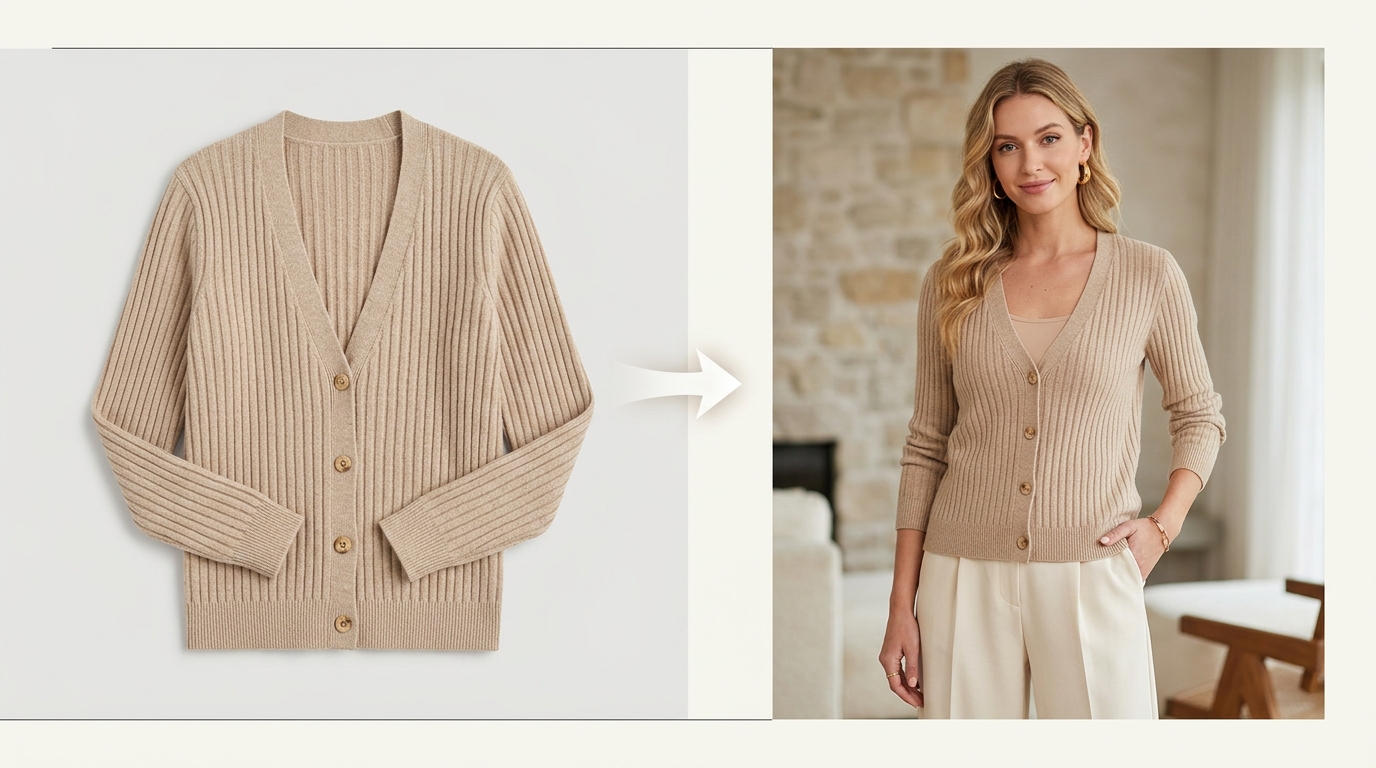 Clean flat lay cardigan transformed into on-model studio photography
What is an AI fashion model generator?
Imagine you have a clean photo of a knit cardigan on a plain background. You want to display that cardigan on a model so shoppers can visualize its length and silhouette, but organizing a dedicated studio session—booking talent, hair, makeup, and lighting crews—just for that single garment is cost-prohibitive.
An AI fashion model generator takes your existing garment photo as the structural input and generates an on-model image. Depending on the platform, you can select the model's demographic profile, pose, facial expression, studio lighting, and background setting.
Key Concept: A simple way to think about it is that your product photo is the starting point, and the AI fashion model is the presentation layer.
Three terms that are easy to confuse
- AI fashion model: A digitally generated person wearing or presenting an apparel product.
- AI fashion model generator: The tool or studio workflow (such as Shotinger Apparel Studio) used to generate those on-model images from garment photos.
- Virtual try-on: A shopper-facing interactive feature that lets an individual customer preview how an item might look on their own selfie or body shape.
For ecommerce brands, the primary objective is straightforward: produce accurate, high-converting on-model photography faster and more cost-effectively.
Start with the product, not the model
The most frequent beginner mistake is focusing on choosing an impressive model face first. In commercial apparel merchandising, always start with the clothing item.
The AI engine must clearly understand the garment's construction. A clean, high-resolution product photo provides far more usable structural information than a heavily compressed, shadowed, or cropped image.
Your source photo should:
- Show the entire garment: Avoid cropped hemlines or folded sleeves unless you are generating a detail view.
- Preserve true-to-life color: Ensure the source photo matches the physical fabric under daylight (5500K).
- Avoid heavy cast shadows: Hard shadows obscure seams, stitching, and pocket placements.
- Keep props away from key areas: Ensure hands, bags, belts, or styling accessories do not cover essential garment lines.
- Provide sufficient resolution: High-resolution source images ensure fabric weave, ribbing, and hardware remain crisp in the generated output.
The Golden Test: Could another person look at your source photo and understand exactly what the physical product is? If the answer is yes, the AI model generator will produce a significantly more accurate result.
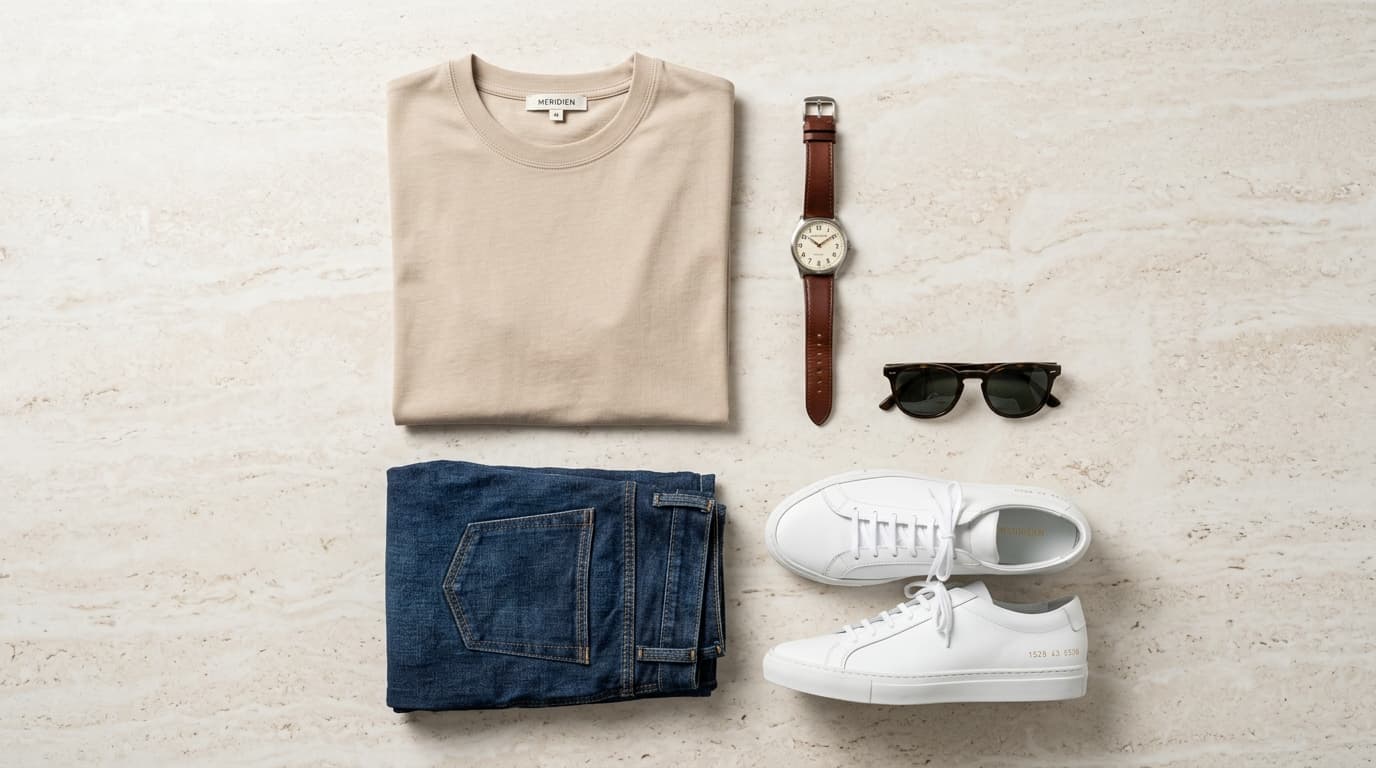
You do not need to reshoot your catalog from scratch. Existing product assets—such as a clean flat lay or a ghost mannequin image—often provide the ideal starting reference.
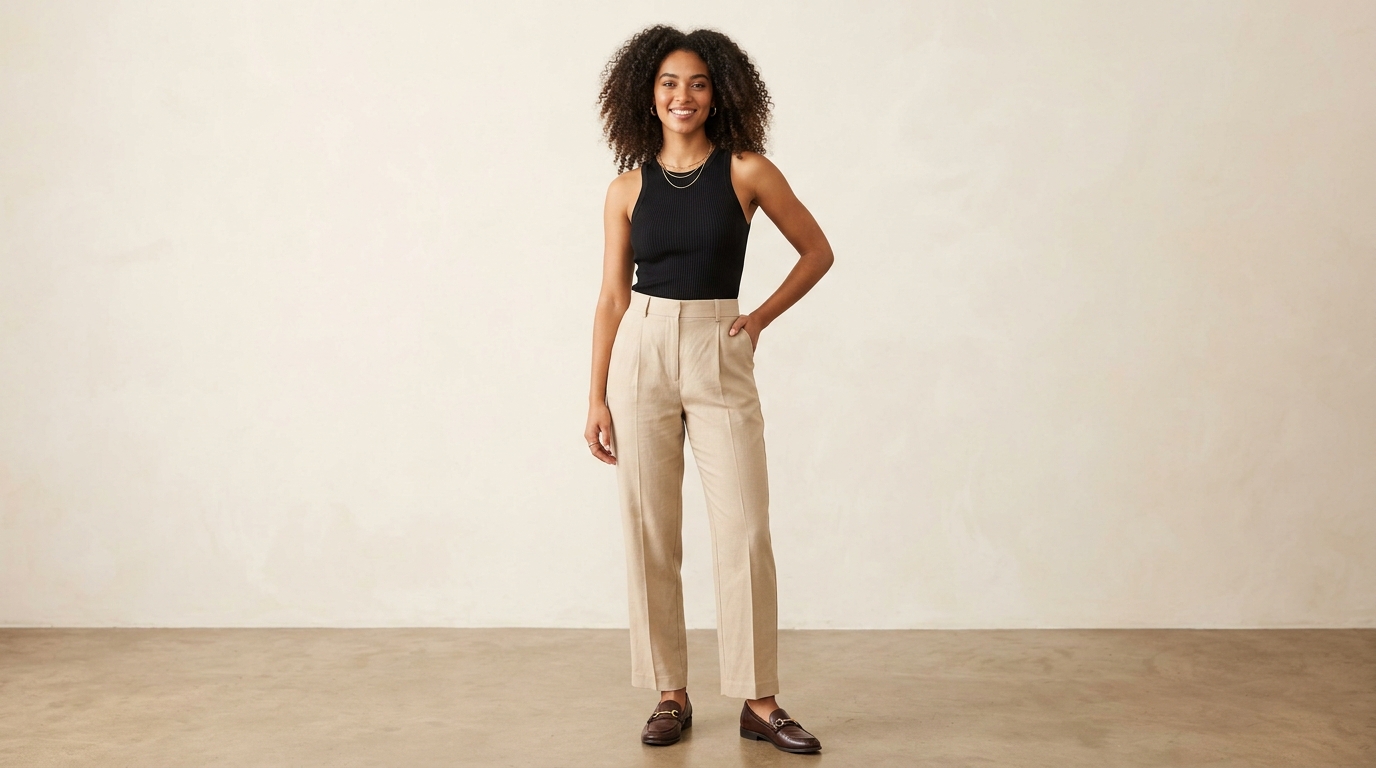 Model wearing a black ribbed tank top generated with authentic garment drape
Why some AI fashion model images look wrong
In poorly generated images, the model can look completely lifelike while the clothing looks artificial or inaccurate. For online retailers, this is where customer distrust and return rates originate.
Common trouble spots to inspect:
- Logo and graphic distortion: Printed brand logos, typography, or chest embroidery shift shape, blur, or warp across seams.
- Misaligned prints and stripes: Plaid checks, florals, or stripes lose their alignment across buttons or side seams.
- Inaccurate sleeve and hem lengths: Long sleeves unintentionally become three-quarter cuffs, or midi dresses turn into mini skirts.
- Missing hardware: Buttons, zippers, drawstring eyelets, pocket flaps, or care tags disappear.
- Over-smoothed fabric textures: Cable knits, raw denim, or linen textures turn into plastic, rubbery surfaces.
- Altered fit: An intentionally oversized streetwear hoodie is rendered as a slim, tailored fit.
Quality Rule: Do not judge an image solely by the model's face, hair, or lighting. Zoom in directly on the product. That is where critical merchandising errors usually hide.
A plain cotton t-shirt is naturally simpler to render than an intricate pleated skirt, bias-cut satin slip dress, or tailored double-breasted blazer. Always test your most structured or detailed garments first before deploying an AI model workflow across an entire seasonal collection.
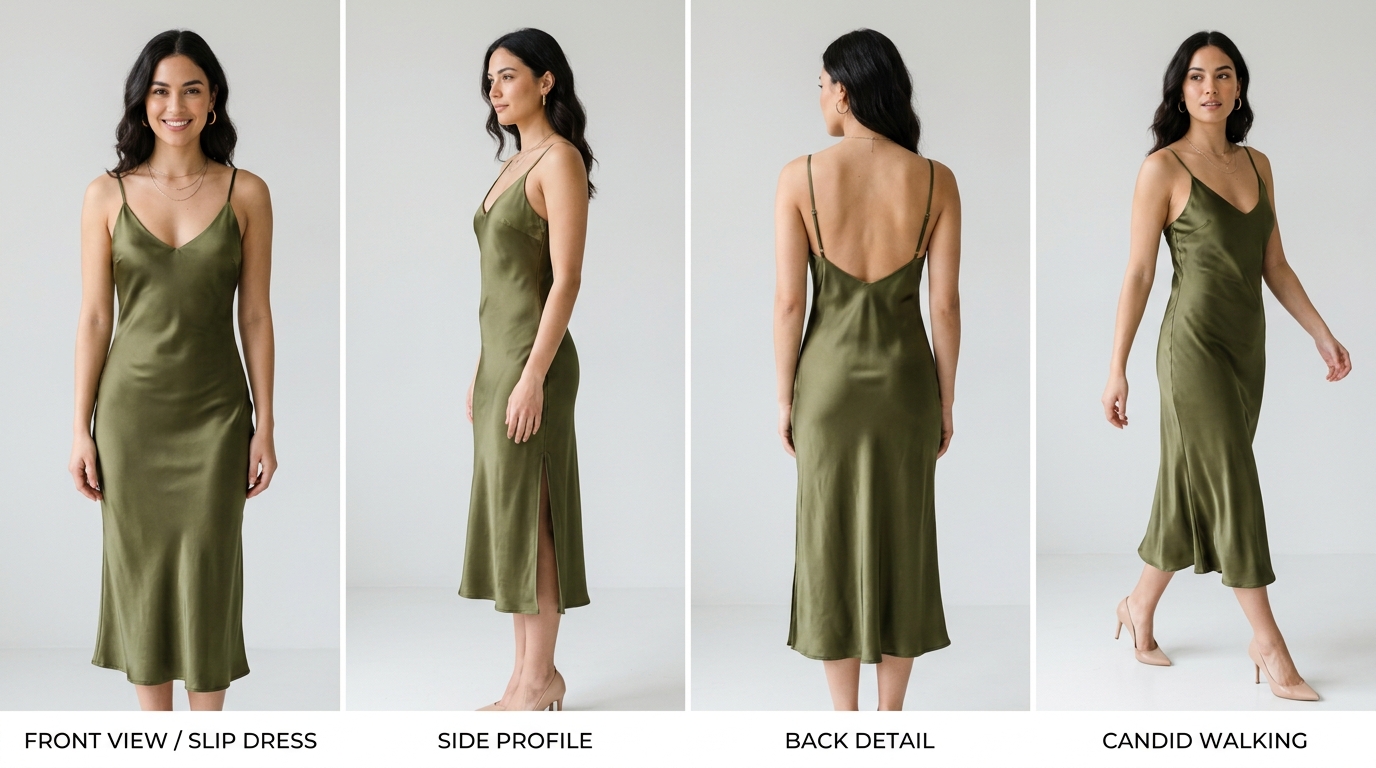 Multi-angle lookbook set showing front view, side profile, back detail, and walking pose
Choosing the model and the pose
Once you have confirmed that the garment renders accurately, select the model profile and pose that best communicates your brand identity.
Beginners often make the mistake of generating dozens of random variations. Instead, standardize a compact, purposeful starter set for your product gallery:
A practical 4-image starter set:
- One clean front view: Shows the overall silhouette, neckline, and true body fit.
- One side or three-quarter view: Reveals garment depth, waist shaping, and sleeve taper.
- One relaxed lifestyle or walking pose: Demonstrates how the fabric moves and drapes in context.
- One close-up detail shot: Highlights buttons, pocket construction, collar stitching, or fabric weave.
Think from the customer's perspective
Every pose in your gallery should answer a specific customer question:
- Is this jacket cropped or hip-length?
- Where does the waistline fall?
- How does the skirt drape when walking?
- How does the neckline sit relative to the collarbone?
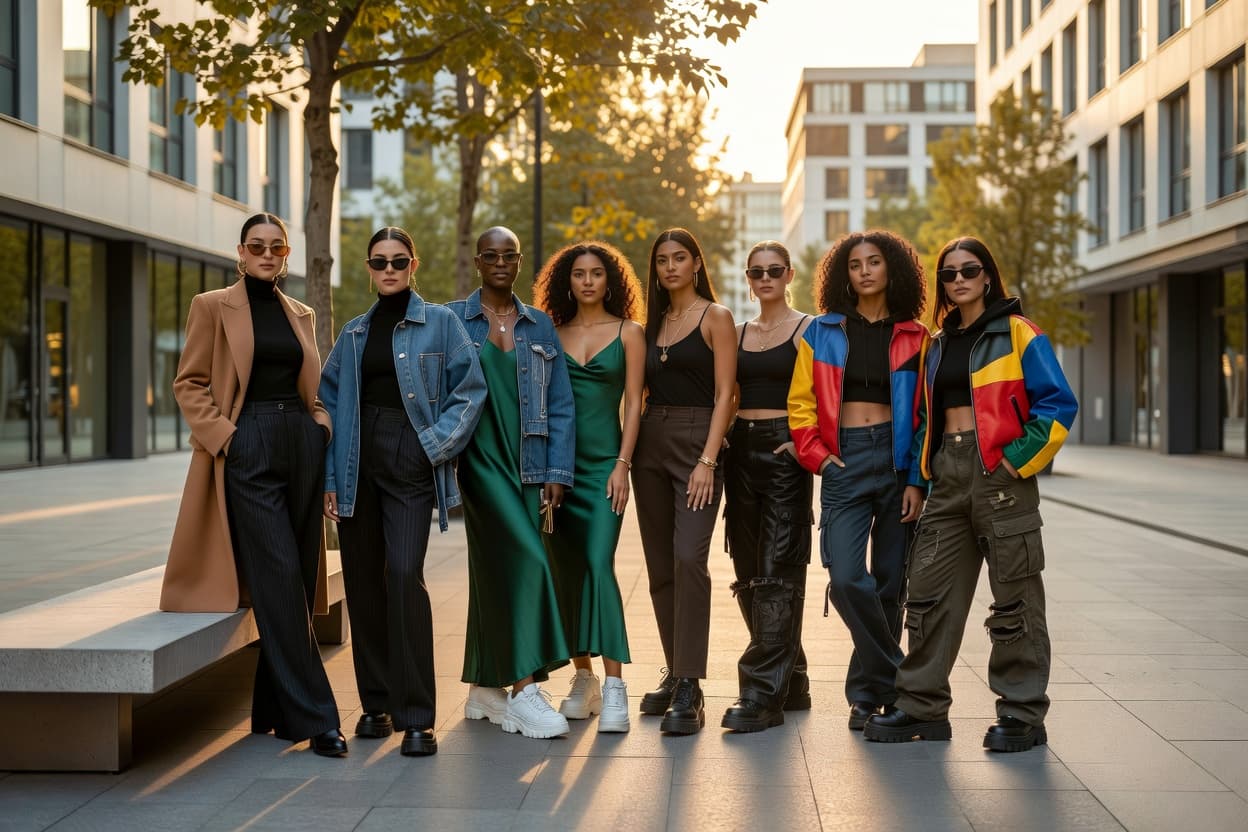
Consistency across your store matters. Sticking to a cohesive group of 2 to 4 recurring models, consistent background tones, and standardized eye-level camera framing makes your catalog look like a unified fashion brand rather than a disjointed collection of stock images.
What can ecommerce brands actually use it for?
You do not need to overhaul your entire photography pipeline overnight. Growing apparel brands use AI fashion model generators for specific high-leverage merchandising tasks:
- Add on-model images to flat lay listings: Enhance existing white-background packshots with contextual on-model imagery to boost conversion rates.
- Produce multi-angle content for paid ads and social media: Test different model ethnicities, poses, and outfit pairings across Meta, TikTok, and Pinterest without organizing separate photoshoots.
- Refresh older product listings: Revitalize perennial bestsellers whose original photography looks dated.
- Build digital lookbooks and line sheets: Create cohesive seasonal collections for wholesale buyer presentations before bulk manufacturing samples arrive.
- Test new styles before investing in commercial shoots: Preview customer interest on pre-order campaigns before committing thousands of dollars to location productions.
A beginner workflow you can repeat
Follow this systematic 8-step sequence to produce reliable on-model fashion assets:
| Step | Action | Objective |
|---|---|---|
| Step 1 | Start with one product | Choose a clean, well-lit flat lay or ghost mannequin photo. |
| Step 2 | Define the image role | Decide whether you need an overall fit shot, side shape view, or lifestyle pose. |
| Step 3 | Choose one model direction | Select an AI model profile (ethnicity, body build) that matches your core demographic. |
| Step 4 | Run a controlled test | Generate 2 to 3 candidate renders before scaling across other colors. |
| Step 5 | Verify garment fidelity | Compare the output side-by-side with your physical sample (buttons, seams, print). |
| Step 6 | Save the approved preset | Lock the model profile, lighting, and framing parameters in your workspace. |
| Step 7 | Batch across colorways | Apply the identical preset to restocks, color variations, or similar silhouettes. |
| Step 8 | Distribute across channels | Deploy approved assets to PDPs, category grids, ad creatives, and email campaigns. |
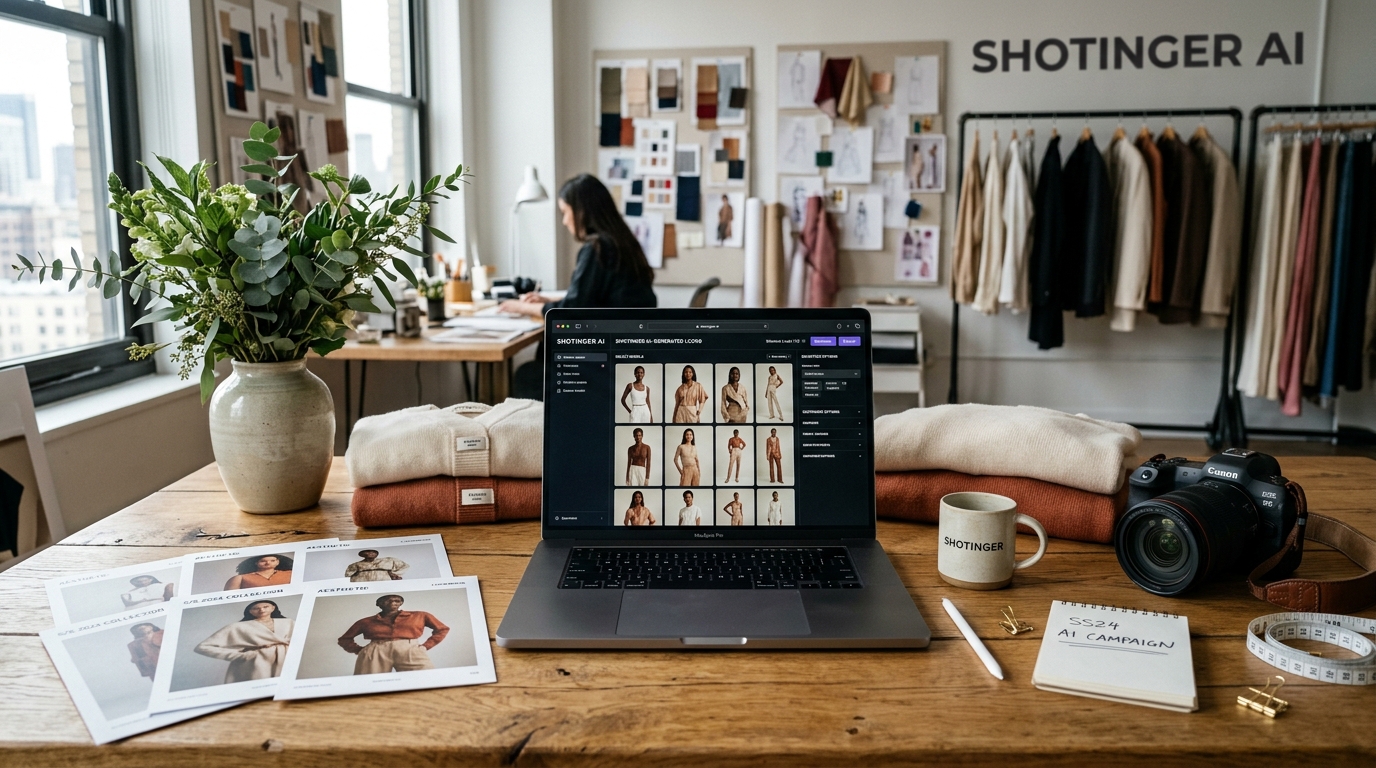 Creative studio desk with laptop running Shotinger AI fashion editor and printed lookbook cards
AI fashion model generators vs. a real photoshoot
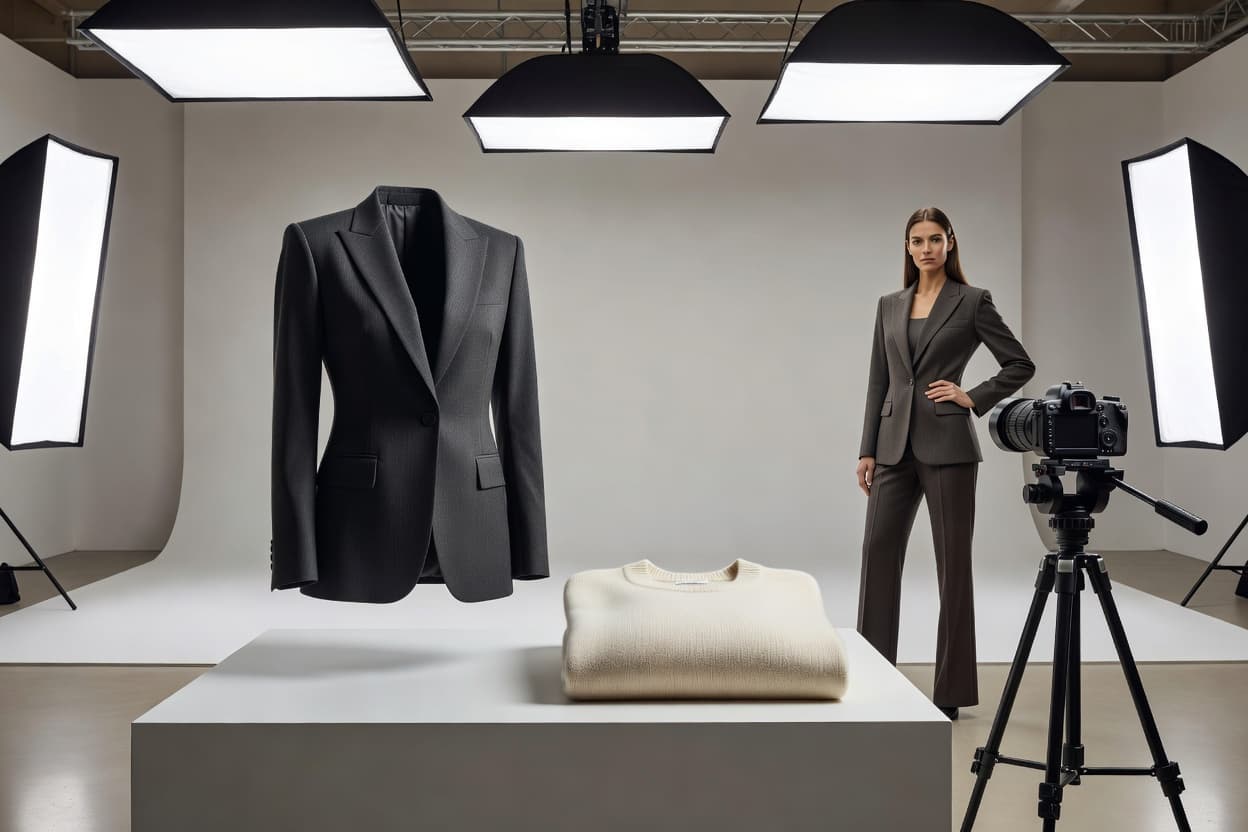
AI technology and traditional studio photography do not need to compete—they serve complementary roles within a modern retail business:
| Production Aspect | Traditional Physical Photoshoot | AI Fashion Model Workflow (Shotinger) |
|---|---|---|
| Best For | Brand flagship campaigns, intricate couture, high-touch art direction | High-volume catalog drops, multi-SKU variations, fast-turnaround e-commerce |
| Garment Dynamics | Captures real physical fabric drape, stretch, and movement | Synthesizes realistic on-model drape directly from clean source assets |
| Logistics & Setup | Casting models, studio rentals, stylists, hair/makeup, weather delays | Digital workflow operating 24/7 with zero physical set rebuilds |
| Cost Structure | $2,500 – $8,000+ per shoot day | Fixed subscription credits (under $1 per approved image) |
| Turnaround Time | 2 to 4 weeks (sample arrival to final retouched files) | Minutes per product batch |
The hybrid approach
Leading fashion brands adopt a hybrid visual strategy:
- Shoot physical hero photography for high-priority marketing campaigns and editorial lookbooks where human nuance and physical touch are paramount.
- Use Shotinger Apparel Studio and Apparel Lifestyle to generate diverse on-model catalog variations, demographic representation, and multi-angle PDP galleries across extensive product lines.
When should you NOT use AI fashion models?
A physical photoshoot remains the better choice when:
- The exact physical movement of a unique technical fabric (such as ultra-sheer silk chiffon or waterproof performance outerwear in rain) is the core selling proposition.
- Highly complex bespoke tailoring requires custom pin-tucking on set.
- A high-profile campaign relies on a recognizable celebrity ambassador or a specific real-world architectural location.
Fundamental Principle: An AI fashion model should help explain the product clearly, not invent an inaccurate or misleading version of it.
Final checklist before publishing
Before uploading an AI-generated fashion model image to your live Shopify or marketplace store, review this 8-point checklist:
- Garment authenticity: Does the rendered clothing still look identical to the physical product in your warehouse?
- Color accuracy: Is the fabric hue, saturation, and brightness true to life under standard daylight?
- Construction details: Are all buttons, zipper pulls, pocket flaps, stitching lines, and brand labels intact and correctly placed?
- Functional pose: Does the pose showcase the cut and fit of the garment rather than obscuring it?
- Brand consistency: Does the model's styling, hair, and aesthetic align with your storefront's visual identity?
- Collection cohesion: Does the background tone, lighting contrast, and camera crop match the rest of your collection?
- Clear image assignment: Does this image fulfill a specific purpose in your gallery (hero view, side angle, or detail shot)?
- Side-by-side verification: Has a team member compared the generated image directly against the original physical sample?
The big idea
AI fashion model generators are not fundamentally about placing a digital face in a picture. For e-commerce brands, their true commercial value is practical and measurable: they allow you to turn a single real product photo into a complete, consistent suite of commercial on-model visuals.
Start small. Pick a single core product. Use a clean, sharp source photo. Generate a handful of purposeful poses. Inspect the garment construction carefully. Once you achieve an accurate, repeatable result, scale the workflow across your catalog.
Good ecommerce imagery does not need to be complicated—it simply needs to make your product easier for customers to understand and buy.
Ready to transform your apparel photos into on-model imagery?
Generate photorealistic fashion model photography from your existing product photos in seconds with Shotinger.
Explore Shotinger Apparel Studio →
Start creating campaign-ready product visuals
Transform flat lays, packshots, and jewelry photos into photorealistic on-model imagery in under 60 seconds.