Solo Ecommerce Sellers
You run the store yourself and need better product images without coordinating a photographer, model and studio every time you add a product.

Shotinger is an AI apparel photo studio for fashion ecommerce photography. Upload one garment photo, choose an AI model, pose, expression and background, then generate clean, consistent images for product pages and catalogs - without organizing a physical photoshoot.
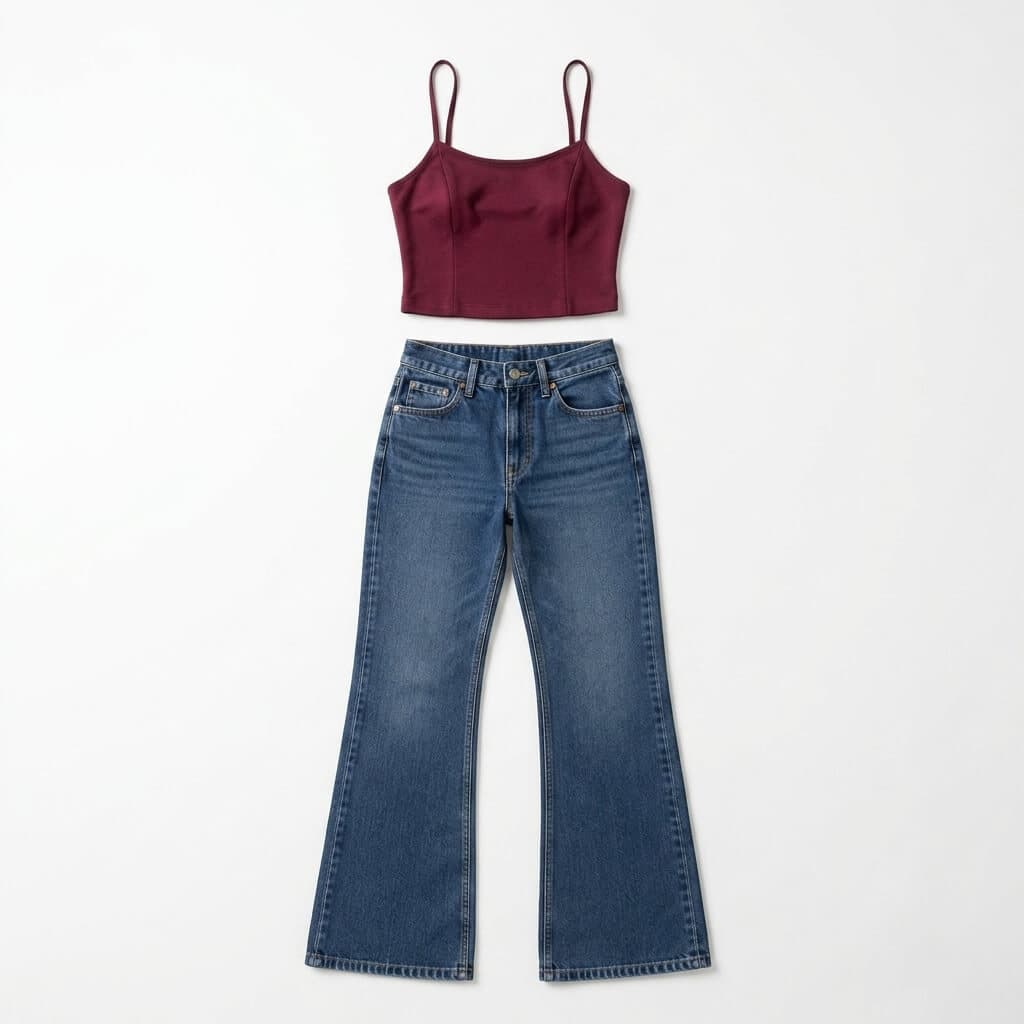
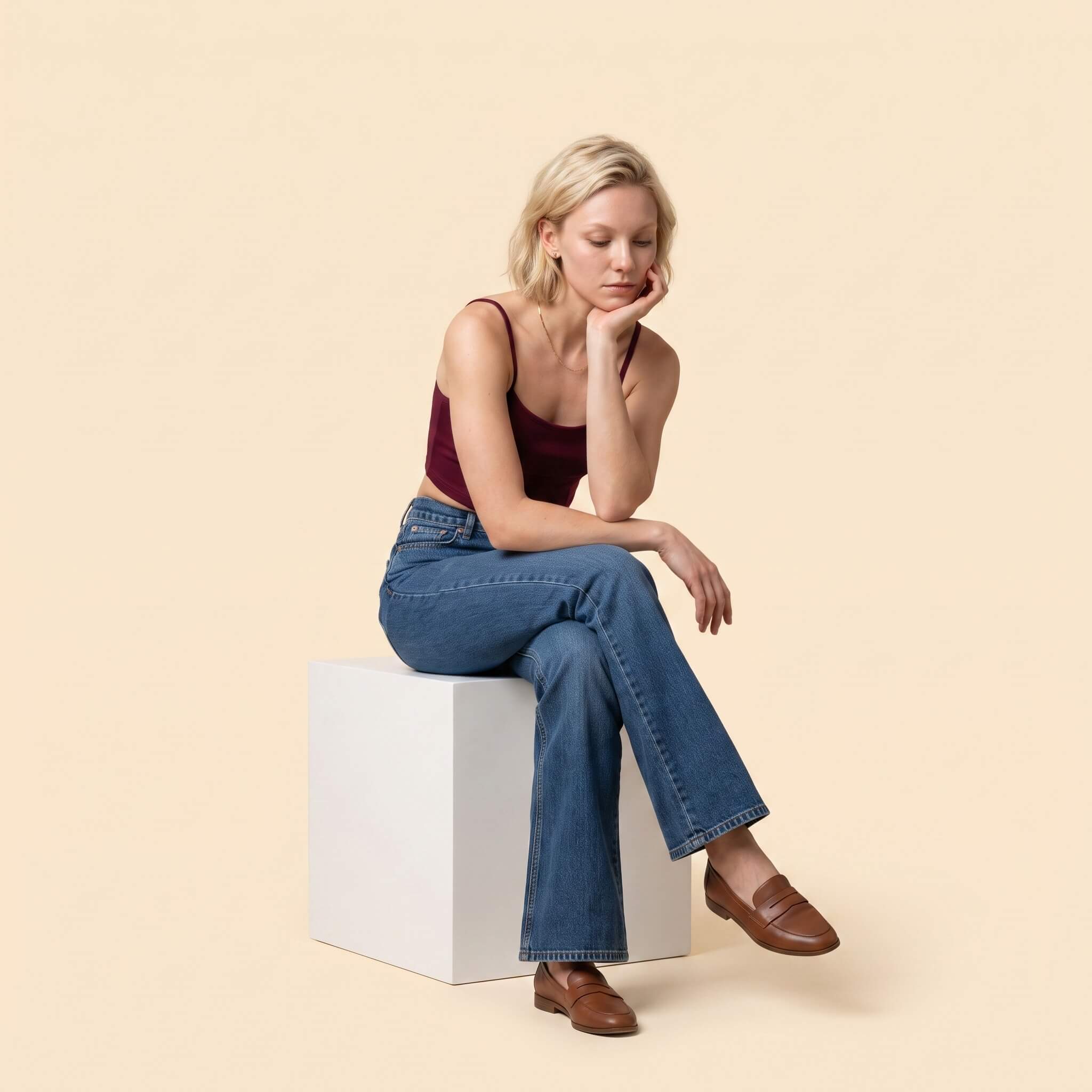
Turn one garment photo into professional on-model studio images in five controlled steps.
Start with one clear product image.
Pick from 120+ models across genders, ages and body types.
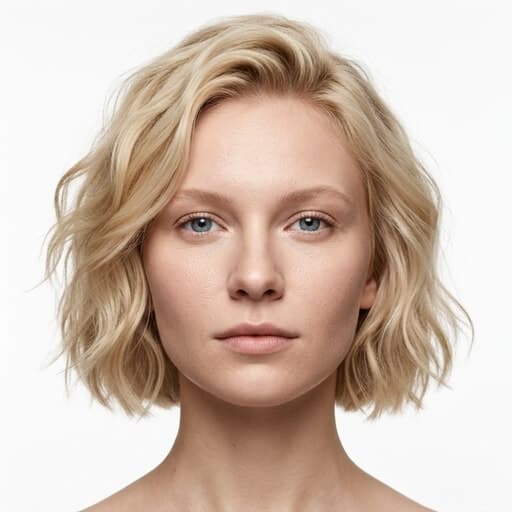
Choose from 30+ poses and five facial expressions.
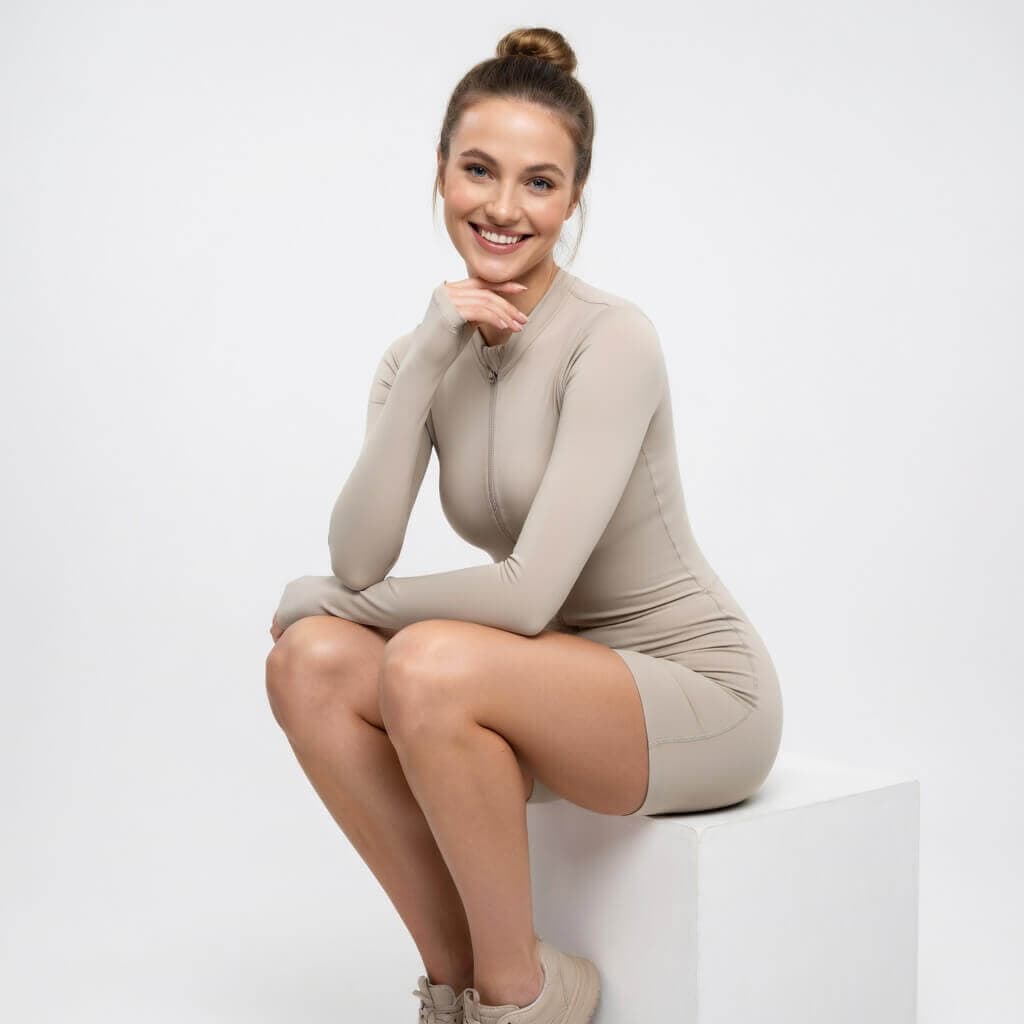
Use pure white, neutral or a brand-matched background.

Create clean, catalog-ready on-model images.
Engineered specifically for ecommerce brands, sellers, and creators who need consistent commercial visuals without physical shoot days.
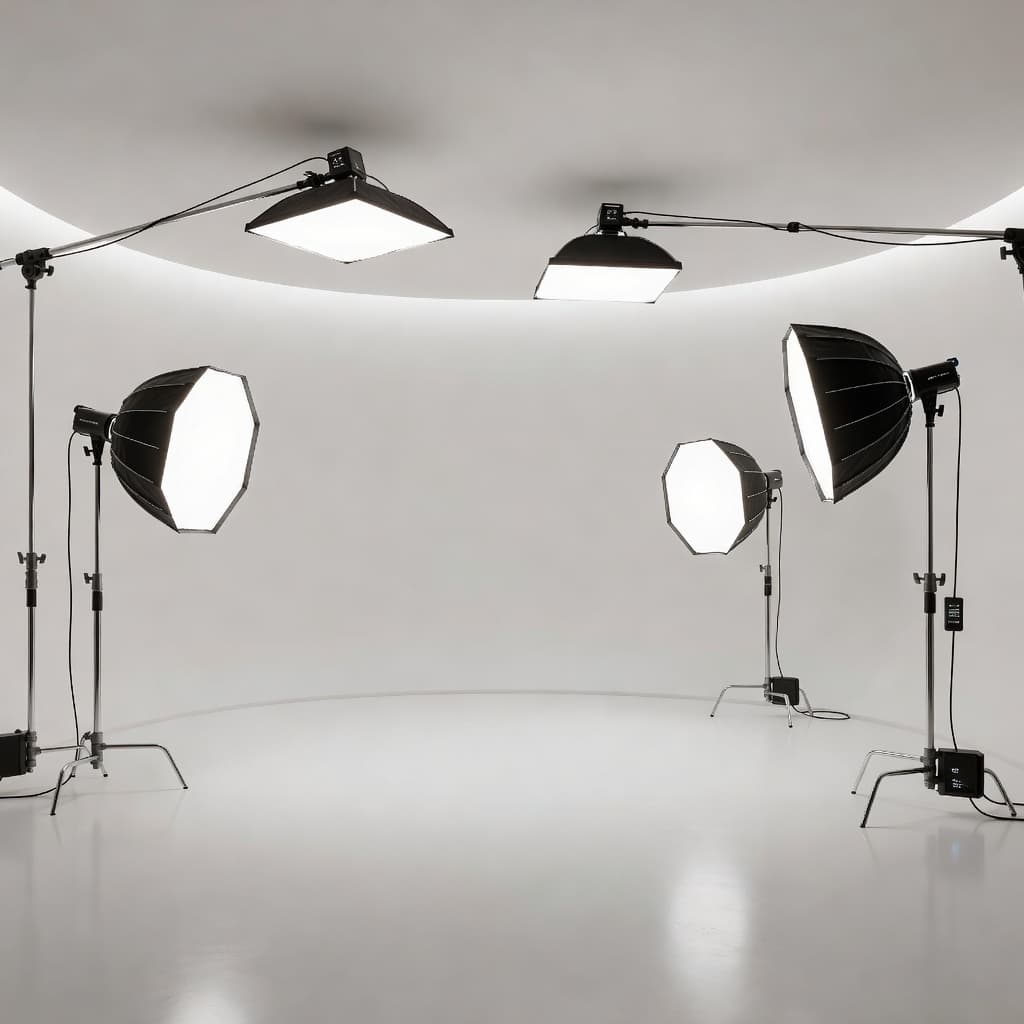 Lighting
Create a clean studio look with white, neutral or brand-matched backgrounds - without rebuilding a physical set.
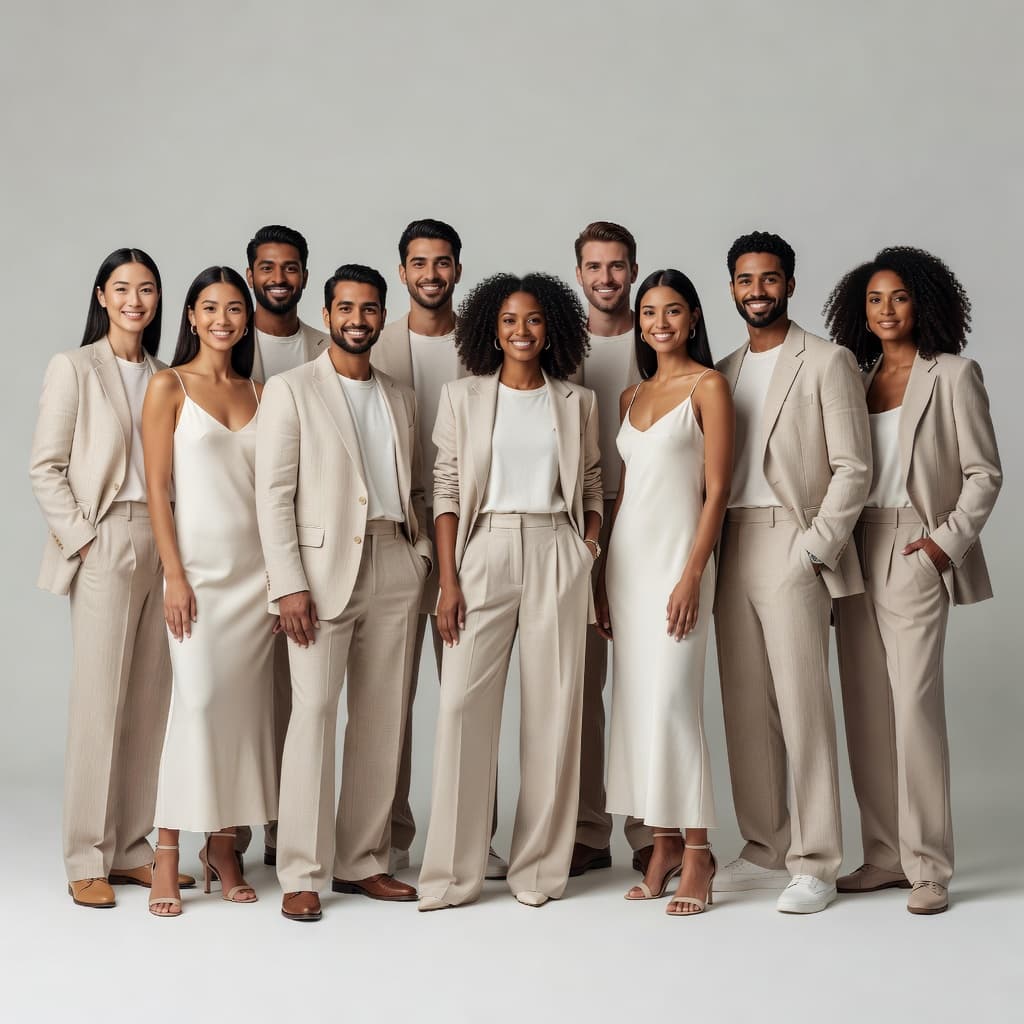 120+ Models
Choose a model that fits your customer and collection instead of organizing another casting.
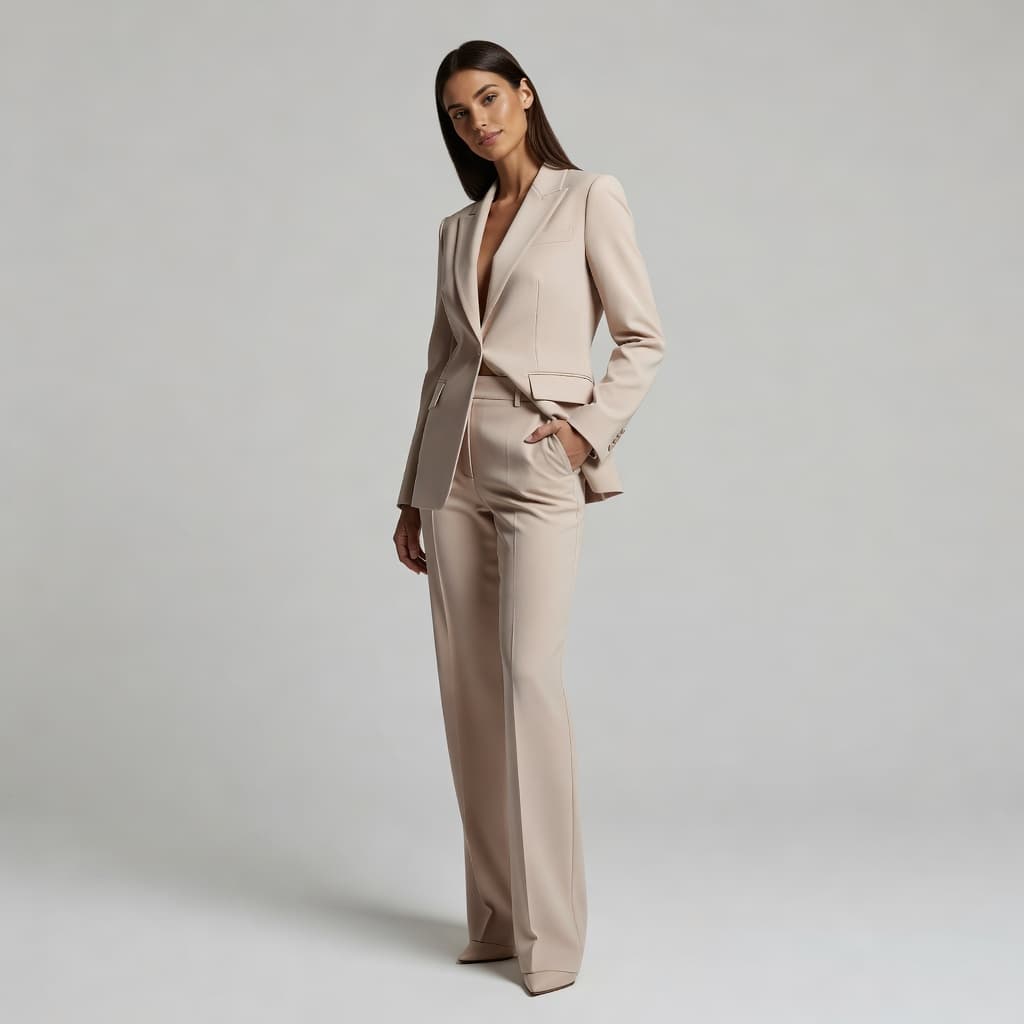 30+ Poses
Control how the garment is presented instead of accepting a random AI composition.
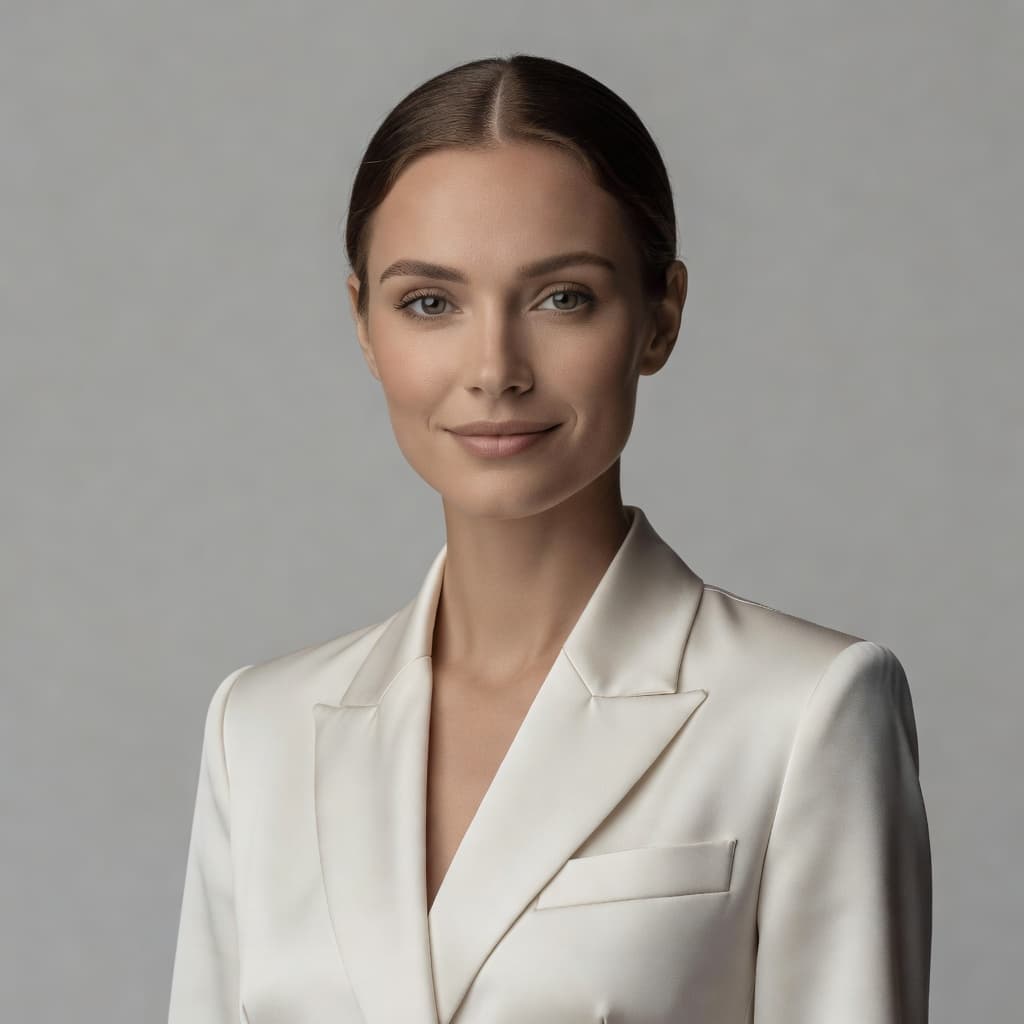 5 Expressions
Set the tone of the shot with Neutral, Smiling, Serious, Confident or Relaxed expressions.
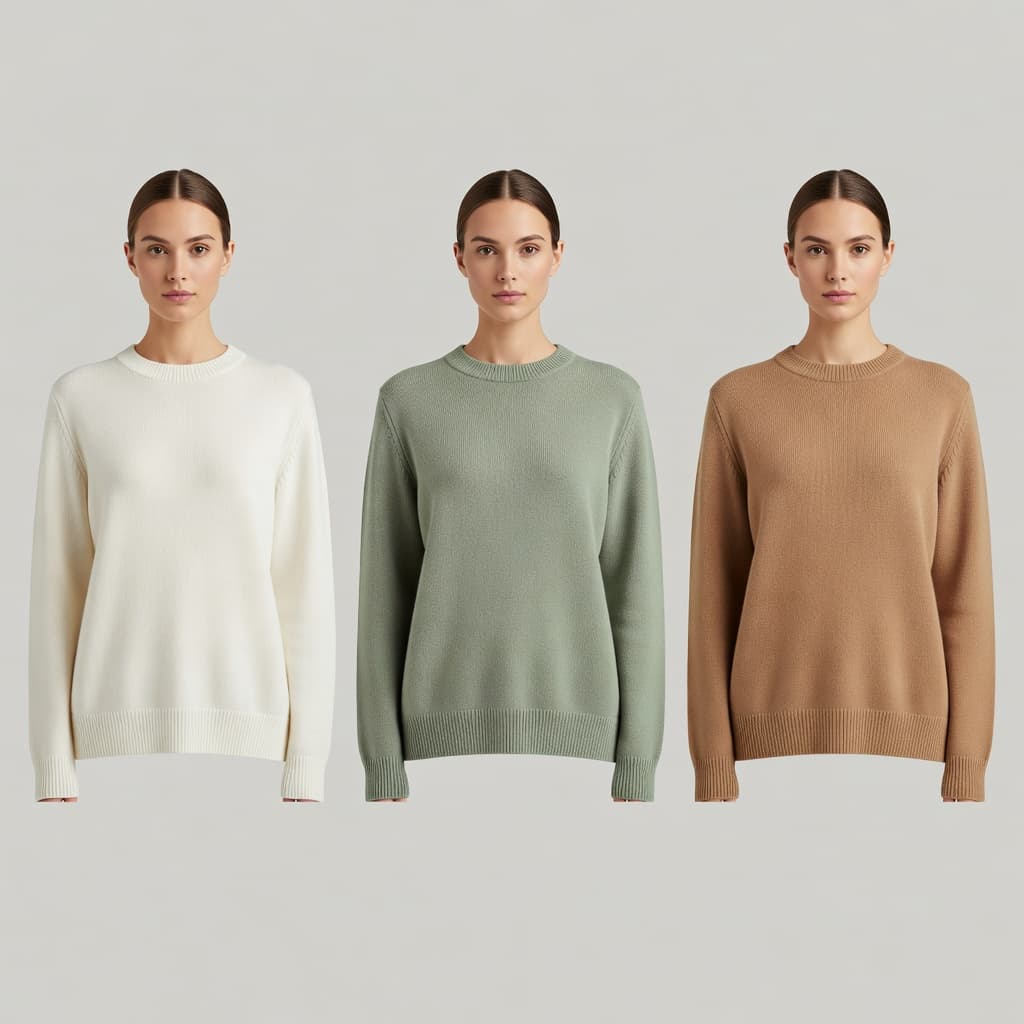 Colorways
Reuse the same visual direction when the same product comes back in another color.
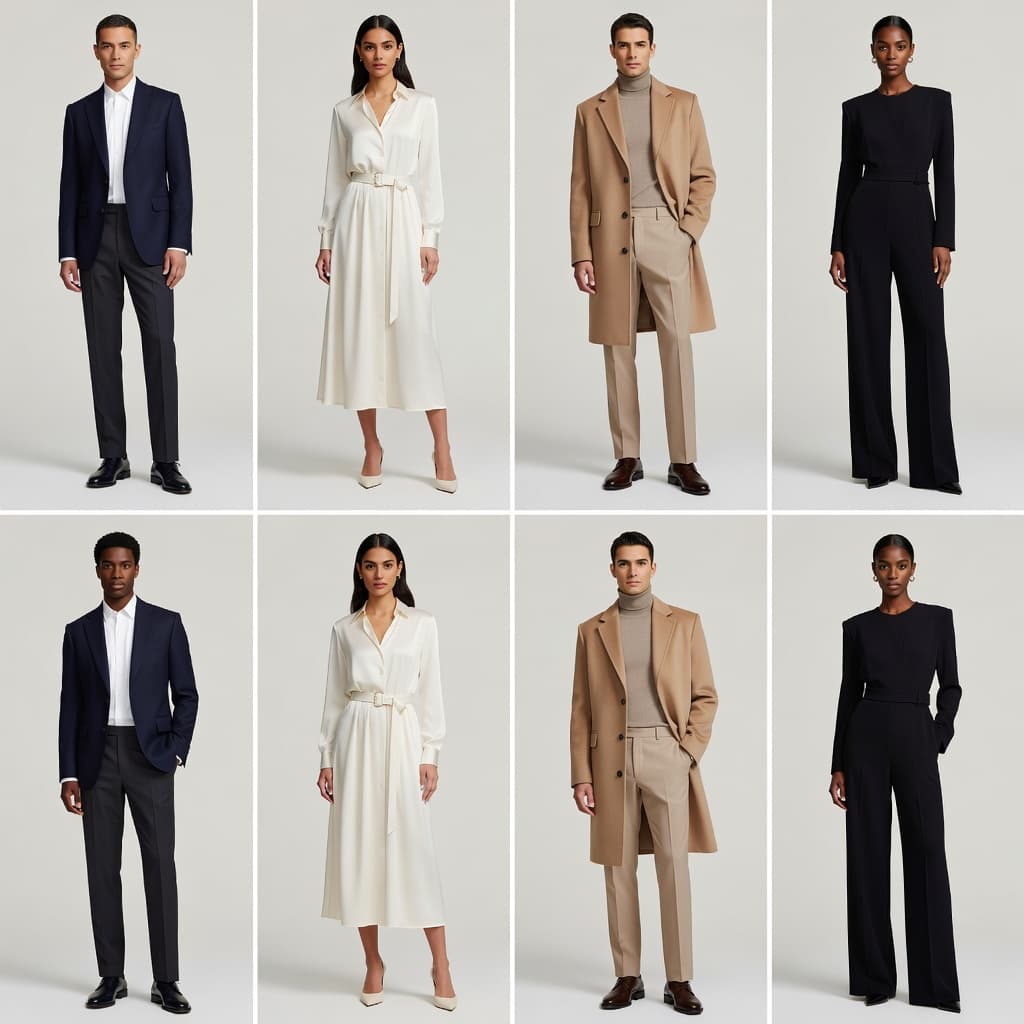 Catalog Scale
Create repeatable clothing brand photography across product pages, collections, line sheets and ecommerce catalogs.
Who Uses Shotinger
You run the store yourself and need better product images without coordinating a photographer, model and studio every time you add a product.
You need consistent fashion ecommerce photography across collections, product pages, colorways and launches - while keeping creative control.
You manage many products and need clean on-model visuals for catalogs, line sheets, buyer presentations and ecommerce listings.
Traditional clothing brand photography can look excellent. But every new product, colorway or restock can bring the same production work back: studio, photographer, model, lighting, scheduling and creative direction.
High upfront budget, complex logistics & multi-week scheduling.
Instant high-fidelity commercial photography directly from your browser.
Everything you need to evaluate Shotinger and start creating.
It turns an existing garment photo into on-model studio imagery. You choose the AI model, pose, facial expression and background, then Shotinger generates the visual for your ecommerce catalog.
AI fashion ecommerce photography uses artificial intelligence to create commercial fashion images for product pages, catalogs and online stores. Shotinger applies that workflow specifically to controlled on-model apparel photography.
For many catalog and ecommerce use cases, Shotinger lets you create on-model clothing brand photography without organizing a new physical shoot for every visual. Whether it replaces every type of shoot depends on the creative result you need.
It is designed for solo ecommerce sellers, clothing and fashion brands, suppliers and wholesalers that need repeatable product imagery.
Yes. Apparel Studio includes 120+ AI models, 30+ poses, five facial expressions and configurable studio backgrounds.
Shotinger is designed to reuse the same creative choices across product variations so your catalog can maintain a more consistent look.
Use a clear, well-lit garment image. Flat lays, hanger photos and ghost mannequin images can all be suitable source formats.
Apparel Studio focuses on clean, controlled catalog and ecommerce studio imagery. Apparel Lifestyle is intended for garments placed in environmental, editorial or lifestyle scenes.
In-depth production guides and competitor benchmarks to help you evaluate commercial quality, ROI, and workflow speed.
How DTC clothing brands use virtual AI models to display apparel across body types, skin tones, and locations without booking physical shoots.
A sourced comparison of pricing, credits, output rights and product coverage for ecommerce teams choosing an AI product photography workflow. Every claim about Botika is attributed to a public page and dated.
A data-backed comparison of Shotinger and Photta for ecommerce apparel, jewelry, and commercial product photography.
Upload a garment, direct the Shotinger AI studio and create the on-model photography your next product page needs - without waiting for another physical shoot.