Fashion & Apparel Brands
Create consistent ghost mannequin photography across collections without organizing physical mannequin shoots.

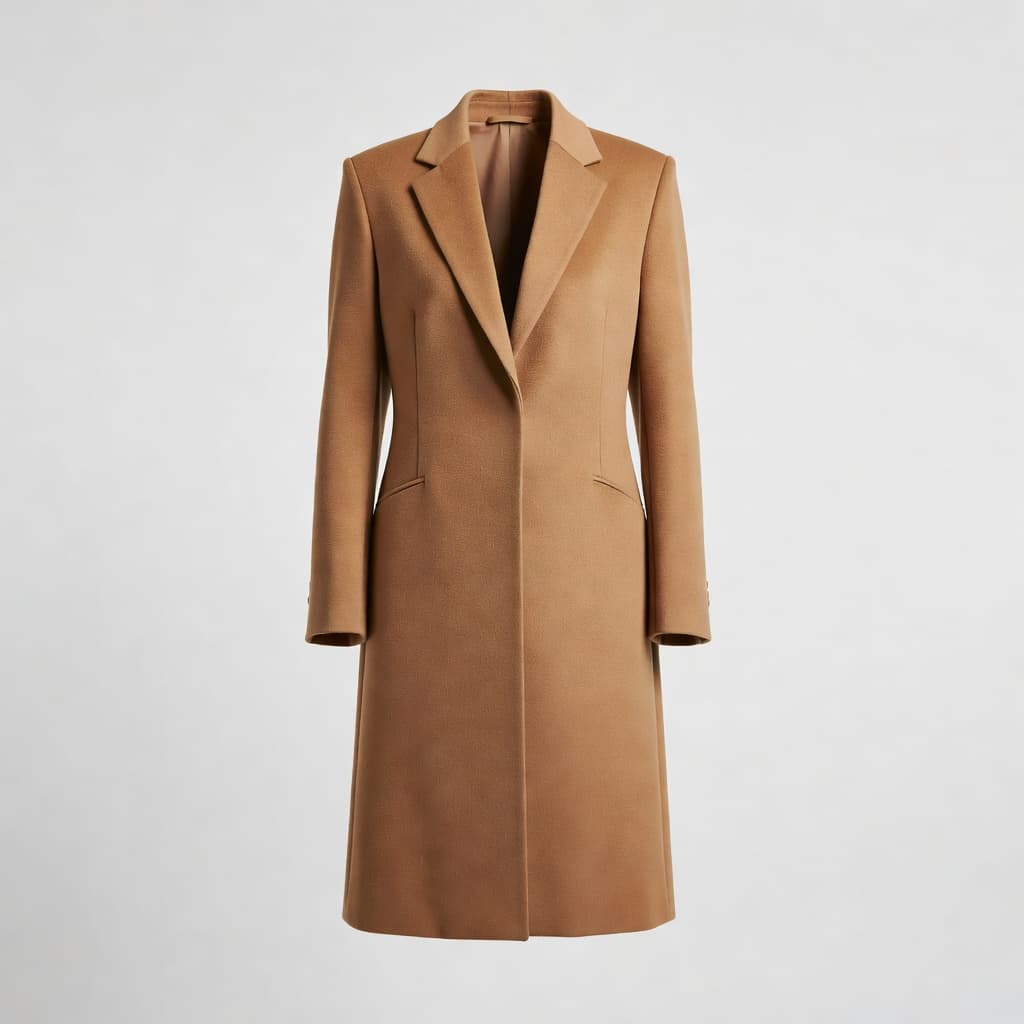
Create clean, high-quality ghost mannequin images without a physical mannequin or manual Photoshop cutouts. Upload your garment, customize the background, product position, and image format, then generate Ultra HD apparel photos with a realistic invisible mannequin effect.
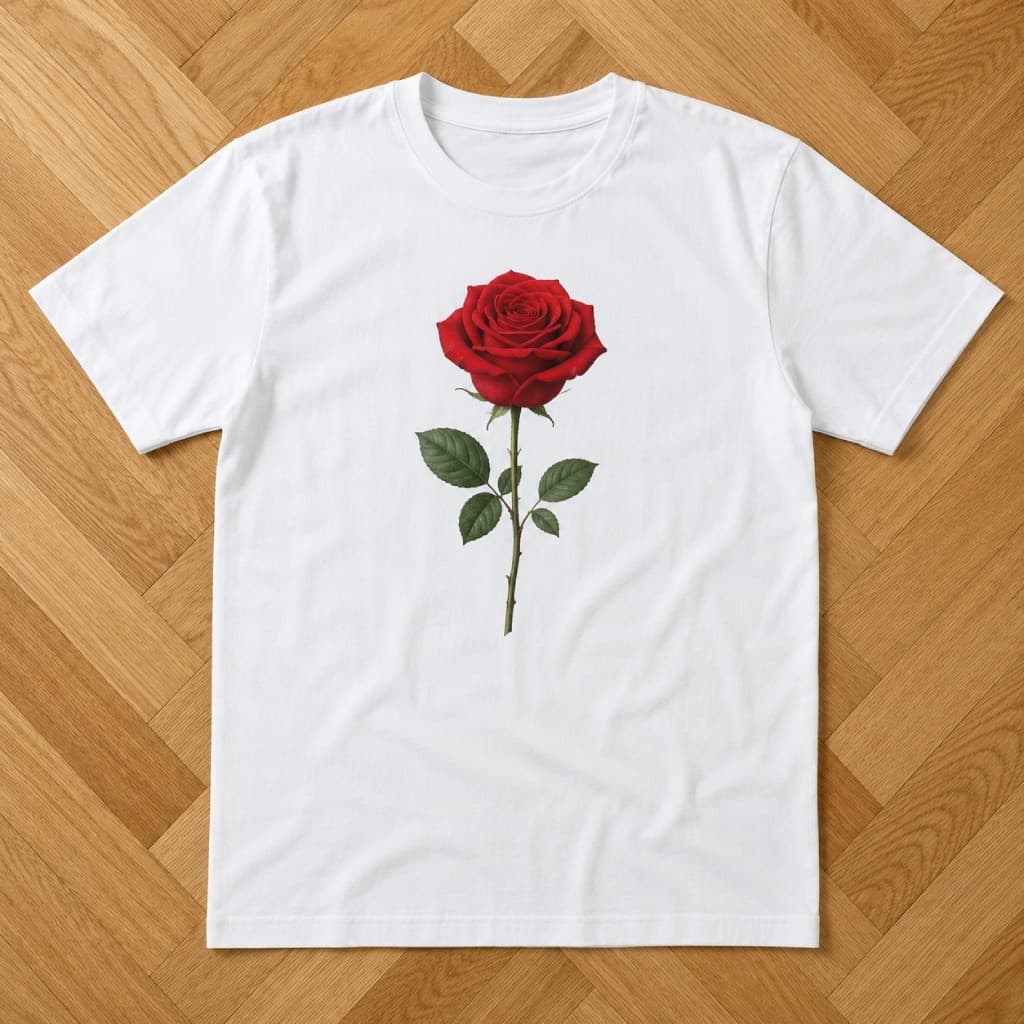
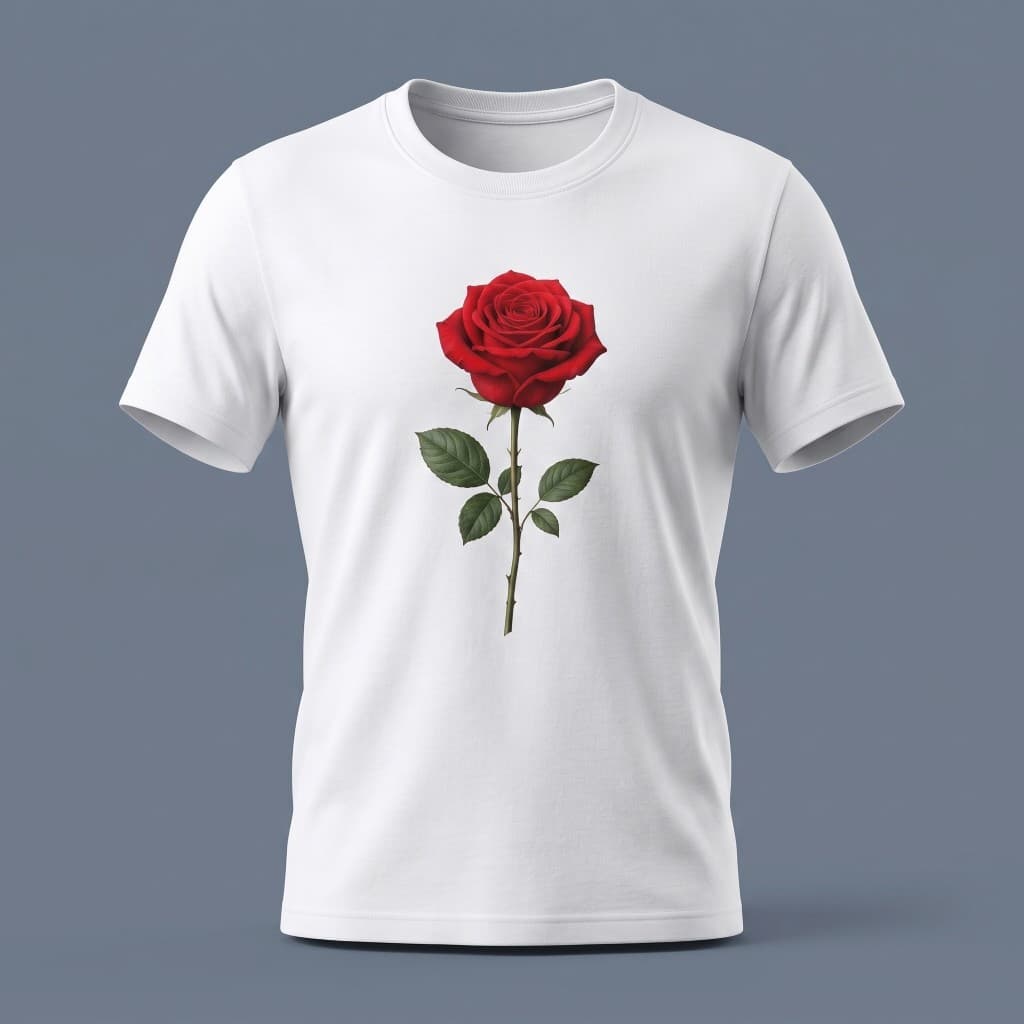
How to Use Ghost Mannequin
Start with a clear photo of the apparel product you want to transform.
Choose the background that fits your store, catalog, or visual direction.

Control the product position and select the image format you need.
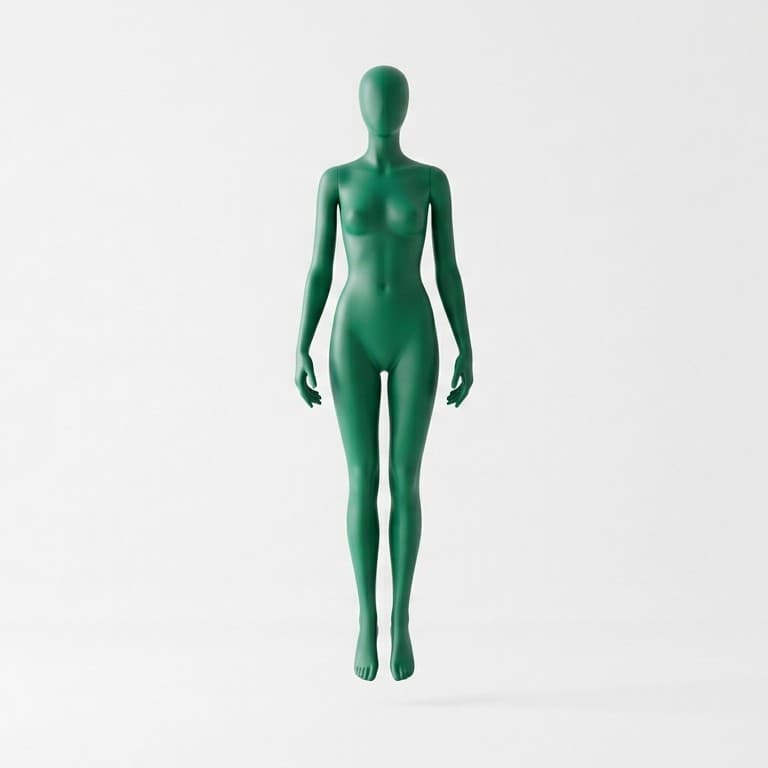
Let Shotinger AI create a polished ghost mannequin image with realistic garment shape and depth.
Engineered specifically for ecommerce brands, sellers, and creators who need consistent commercial visuals without physical shoot days.
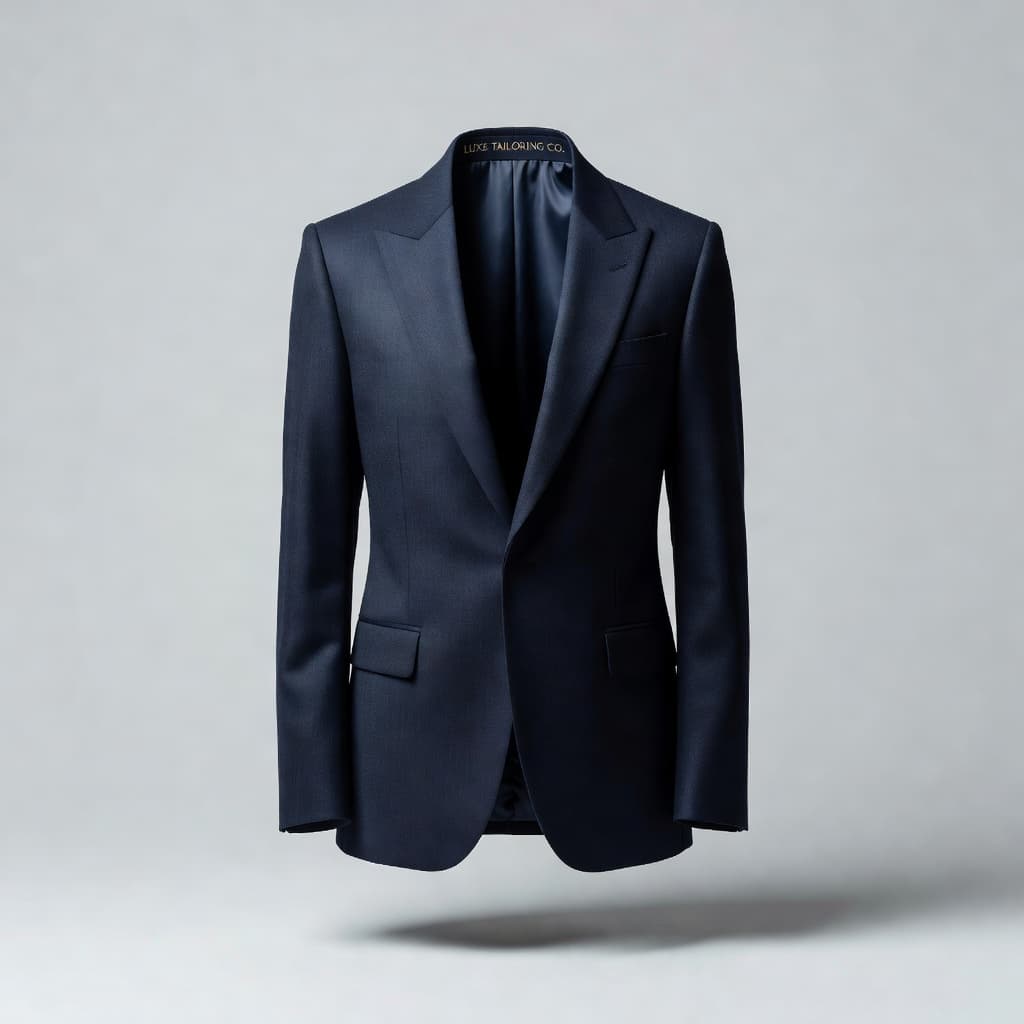 3D Depth
Create the dimensional look of a garment being worn while keeping the mannequin invisible.
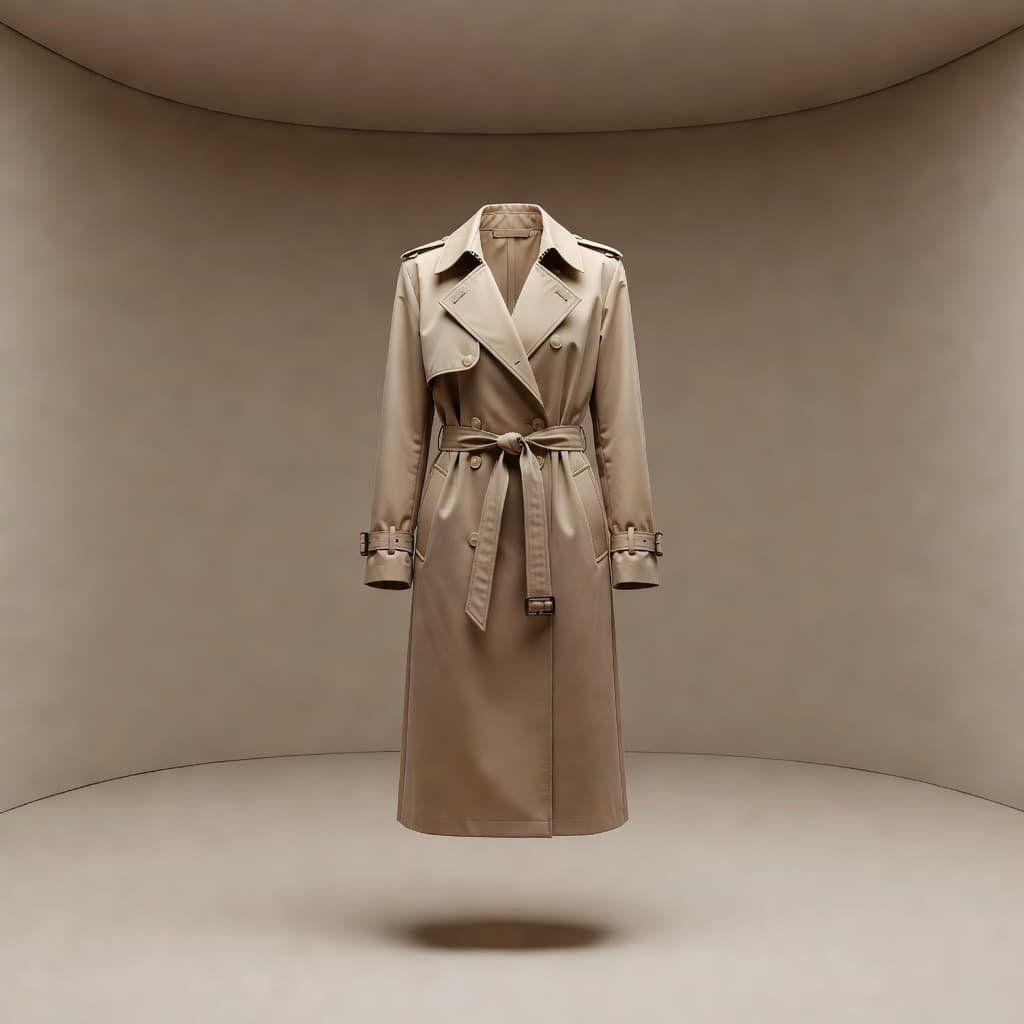 Backdrops
Change the background to match your ecommerce catalog or creative direction.
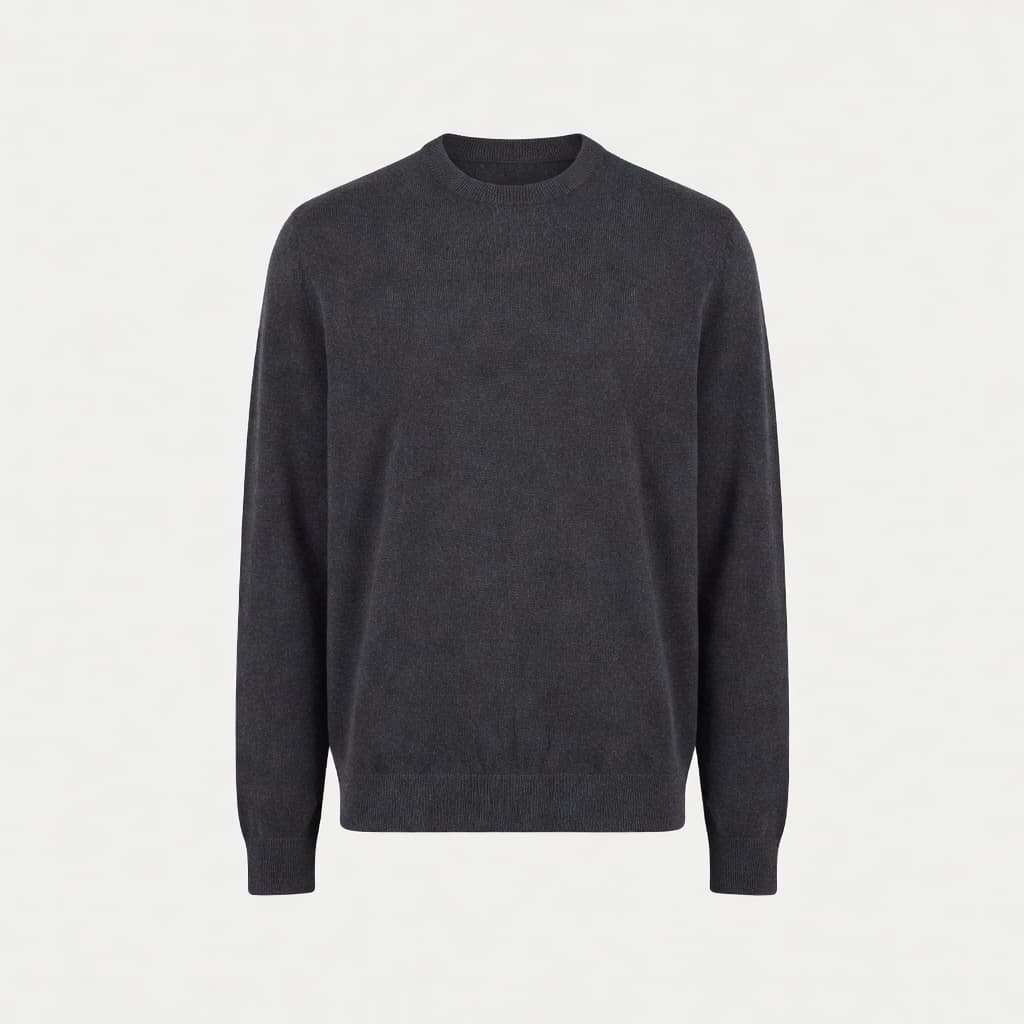 Alignment
Adjust how the garment sits within the frame for cleaner, more consistent product galleries.
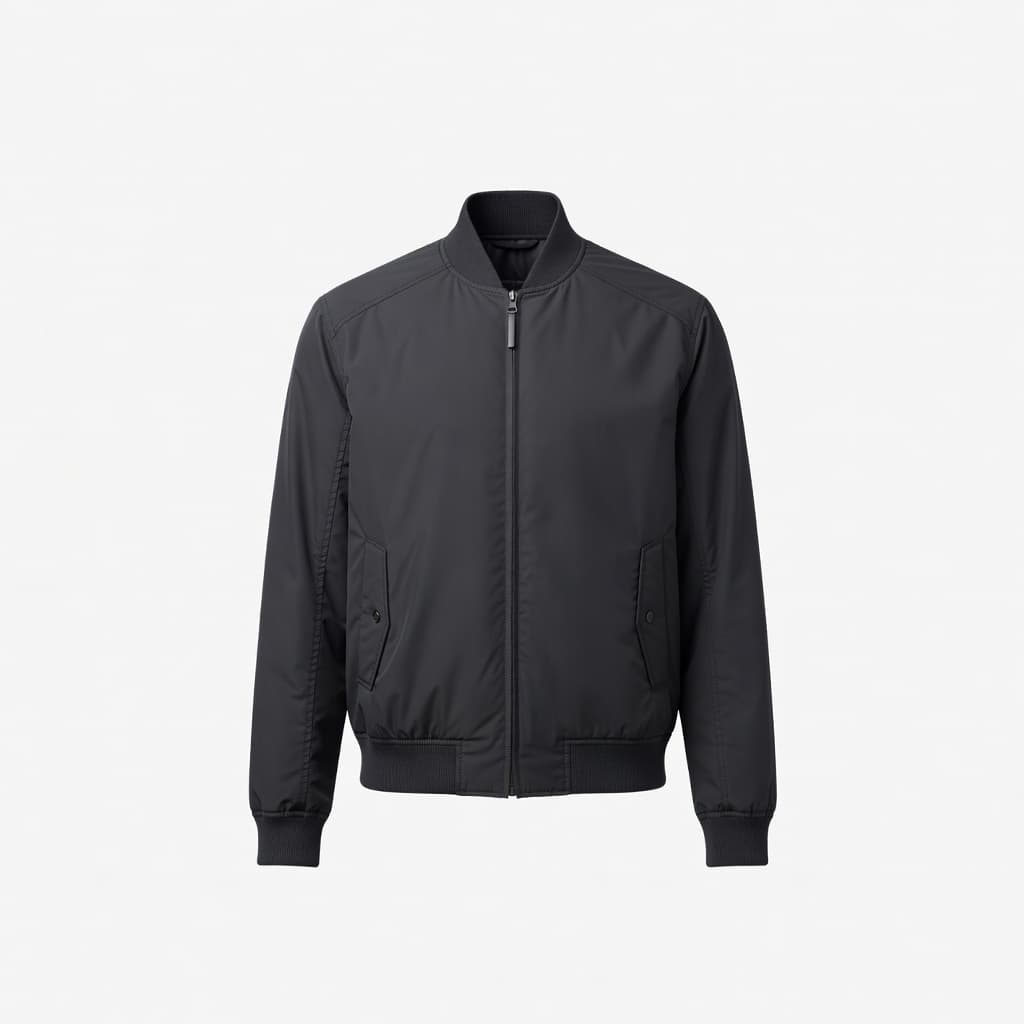 Export Options
Generate images in the format that fits your ecommerce and content requirements.
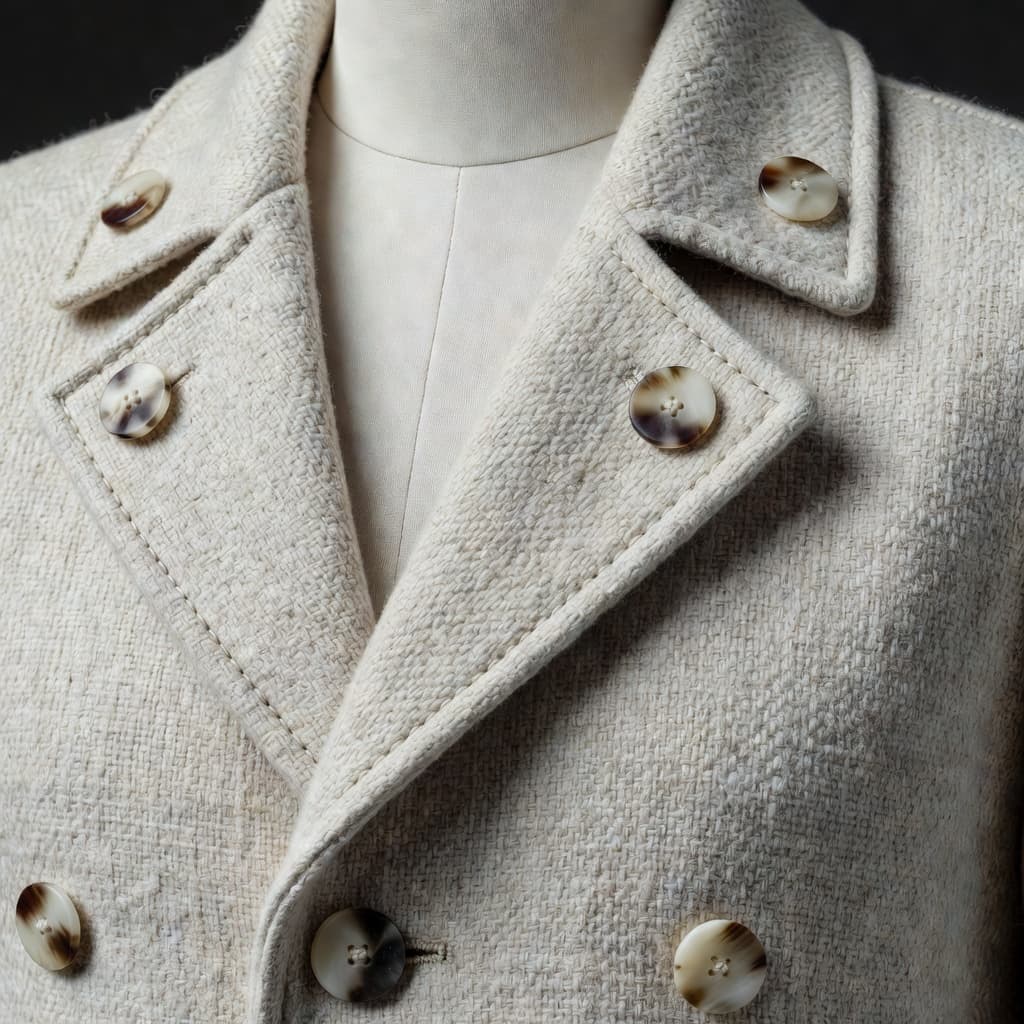 High Resolution
Create highly detailed ghost mannequin photography with Ultra HD output.
 Apparel Tailored
Create clean product imagery that keeps garment shape, fit, and construction at the center of attention.
Engineered for DTC brands, merchants, and creative teams scaling visual production.
Create consistent ghost mannequin photography across collections without organizing physical mannequin shoots.
Build clean apparel product galleries that keep attention on the garment.
Create more catalog imagery for new products, colorways, and collection launches.
Generate clean apparel images for Amazon, Zalando, and other ecommerce marketplaces.
Standardize product presentation across larger apparel catalogs.
Produce consistent ghost mannequin images without repeating manual cutout and retouching workflows.
Traditional ghost mannequin photography requires a physical setup, multiple images, cutouts, and retouching. Shotinger AI creates the finished effect directly from your garment image.
High upfront budget, complex logistics & multi-week scheduling.
Instant high-fidelity commercial photography directly from your browser.
Everything you need to evaluate Shotinger and start creating.
Ghost mannequin photography creates the appearance of a garment being worn by an invisible body, helping shoppers see its shape, fit, and structure without a visible model or mannequin.
Upload your garment image, customize the visual settings, and let Shotinger AI generate the ghost mannequin effect.
Yes. You can customize the background to fit the visual direction of your ecommerce store or catalog.
Yes. Shotinger lets you control the product's position within the final composition.
Yes. You can select the format that best fits the final use of your image.
Ghost Mannequin images can be generated in Ultra HD for detailed apparel presentation.
No. Shotinger uses AI to create the ghost mannequin effect without requiring a traditional physical mannequin workflow.
In-depth production guides and competitor benchmarks to help you evaluate commercial quality, ROI, and workflow speed.
How DTC clothing brands use virtual AI models to display apparel across body types, skin tones, and locations without booking physical shoots.
A data-backed comparison of Shotinger and Photta for ecommerce apparel, jewelry, and commercial product photography.
Create Ultra HD ghost mannequin photography with the background, position, and format you need - without physical mannequin shoots or manual cutouts.