Ecommerce Jewelry Sellers
Create product and on-model images for Shopify, Etsy, marketplaces, and your own store.

Create professional jewelry photography and on-model visuals with AI - for jewelry, watches, eyewear, and accessories. Upload your product, choose your model, placement, pose, expression, or scene, and generate polished Ultra HD images built to showcase every detail.
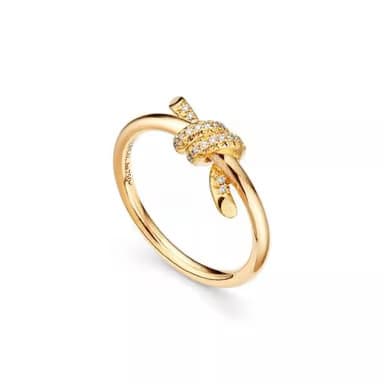
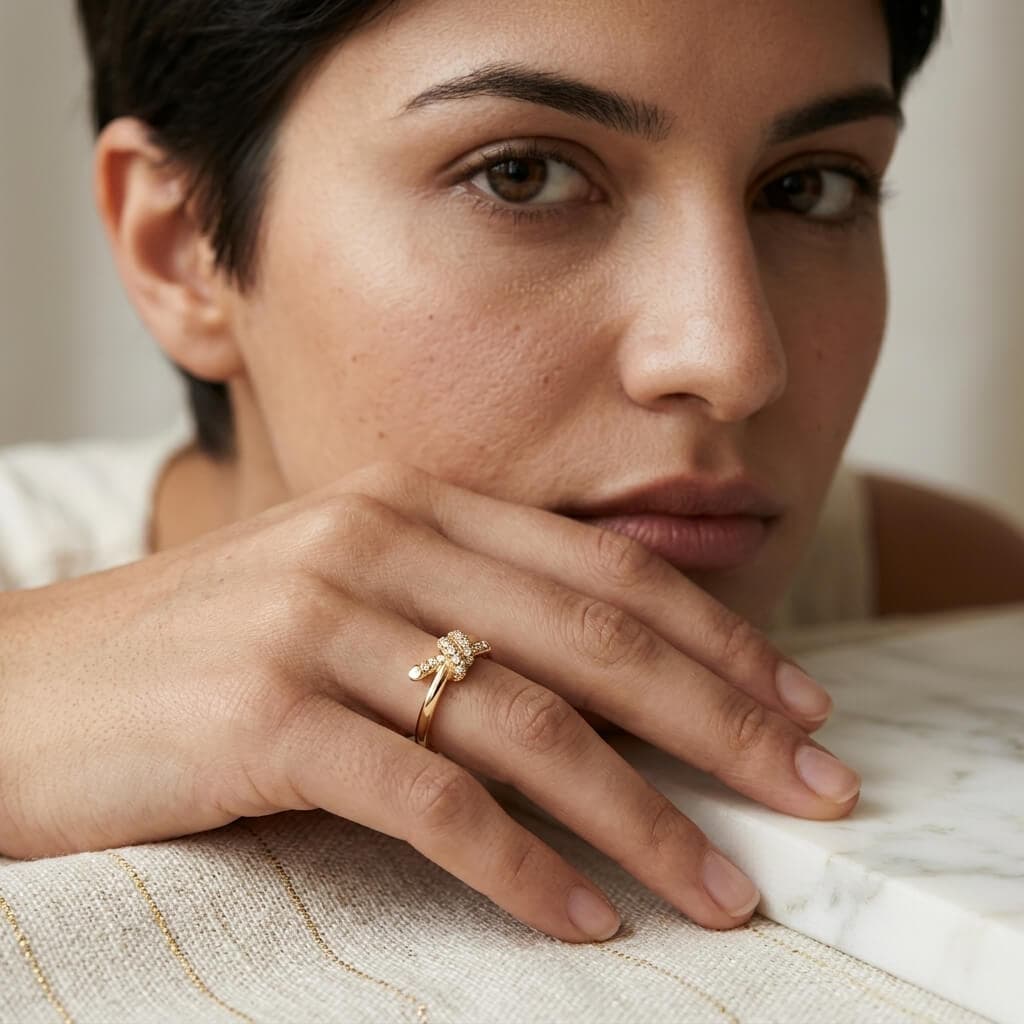
How to Use Jewelry & Accessories
Start with a clear photo of your ring, necklace, earrings, bracelet, watch, eyewear, or accessory.
Choose a model and place the product naturally on a hand, ear, wrist, or neckline.
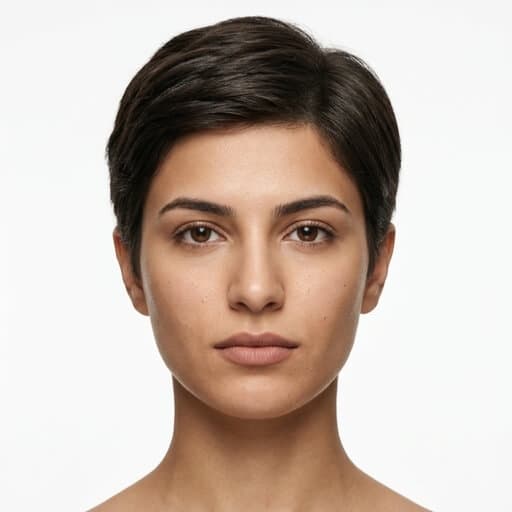
Choose the scene, position, pose, expression, and composition that keep the product in focus.
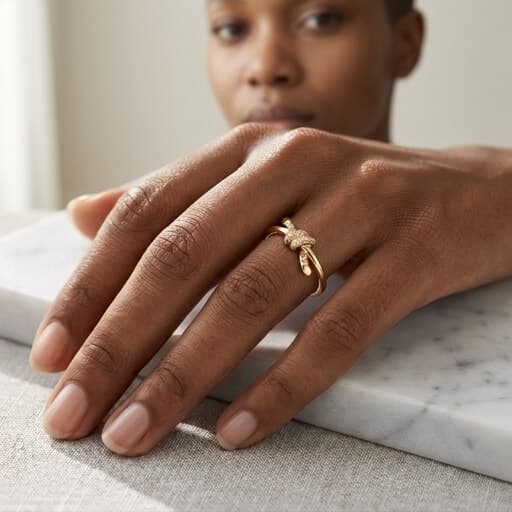
Create detailed product or on-model images ready for ecommerce and campaigns.
Engineered specifically for ecommerce brands, sellers, and creators who need consistent commercial visuals without physical shoot days.
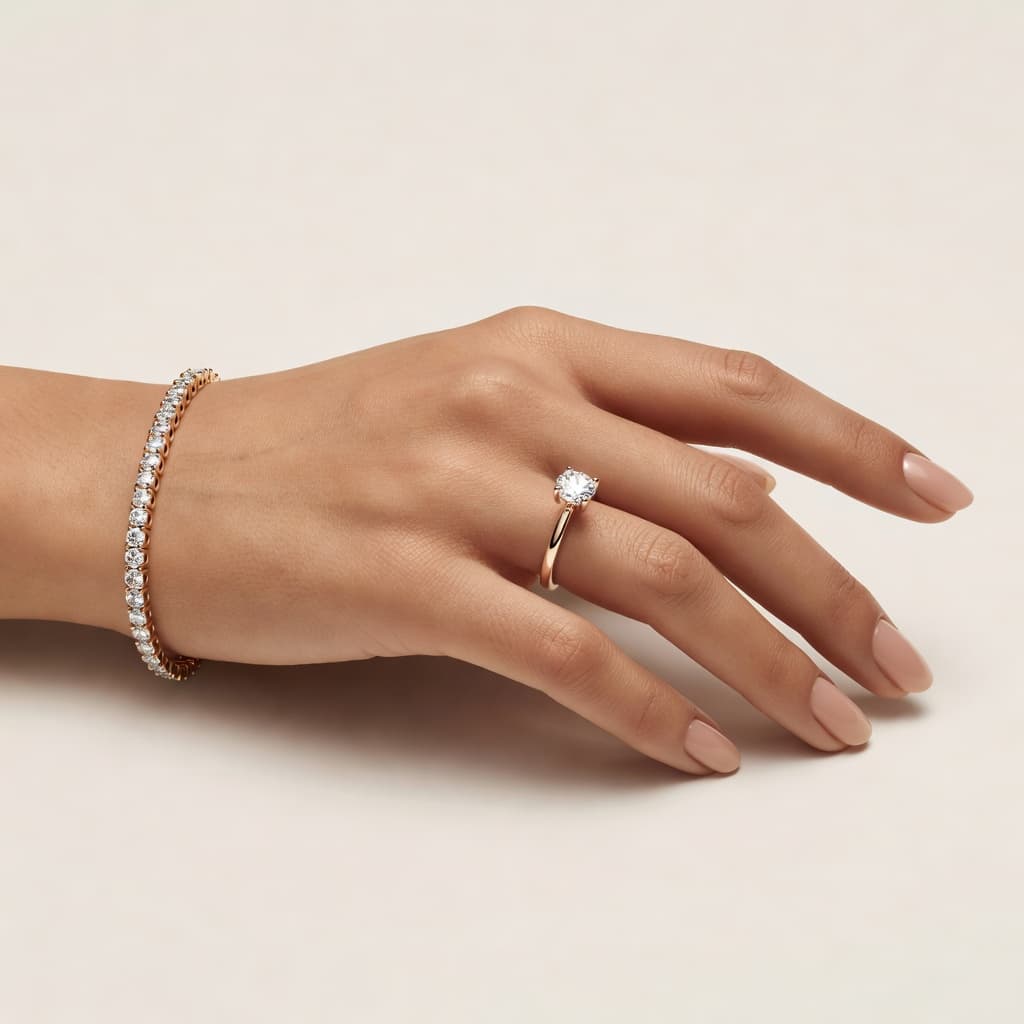 AI Models
Put rings on hands, earrings on ears, bracelets and watches on wrists, and necklaces around necklines with realistic scale.
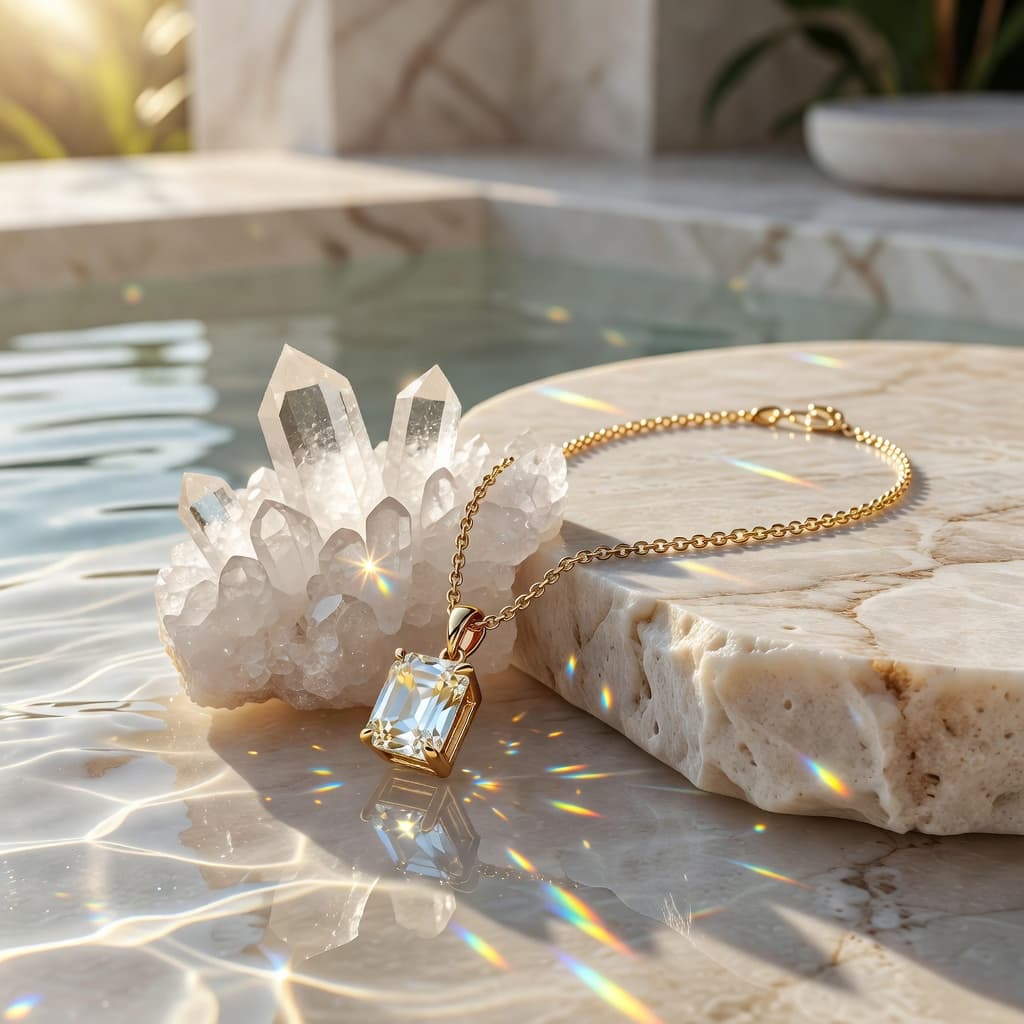 Environments
Move beyond a single catalog look with environments built around your brand, collection, or campaign.
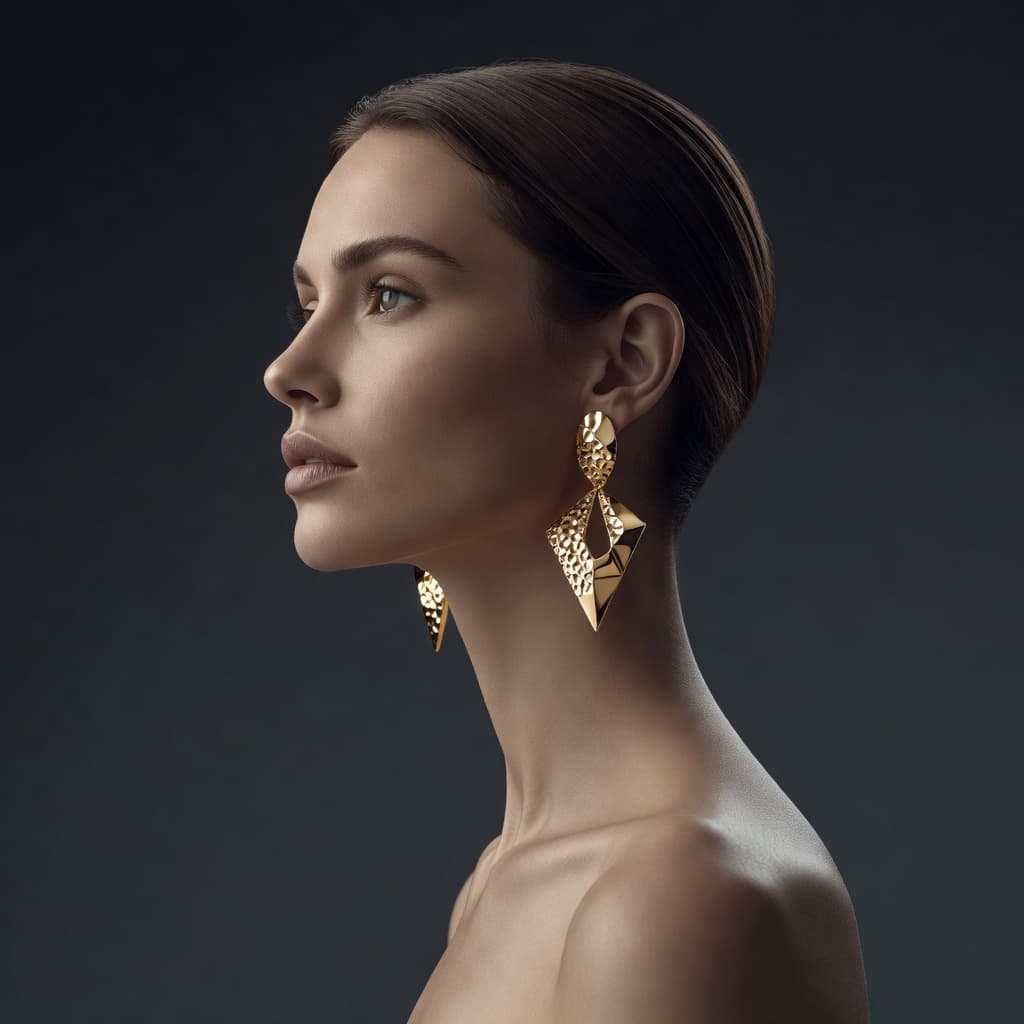 Expressions
Choose how the model poses and expresses the mood so the product fits the story you want the image to tell.
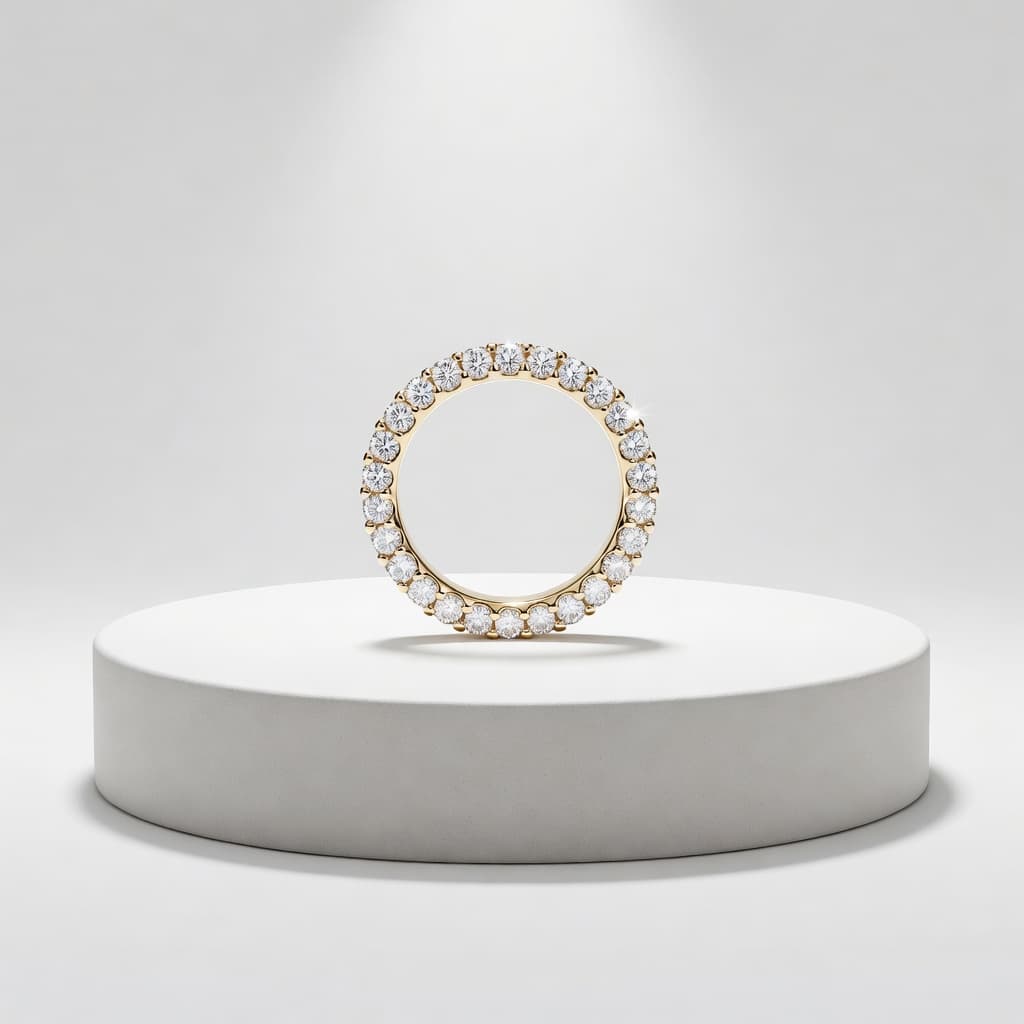 Composition
Control composition and positioning so the jewelry or accessory remains the visual focus.
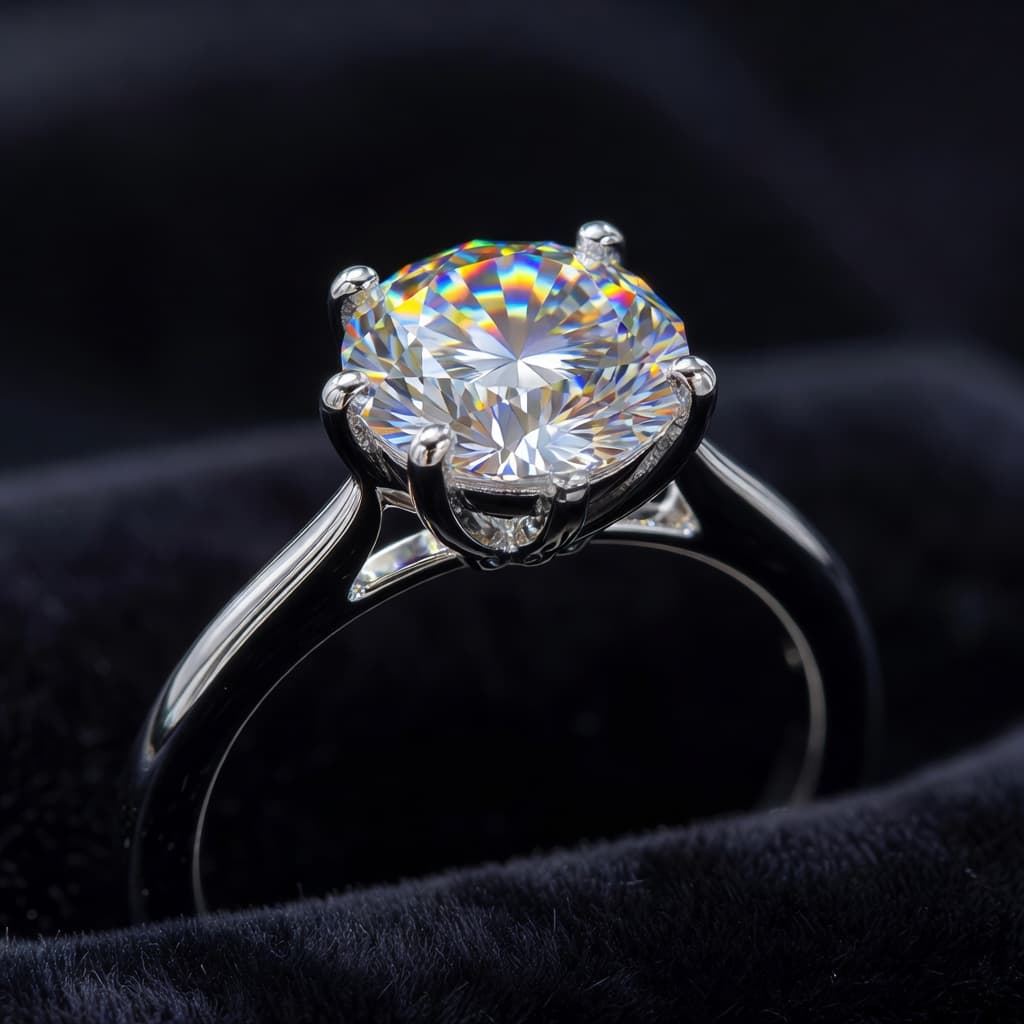 Macro Clarity
Show gemstone facets, polished metals, textures, finishes, and fine product details with close-up clarity.
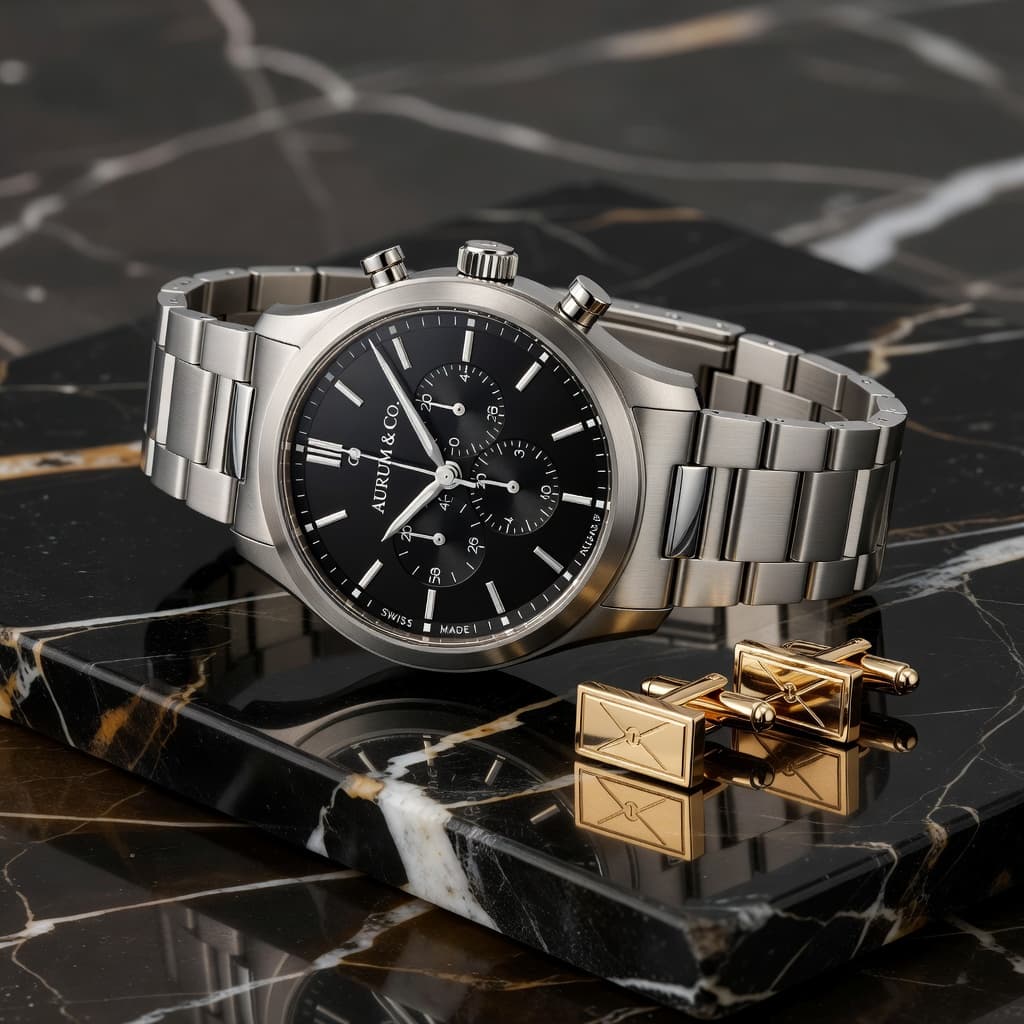 High Resolution
Generate high-resolution images for product pages, marketplaces, campaigns, social media, and advertising.
Engineered for DTC brands, merchants, and creative teams scaling visual production.
Create product and on-model images for Shopify, Etsy, marketplaces, and your own store.
Show precious metals, gemstones, craftsmanship, and scale through detailed product and model visuals.
Give new pieces a consistent professional presentation without a macro setup for every collection.
Create polished product and model photography that shows how accessories actually look when worn.
Produce visual content for bags, eyewear, watches, and accessories alongside jewelry collections.
Create multiple visual directions for product pages, launches, campaigns, ads, and social content.
Traditional jewelry photography can mean specialist equipment, lighting, model booking, retouching, and another shoot for every new direction. Shotinger creates multiple commercial visuals from the product image you already have.
High upfront budget, complex logistics & multi-week scheduling.
Instant high-fidelity commercial photography directly from your browser.
Everything you need to evaluate Shotinger and start creating.
Jewelry product photography clearly showcases the shape, materials, finish, gemstones, craftsmanship, and details of a piece for ecommerce and marketing.
Yes. Shotinger can create macro-style jewelry images from a standard product photo without specialist macro photography equipment.
Yes. Choose an AI jewelry model and create realistic wearing visuals for rings, earrings, necklaces, bracelets, watches, and accessories.
An AI jewelry model generator creates model imagery around an existing jewelry product without requiring a physical model photoshoot.
Yes. Choose from 20+ scenes and control model direction, positioning, poses, and expressions to create different visual styles.
Yes. Shotinger creates jewelry model photography alongside product-focused and macro-style images so customers can see detail and how a piece looks when worn.
No. Jewelry is a core use case, but the tool also supports watches, eyewear, and fashion accessories.
Images can be generated in Ultra HD for product pages, marketplaces, campaigns, ads, and social media.
In-depth production guides and competitor benchmarks to help you evaluate commercial quality, ROI, and workflow speed.
How DTC clothing brands use virtual AI models to display apparel across body types, skin tones, and locations without booking physical shoots.
A data-backed comparison of Shotinger and Photta for ecommerce apparel, jewelry, and commercial product photography.
From macro product details to jewelry worn on a model, create Ultra HD images that show customers what makes every piece worth buying - without another photoshoot.