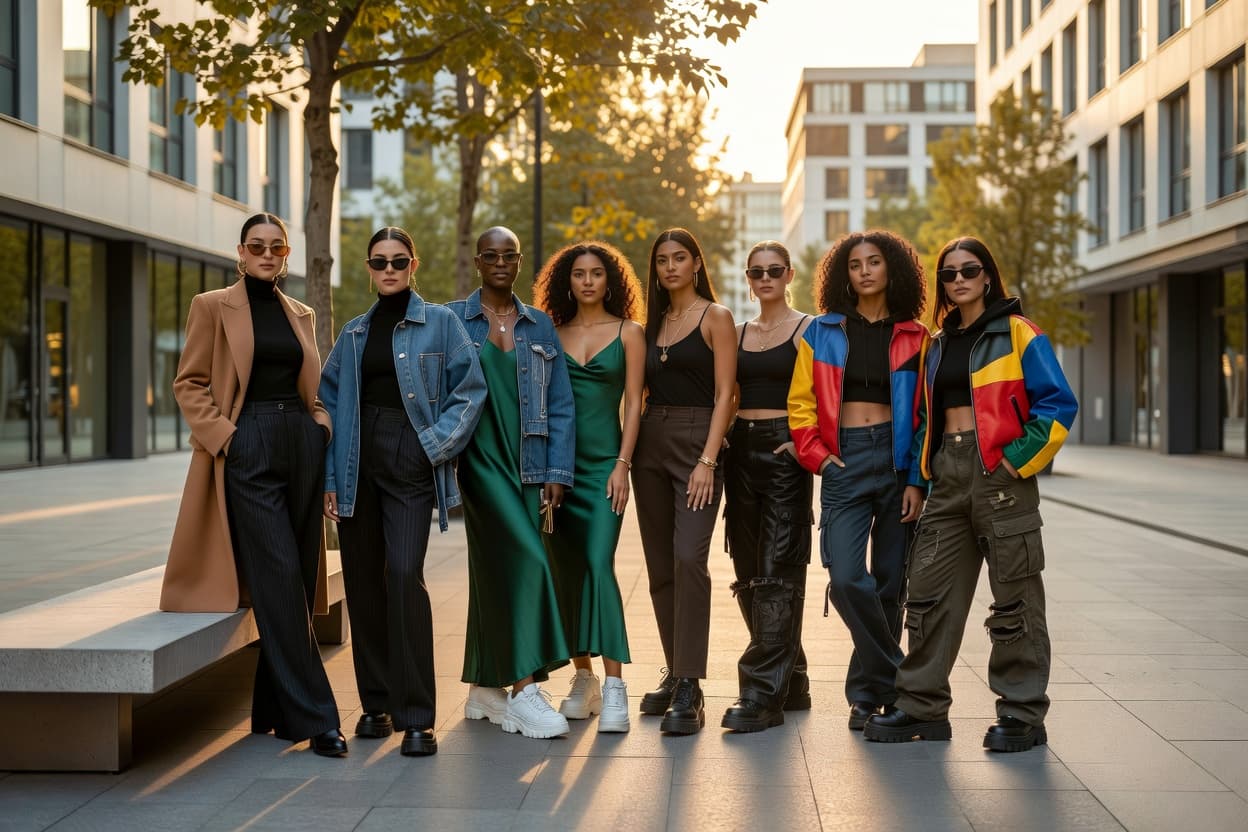
What virtual model generation actually does
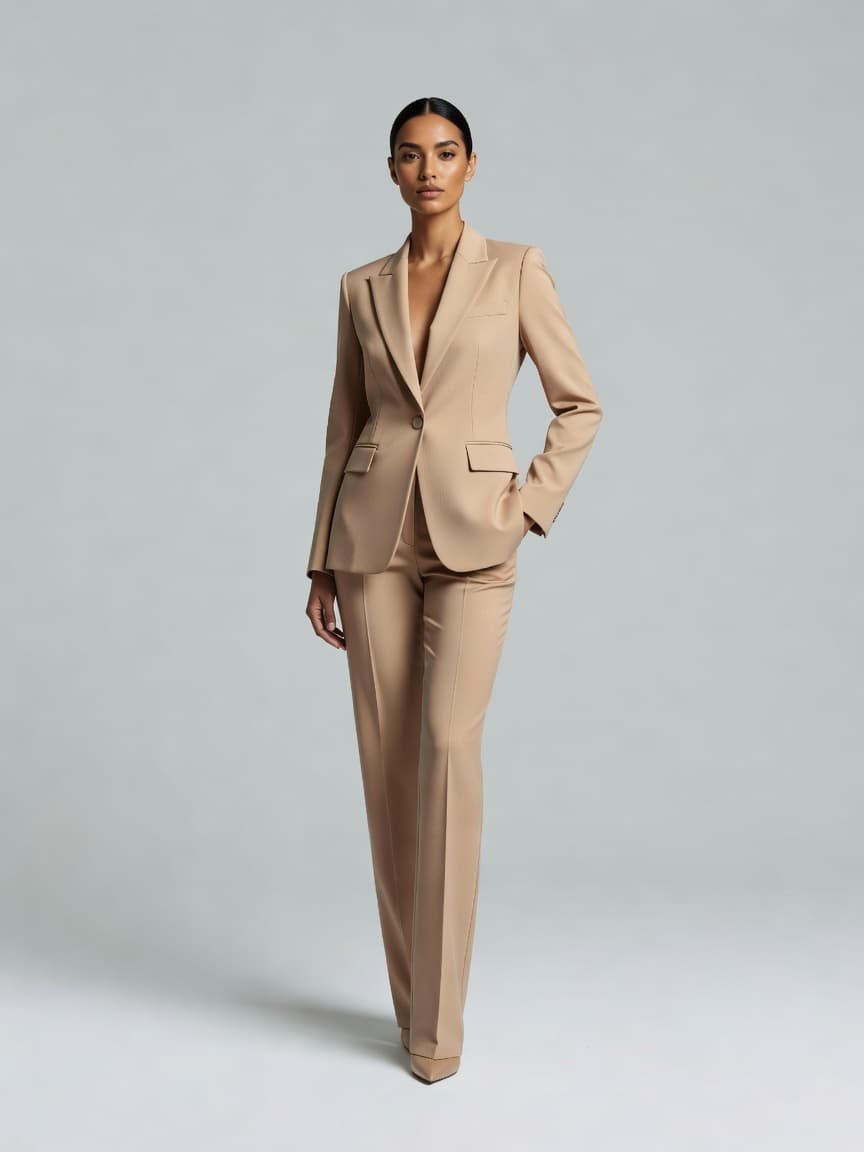
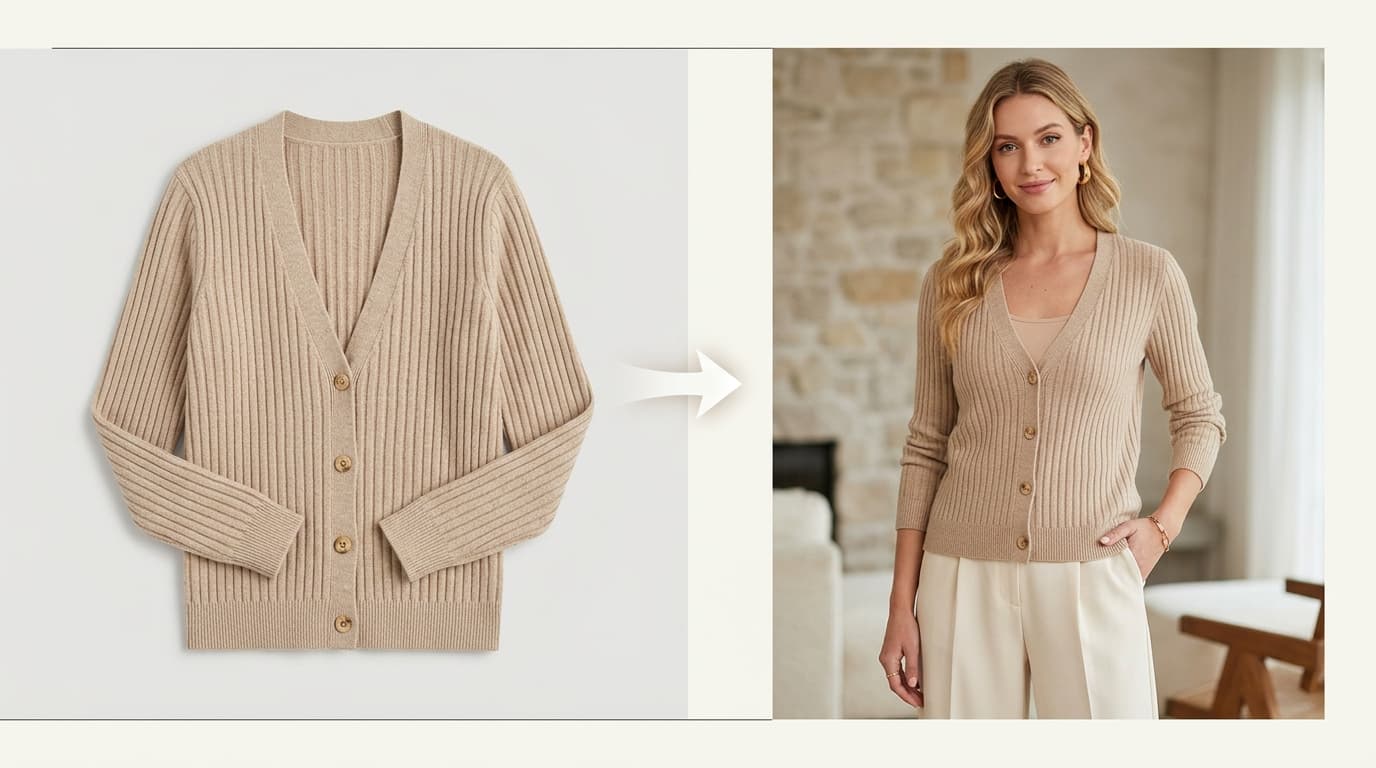
An AI model generator takes flat-lay, mannequin, or basic studio photos of real clothing and renders a virtual person wearing them. Instead of booking talent, renting a studio, and steaming samples for eight hours, you upload a clean shot of the garment and pick who wears it, how they stand, and where the photo takes place.
For direct-to-consumer apparel brands, this solves a basic logistical headache: showing clothes on people without spending thousands of dollars before selling a single unit.
Why traditional model casting breaks down for small brands
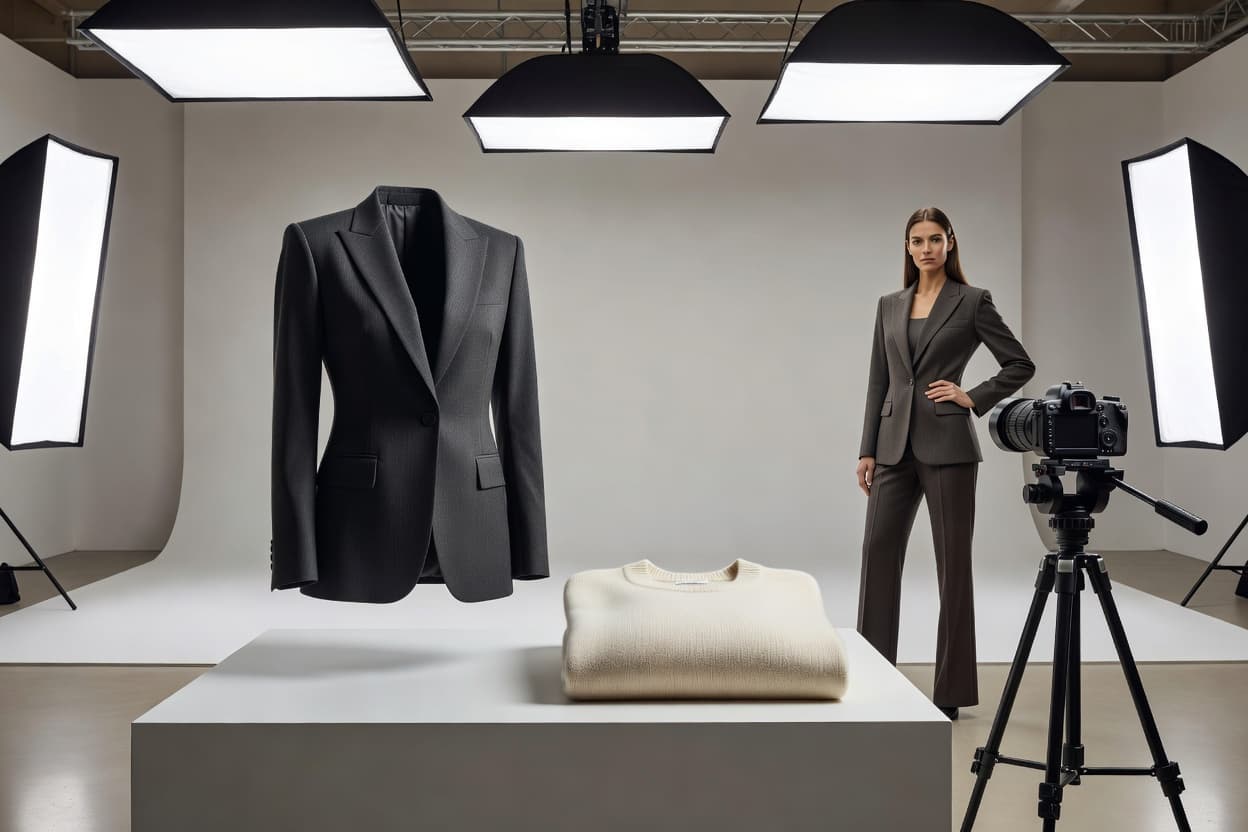
Anyone who has run a commercial apparel shoot knows how quickly costs and schedules spiral. Booking four models for a single afternoon can run anywhere from $4,000 to $12,000 once you factor in agency day rates, usage buyouts, hair and makeup, and studio fees.
Then there is the scheduling bottleneck. If a sample arrives late from the factory, or if a model gets sick, your entire product launch slips by three weeks.
The bigger issue is sizing and representation. Most brands shoot one sample size (usually Small or Medium) on one model. When shoppers cannot picture how a jacket looks on a curvier frame or how a colorway pairs with their skin tone, they either leave the page or order two sizes and return one. Showing clothes on different body types and backgrounds directly reduces returns and lifts conversion rates.
| Production Factor | Traditional casting | Virtual model generation (Shotinger Apparel Lifestyle) |
|---|---|---|
| Talent diversity | Capped by agency roster and shoot budget | 120+ demographic profiles and body shapes |
| Size coverage | Usually one sample size (S or M) | Multiple body types (Petite, Regular, Athletic, Curve) |
| Model consistency | Risk of talent moving or changing appearance | Saved model profiles reusable across seasons |
| Cost per final look | $120 to $350 | Under $1.00 (See pricing) |
| Turnaround time | 3 to 6 weeks | Under 60 seconds per render |
How to set up and cast virtual models
When generating models in Shotinger Apparel Lifestyle or Apparel Studio, the process works in four clear steps:
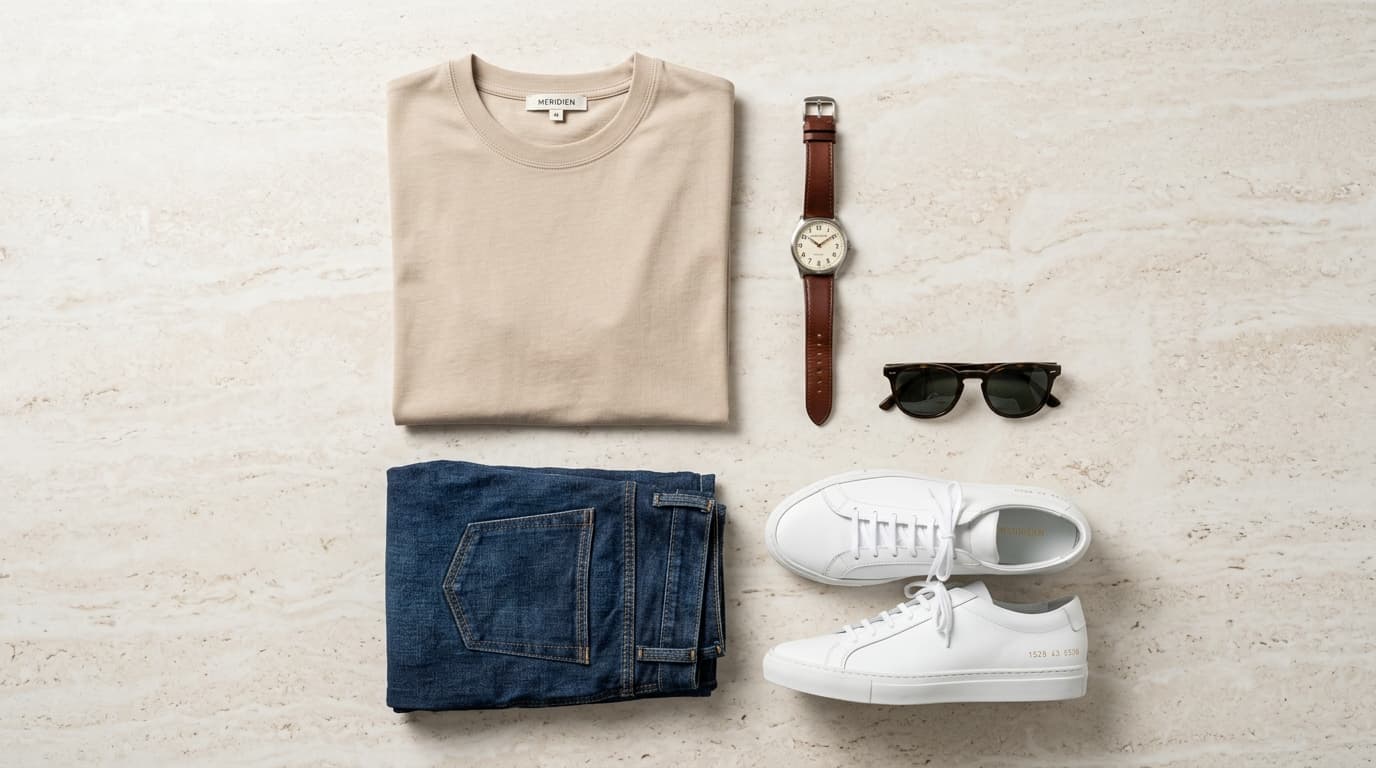
- Upload your base garment. Start with a flat lay, invisible mannequin shot, or clean hanger photo. The better the lighting and contrast on the original image, the cleaner the drape on the final render.
- Select model attributes. Pick the ethnicity, estimated age bracket, and body build that fits your audience. If you sell activewear, you might choose an athletic build; for everyday basics, a standard commercial or curve profile gives shoppers a realistic sense of fit.
- Choose the pose and expression. For clean e-commerce catalog grids, choose neutral eye-level poses with subtle expressions. For social ad creatives or homepage banners, pick candid, moving lifestyle poses.
- Lock your model profile. If you find a face and build that fits your brand identity, save that profile. You can apply the exact same virtual model to next month's drop so your storefront looks cohesive. For a breakdown of how this compares to other platforms, check our Shotinger vs Photta comparison.
Common generation mistakes and how to fix them
Early AI image tools gave virtual models a bad reputation because the results looked fake. If you are producing commercial catalog assets, here is what to watch out for:
Waxy skin texture
Generic prompts often smooth skin until the model looks like plastic. Good rendering keeps subtle pores, natural shadows, and realistic hair flyaways so images hold up when customers zoom in on product pages.
Distorted hands and fingers
Hands used to be the clearest giveaway in AI imagery. Shotinger applies pose constraints so fingers rest naturally in pockets, at the side, or on the hip without warping.
Garment and logo distortion
Your clothes must look identical to the physical product in your warehouse. The model has to adapt to the garment, not the other way around. Shotinger preserves seam lines, fabric weave, collar shapes, and printed graphics. If you currently shoot on ghost mannequins, you can import those directly into our Ghost Mannequin AI Studio.
Commercial usage and licensing
A practical question founders and marketing leads ask is whether they can legally use these images in advertising:
- Commercial rights: Images rendered on paid Shotinger plans include full global commercial rights. You can use them on your Shopify store, Amazon listings, Meta ads, email campaigns, and print packaging.
- Model releases: Because virtual models are synthesized rather than based on real individuals, you do not need model release forms or agency buyout renewals.
- Motion exports: If you need video content for TikTok Shop or Reels, you can animate approved static models directly through AI Fashion Video.
Frequently asked questions
Can I reuse the exact same model across different collections?
Yes. You can save model profiles and generate them wearing different tops, pants, and outerwear across future releases.
Does this work for menswear and childrenswear?
Yes. Shotinger includes demographic presets for womenswear, menswear, and diverse age groups across casual, formal, and athletic styles.
What kind of source image works best?
A well-lit photo on a white background, a flat lay, or a ghost mannequin shot will give you the cleanest results. Check our guides on Flat Lay Clothing and Ghost Mannequin AI for specific prep tips.
Try casting your first virtual model
You can cast virtual models and create catalog-ready apparel photoshoots in minutes. Explore Shotinger Apparel Lifestyle to generate your first set of images.
Start creating campaign-ready product visuals
Transform flat lays, packshots, and jewelry photos into photorealistic on-model imagery in under 60 seconds.