Quick Answer: Ghost mannequin photography (also called invisible mannequin or hollow mannequin photography) removes the visible mannequin from apparel images while preserving the garment's real 3D structure, volume, and drape. For online fashion stores, it communicates silhouette, cut, and construction without model distractions or expensive casting costs.
For online fashion stores, photography has one job before anything else: reduce customer uncertainty. Shoppers cannot touch the fabric, feel the weight, or inspect garment construction in person, so product images have to communicate silhouette, proportions, material quality, and finish immediately.
That is why ghost mannequin photography is more than a Photoshop effect. Used correctly, it becomes a repeatable ecommerce format: clean enough for product listings, dimensional enough to show construction, and consistent enough to support an entire catalog.
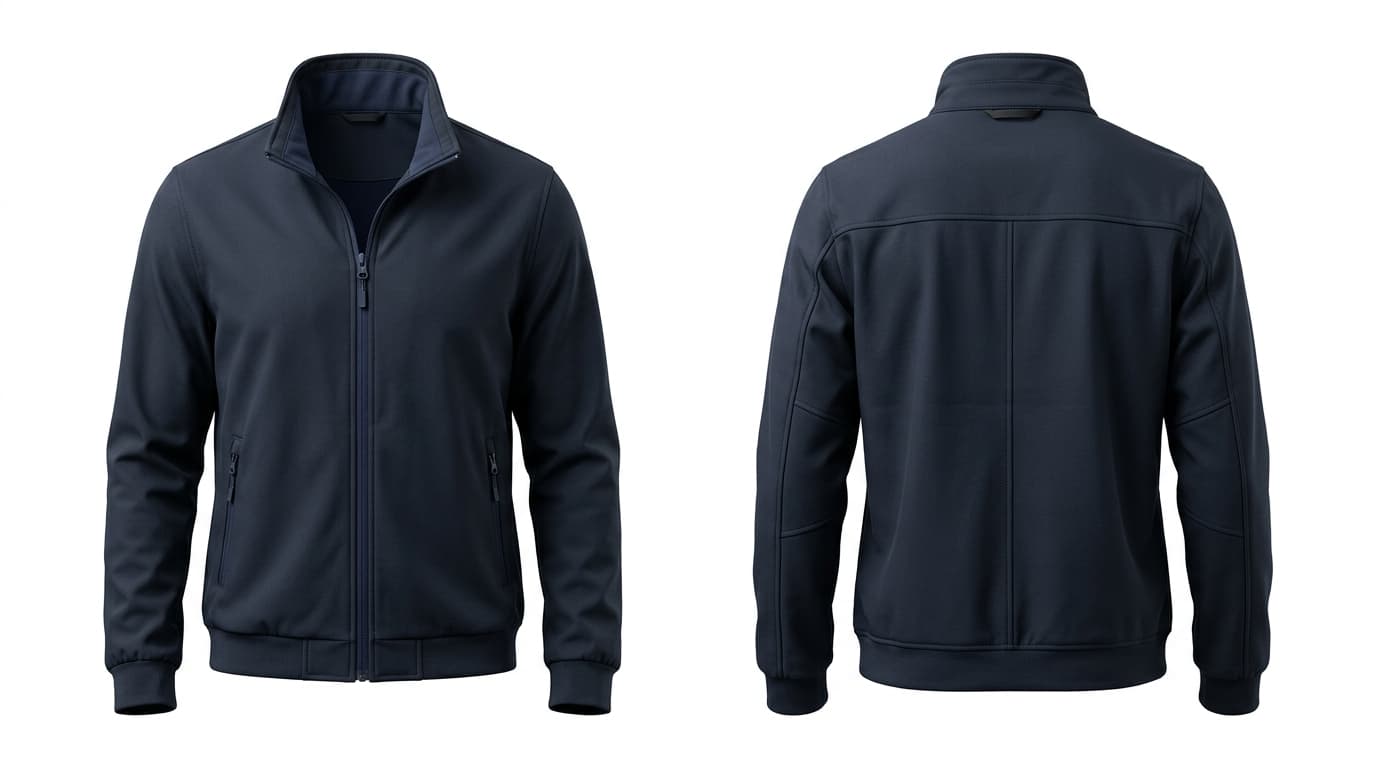
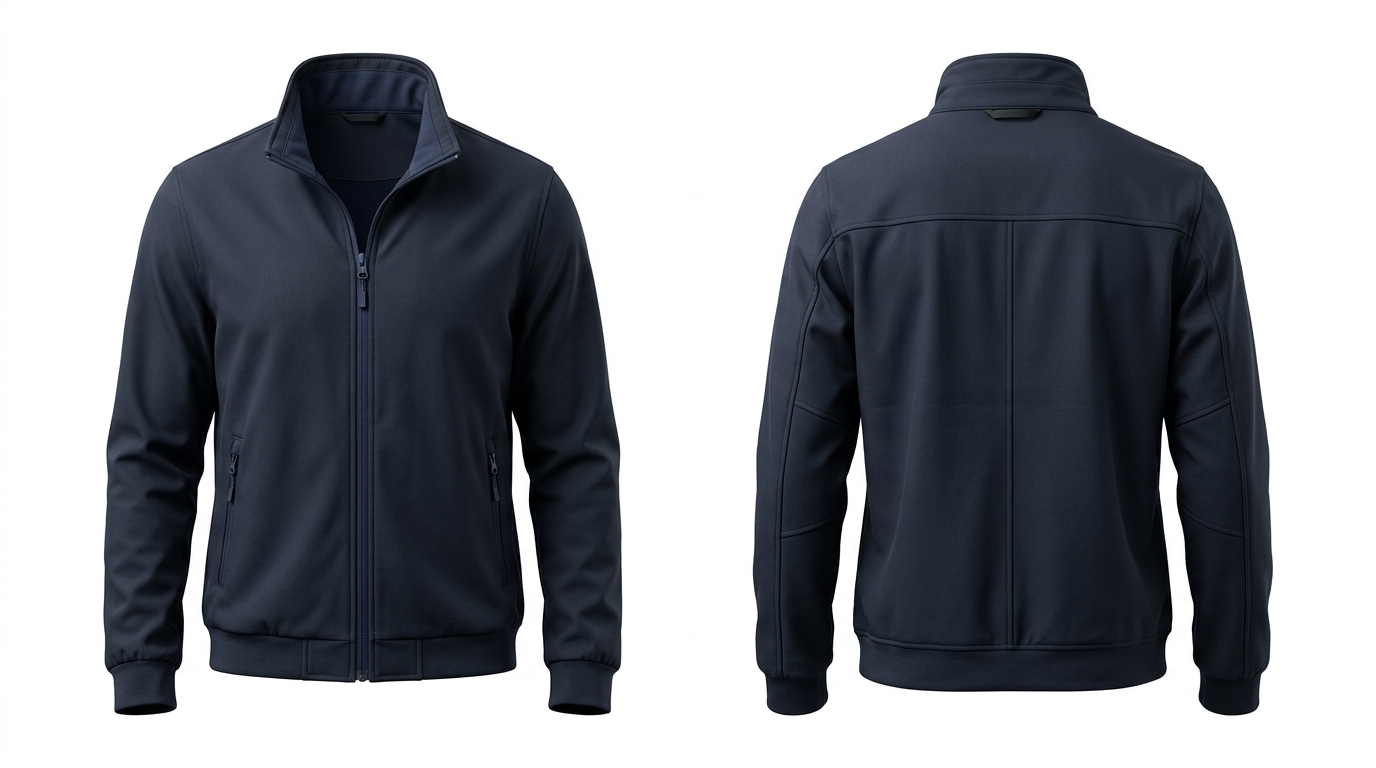 Front and back ghost mannequin presentation for an ecommerce apparel product
What is ghost mannequin photography?
Ghost mannequin photography is a specialized post-production technique that removes the mannequin from the final image while keeping the garment looking as if it is being worn by an invisible body. The hidden interior areas around the collar, inner neck, sleeves, and hems are seamlessly reconstructed so the clothing maintains an organic, three-dimensional form.
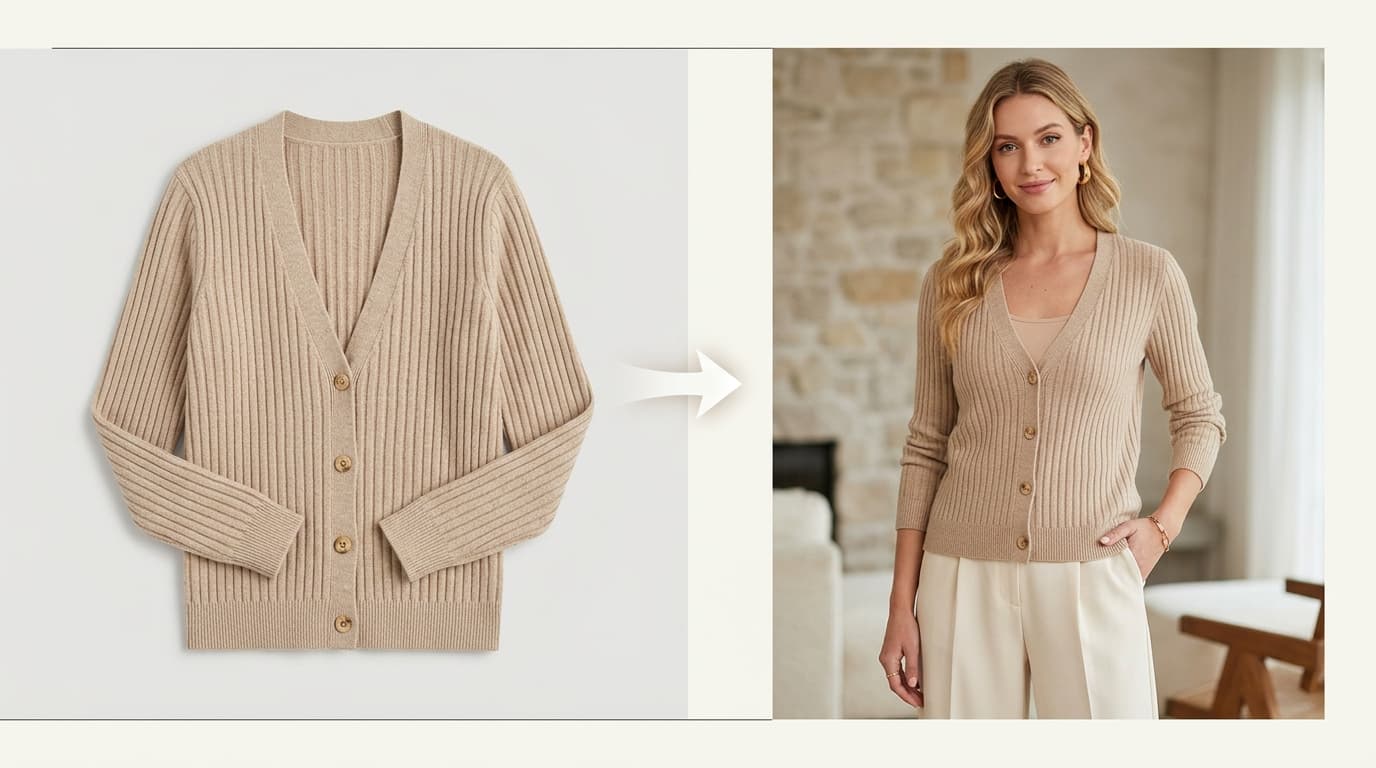
Compared with a standard flat lay, the result gives the shopper significantly more visual information about garment structure, depth, and fit. Compared with an on-model photo, it eliminates variables such as talent casting, facial expressions, hair, and lifestyle styling that can pull attention away from the product itself.
For fashion brands building structured digital storefronts, ghost mannequin imagery serves as the backbone of high-converting product detail pages (PDPs) and category listing grids.
Why use ghost mannequin photos for e-commerce?
Fashion retailers adopt invisible mannequin photography for several concrete operational and commercial reasons:
- Make product structure obvious: Tailored collars, jacket lapels, zipper plackets, sleeves, waistlines, and tapered cuts are much easier for shoppers to evaluate in 3D than in a completely flat presentation.
- Create a consistent catalog: A standardized crop, eye-level camera angle, and clean background make hundreds of SKUs feel cohesive across collection pages.
- Reduce visual distraction: There is no model face, hair, jewelry, or busy background competing with the apparel item.
- Support marketplace compliance: Ghost mannequin images strictly comply with white-background requirements for Amazon, Google Shopping, Zalando, and ASOS.
- Scale collection updates: Once your photography template is standardized, new seasonal colorways and core restocks are simple to process in repeatable batches.
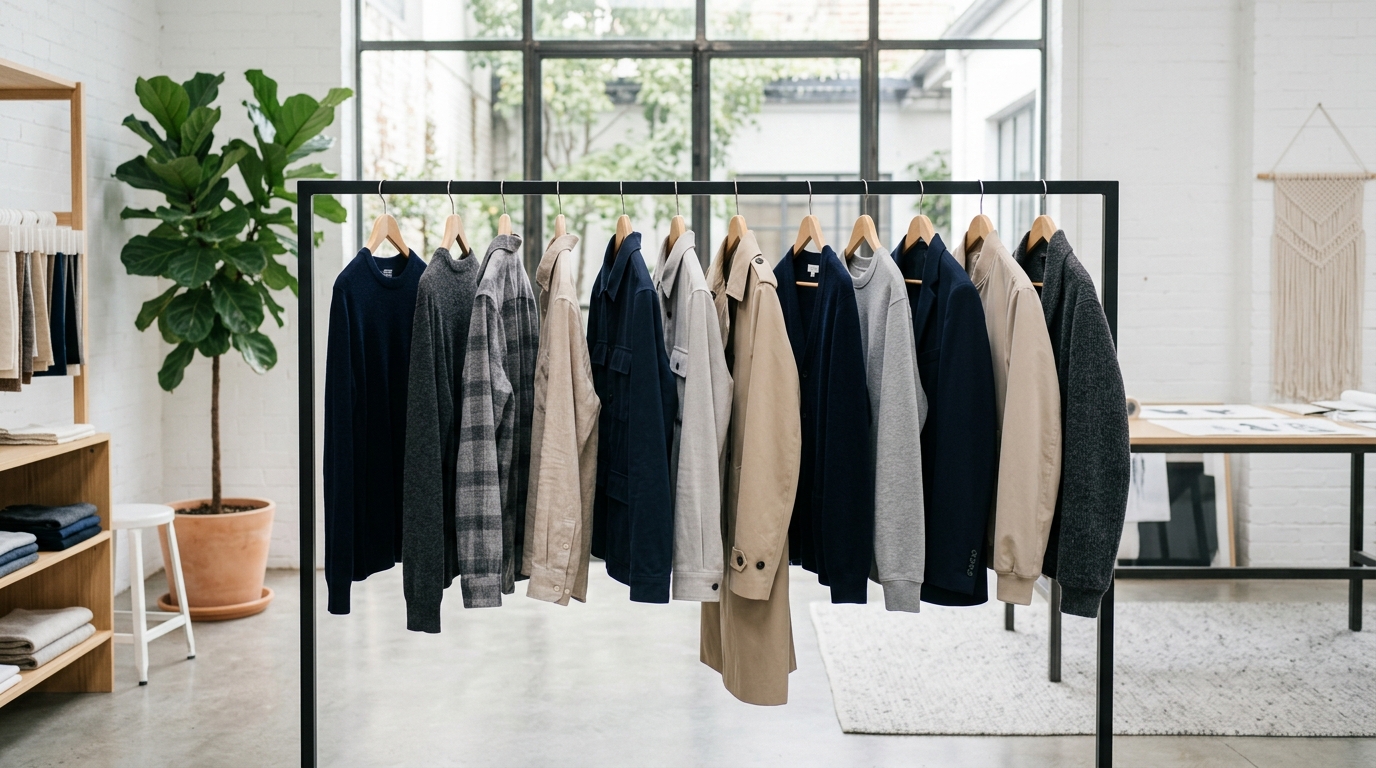 A consistent catalog treatment helps shoppers compare products without photography changing from SKU to SKU
Which clothing works best with ghost mannequin photography?
The technique is most effective when the garment has enough construction, tailoring, or volume that displaying its 3D silhouette matters. It is particularly useful for:
- Blazers and tailored jackets: Showcases shoulder pads, lapel roll, button placement, and waist suppression.
- Outerwear and winter coats: Demonstrates structural thickness, collar lining, pockets, and storm flaps.
- Hoodies and sweatshirts: Displays hood depth, kangaroo pocket construction, and ribbed cuffs.
- Button-down shirts and overshirts: Keeps collars crisp and plackets straight without pinning.
- Structured dresses and jumpsuits: Highlights waist seams, pleats, and neckline tailoring.
- T-shirts and tops: Gives basic tees clean volume and realistic chest contours.
- Denim and trousers: Illustrates waistband structure, pockets, and leg silhouette.
- Uniforms and workwear: Highlights functional utility pockets, seams, and durable fabric weight.
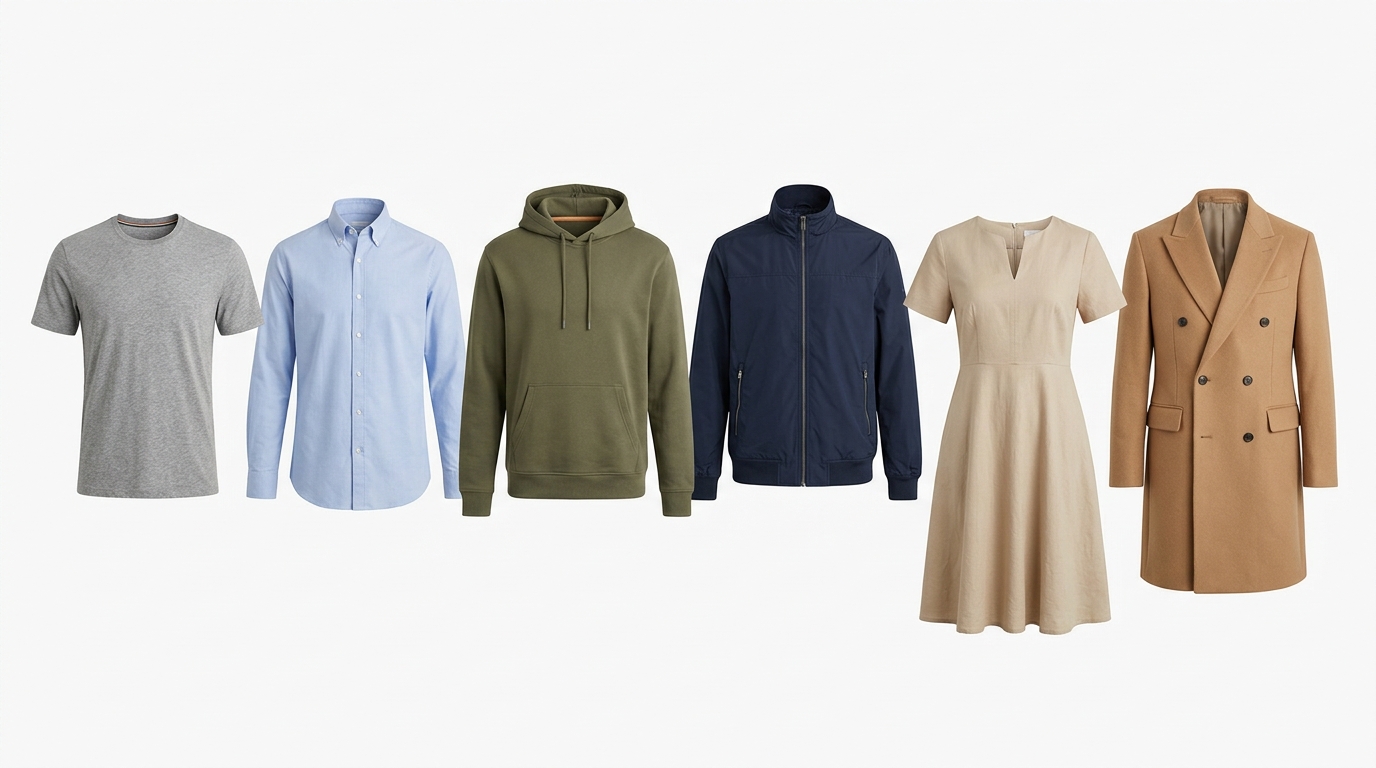 Best apparel types for ghost mannequin photography: T-Shirts, Shirts, Hoodies, Jackets, Dresses, and Coats
For very basic garments where shape is less critical, a clean flat lay can be faster to produce. For items where styling, body proportions, or movement are central to the buying decision, on-model photography provides complementary context.
Ghost mannequin vs. flat lay vs. on-model
Choosing the right format depends on the role the photo plays in your store:
| Method | Best For | Main Advantage | Main Limitation |
|---|---|---|---|
| Ghost Mannequin | Structured apparel, catalog listing pages, jackets, shirts | Shows 3D shape, fit, and construction while keeping total focus on the garment | Requires multi-shot shooting or AI ghost mannequin tools |
| Flat Lay | Basics, tees, knitwear, accessories, quick catalog updates | Fast, simple, and highly economical to shoot in bulk | Provides less dimensional information about body fit (Read Flat Lay Guide) |
| On-Model | Editorial lookbooks, campaign hero banners, fit-led items | Demonstrates real proportion, styling, and human emotion | High production costs ($2,500–$7,000/day) and scheduling bottlenecks (Apparel Lifestyle) |
How to create ghost mannequin photos: step-by-step
Whether producing ghost mannequin images through traditional studio photography or an AI-assisted pipeline, follow this proven production sequence:
1. Prepare the garment
Thoroughly steam or iron the piece to eliminate transit creases. Remove lint, loose threads, and dust with a lint roller. Ensure all buttons, zippers, and pocket flaps are neatly aligned.
2. Dress the mannequin
Select a mannequin that matches the garment's size. For modular mannequins, detach the chest and neck inserts so the inner collar remains unobstructed. Smooth the fabric so shoulder seams and sleeves fall naturally.
3. Capture the primary front view
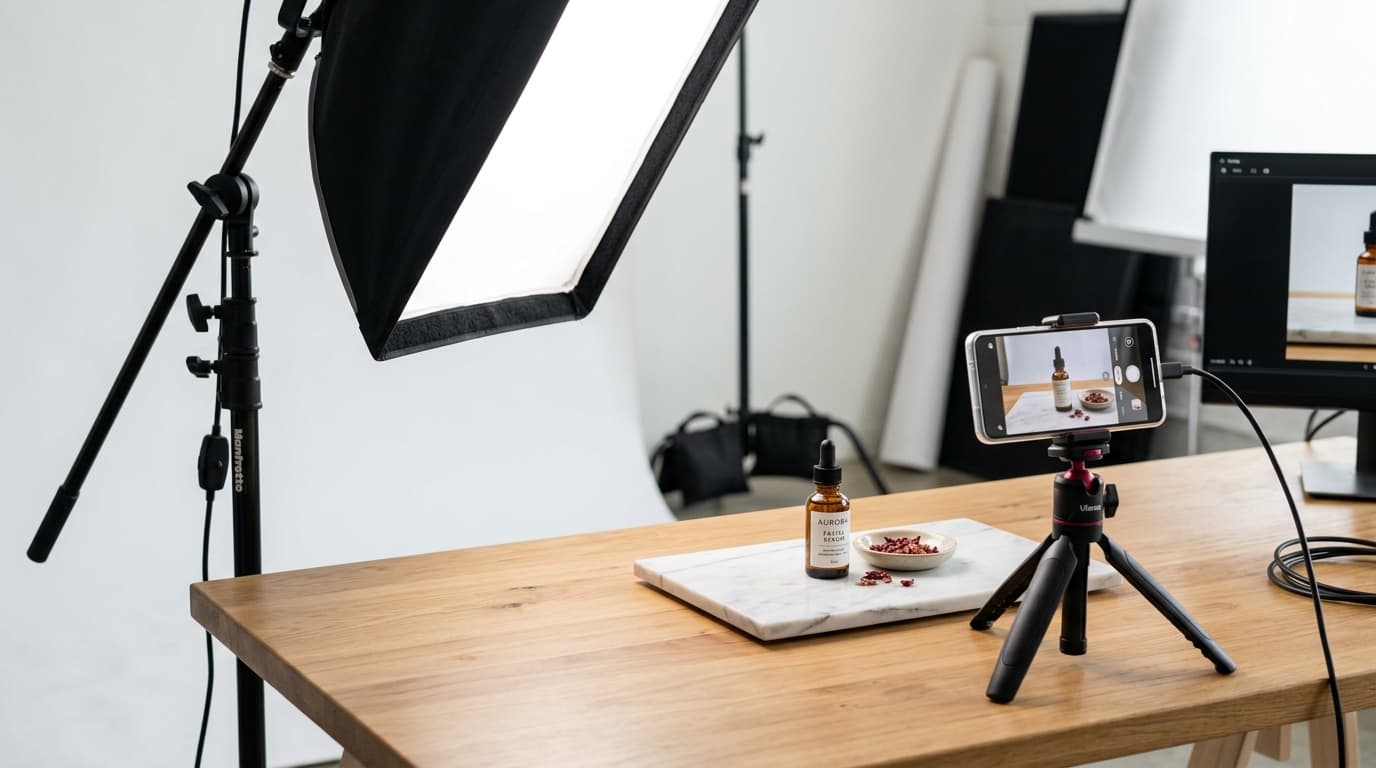
Position your camera on a sturdy tripod at chest height. Use symmetrical, diffused studio softbox lighting to keep illumination even across both sides of the garment. Keep the product centered with consistent margin padding.
4. Capture secondary details and inner collar
Photograph the back of the garment. If shooting a closed jacket or shirt, unbutton the top collar or take an inside-out secondary shot of the interior neck label and lining to provide compositing material.
5. Remove the mannequin
In traditional post-production, a retoucher masks out the mannequin arms, neck, and stand using the Pen Tool in Adobe Photoshop. In modern workflows, Shotinger Ghost Mannequin AI automates this segmentation instantly.
6. Reconstruct hidden areas
Composite the interior back collar and brand label into the open neck cavity. Blend inner shadows naturally so the opening looks hollow and three-dimensional rather than cut-and-pasted.
7. Refine color, shadows, and export
Calibrate white balance and contrast to match the physical garment under daylight. Ensure shadows underneath sleeve cuffs and hems remain soft and natural. Export high-resolution assets suitable for zoomable product galleries.
What makes a ghost mannequin image look professional?
Commercial-grade ghost mannequin photos adhere to six strict quality criteria:
- Accurate proportions: Never warp, stretch, or reshape the garment just to make it look slimmer. The image must represent the exact dimensions the customer will receive upon unboxing.
- Clean edges: Sleeve ends, hems, and collar openings must be razor-sharp without halos, fringing, or jagged selection artifacts.
- Natural depth: The garment must retain subtle interior drop shadows and tonal gradients so the opening looks hollow and dimensional rather than a flat silhouette.
- Consistent lighting: Maintain identical light temperature (5500K daylight), shadow direction, and exposure across all items in a collection.
- True-to-life color: Protect fabric textures on black, pure white, and delicate pastel clothing, avoiding clipped highlights or oversaturated tones.
- Standardized framing: Leave 10% to 15% breathing room around all four borders to ensure seamless display on mobile screens and desktop catalog grids.
Traditional ghost mannequin photography vs. AI
Traditional photography gives photographers precise tactile control, but handling physical mannequins, dressing garments, and paying $5 to $15 per image for manual Photoshop clipping paths adds significant overhead:
| Production Step | Traditional Studio Workflow | AI-Assisted Workflow (Shotinger) |
|---|---|---|
| Source Assets | Physical modular mannequin + studio camera rig | Existing flat lay, hanger, or garment photos serve as starting point |
| Mannequin Removal | Manual pen-tool clipping path per shot | Automated neural masking in under 30 seconds |
| Hidden Areas | Manual multi-shot compositing of interior collar | Automated AI reconstruction of occluded collar and lining |
| Color & Consistency | Manual batch retouching in Photoshop / Lightroom | Repeatable visual parameters applied across entire catalog |
| Production Scaling | Labor and cost scale linearly with SKU count ($$$) | Instant batch processing with fixed subscription credits |
How Shotinger fits into an e-commerce ghost mannequin workflow
Shotinger's Ghost Mannequin Studio is built around a simple ecommerce goal: create clean apparel imagery without building a physical mannequin set or manually cutting out every image.
You upload a clear photo of your garment, select your desired background and framing, and let the engine generate a dimensional, invisible-mannequin presentation ready for your catalog.
- Start with a clear photo: Use a clean front, back, or hanger shot as your input.
- Protect garment identity: Keep buttons, seam construction, and fabric texture intact as your quality-control priority.
- Generate catalog-ready exports: Produce clean Ultra HD assets with crisp hollow necklines on pure white or brand-matched backdrops.
- Pair with on-model and lifestyle visuals: Use ghost mannequin images for technical PDP views, and complement them with Shotinger Apparel Studio for lifestyle marketing.
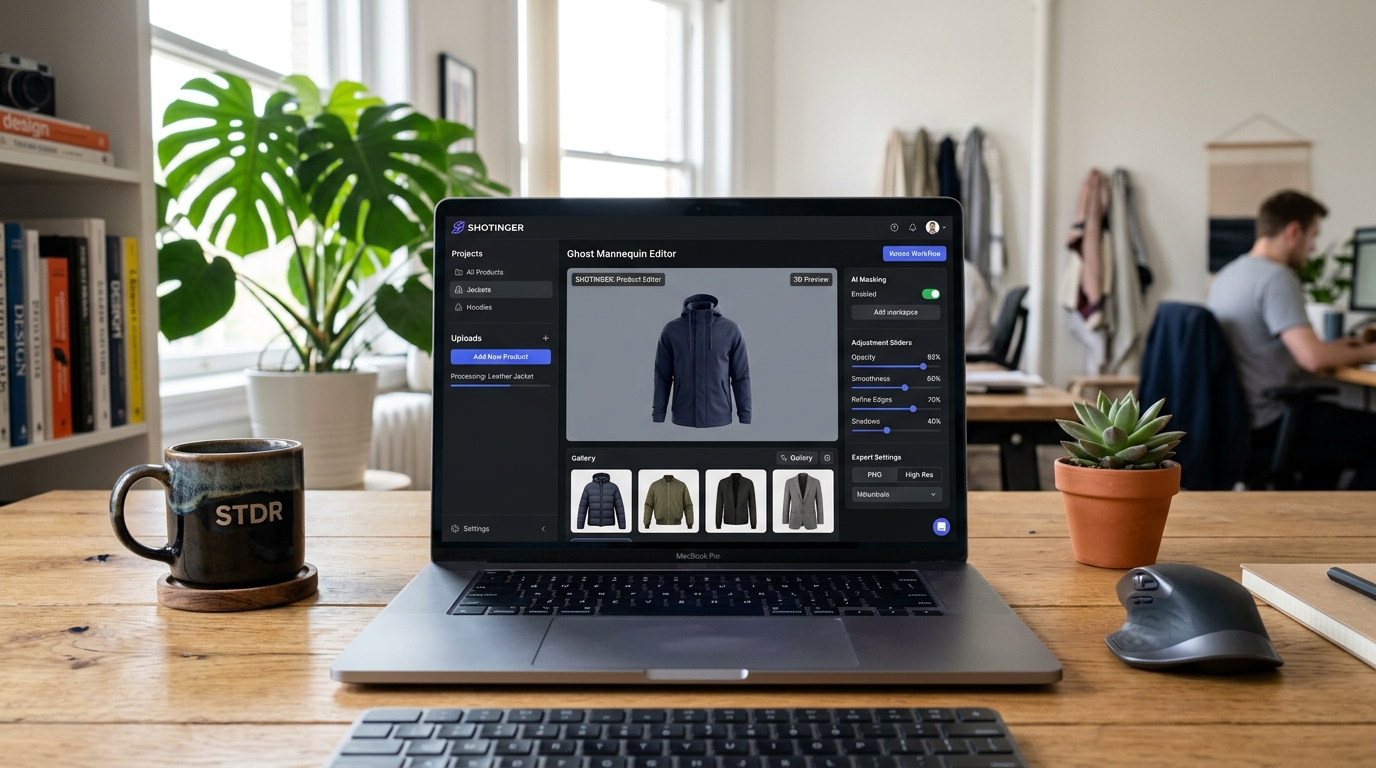 Shotinger Ghost Mannequin Editor web application interface on laptop in modern creative studio
The best ecommerce product gallery is usually hybrid
You do not need to choose a single photography style for every item. High-performing Shopify and marketplace storefronts use a hybrid gallery structure where different formats perform specific roles:
- Ghost Mannequin (Hero Image): Clearly explains garment shape, collar structure, and fabric fit on listing grids.
- On-Model Shots (Apparel Studio): Demonstrates proportions on real body types and communicates lifestyle context.
- Flat Lay (Flat Lay Guide): Provides quick top-down overview and outfit bundle ideas.
- Macro Detail Close-ups: Showcases fabric weave, stitching, hardware, and care labels.
Ghost mannequin photography checklist
Before publishing your next product collection, verify each image against this 10-point quality checklist:
- Garment is steamed and completely free of wrinkles, lint, or loose threads
- Buttons, zippers, and closures are cleanly fastened and aligned
- Front and back views are captured at identical heights and focal lengths
- Camera angle and framing are standardized across all catalog items
- Studio lighting is soft, even, and free of harsh glare
- Garment color matches the physical fabric under standard daylight
- Collar and inner neck opening look naturally hollow with subtle depth shadows
- No visible mannequin borders, clipping artifacts, or edge fringing
- Background is pure white (HEX #FFFFFF) or uniform brand grey
- Final export resolution is at least 2000px on the longest edge for high-resolution PDP zoom
Frequently asked questions
What is ghost mannequin photography?
Ghost mannequin photography is a commercial apparel imaging technique that removes the visible mannequin while maintaining the garment's real three-dimensional shape, volume, and drape.
Is ghost mannequin good for ecommerce?
Yes. It is one of the highest-converting apparel photography styles because it allows shoppers to clearly inspect cut, silhouette, and construction without model distractions or sizing assumptions.
Is ghost mannequin better than flat lay?
Not in every case. Flat lay is faster and more cost-effective for basic items like t-shirts and accessories. Ghost mannequin is superior for structured garments like blazers, tailored shirts, hoodies, and jackets where body volume is a buying factor.
Can AI generate realistic ghost mannequin photos?
Yes. AI tools like Shotinger Ghost Mannequin can automatically segment garments, remove mannequins, and reconstruct natural inner collars directly from source photos in seconds.
Should an ecommerce store use ghost mannequin and on-model photos together?
Yes. Combining ghost mannequin images for technical product inspection with on-model photos for lifestyle styling is the gold standard for modern fashion storefronts.
Ready to create studio-quality ghost mannequin imagery?
Turn your garment photos into dimensional invisible-mannequin photoshoots in seconds with Shotinger.
Try Shotinger Ghost Mannequin Free →
Start creating campaign-ready product visuals
Transform flat lays, packshots, and jewelry photos into photorealistic on-model imagery in under 60 seconds.